-------------------------------------------------
-------------------------
-
RM22A/RM22D
OPERATIONS MANUAL
HealthCare Information, LLC 28
D
VD PLAYER (OPTIONAL)
NOTE: The TV must be in DVD mode to access the DVD functions. Use the “INPUT button on the front panel or the “Source”
button on the IR remote control to select the DVD source.
Basic operation
1.
Turn on the LCD TV and then press "S
O
URCE
" button repeatedly to select DVD mode.
2.
Insert disc into the DVD player. Printed side
should face towards back of set. Screen will display “CLOSE”
then “READ” Player will switch to play mode automatically after content is loaded.
CAUTION, USE ONL
Y
12CM (STANDARD SIZE) DISCS IN THE DVD PLAYER, SMALLER DISCS WILL NOT PLAY AND
WILL BECOME STUCK INSIDE THE DVD PLAYER.
3.
Some discs will not go into play mode automatically. If the disc does not play automatically, to press "
" or
select from the disc menu to start.
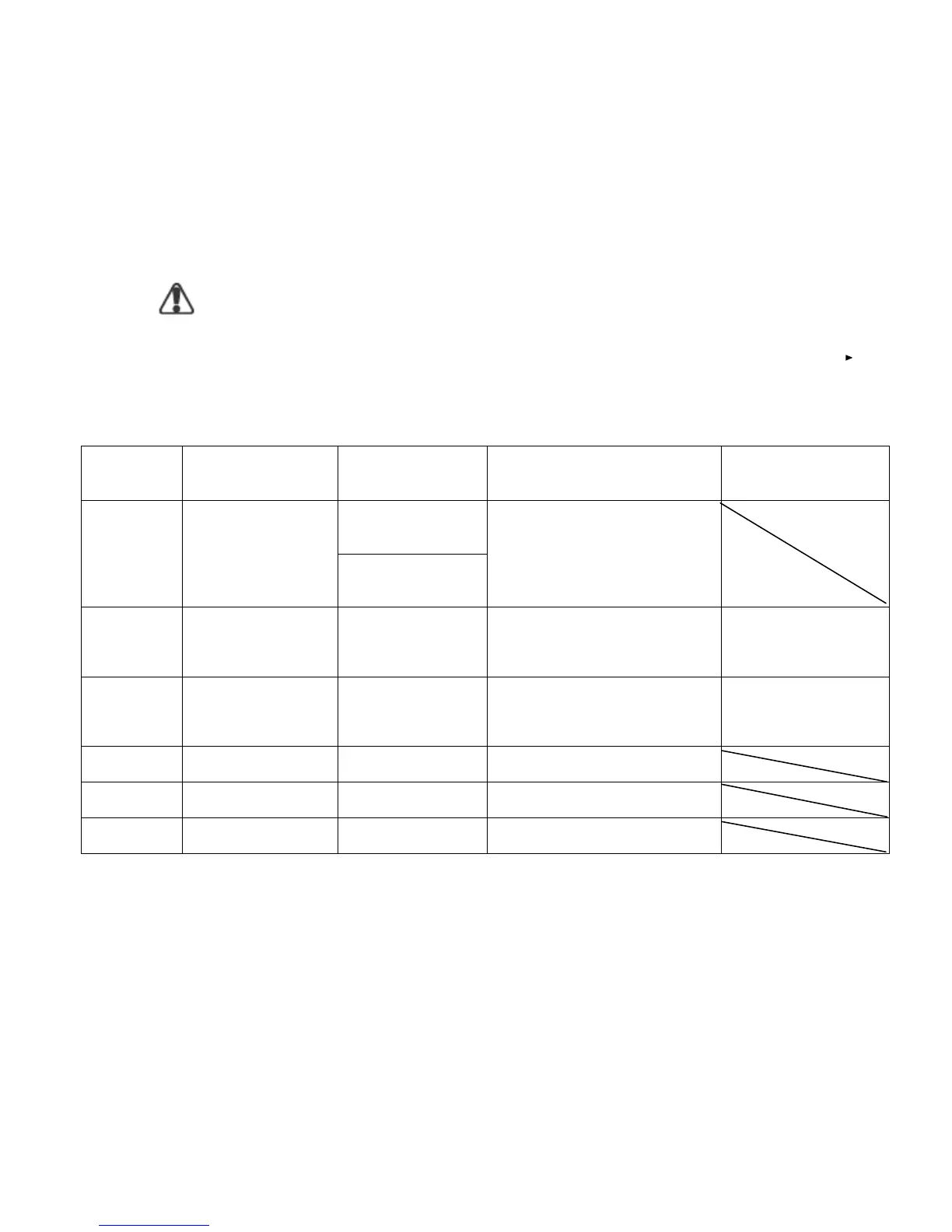
The DVD player will play the following formats.
Disc Type
Disc Size (Diameter)
Recorded Time
Recorded Content
Remarks
Single side:
120mins. Approx
DVD
12cm
Double side:
240mins. Approx
DVD format:
Compressed digital
audio and video
Super VCD
12cm
45mins. Approx
MPEG2
Compressed digital
audio and video
Include SVCD
VCD
12cm
74mins. Approx
MPEG1
Compressed digital
audio and video
Include:
VCD2.0/ VCD1.1
VCD1.0/ DVCD
CD
12cm
74mins. Approx
CD
-
DA: Digit
al audio
HD
-
CD
12cm
74mins. Approx
HD
-
DA: Digital audio
MP3/JPEG
12cm
600mins. Approx
Digital audio



 To Next Page