10
Power
Switch the STB between standby and play mode.
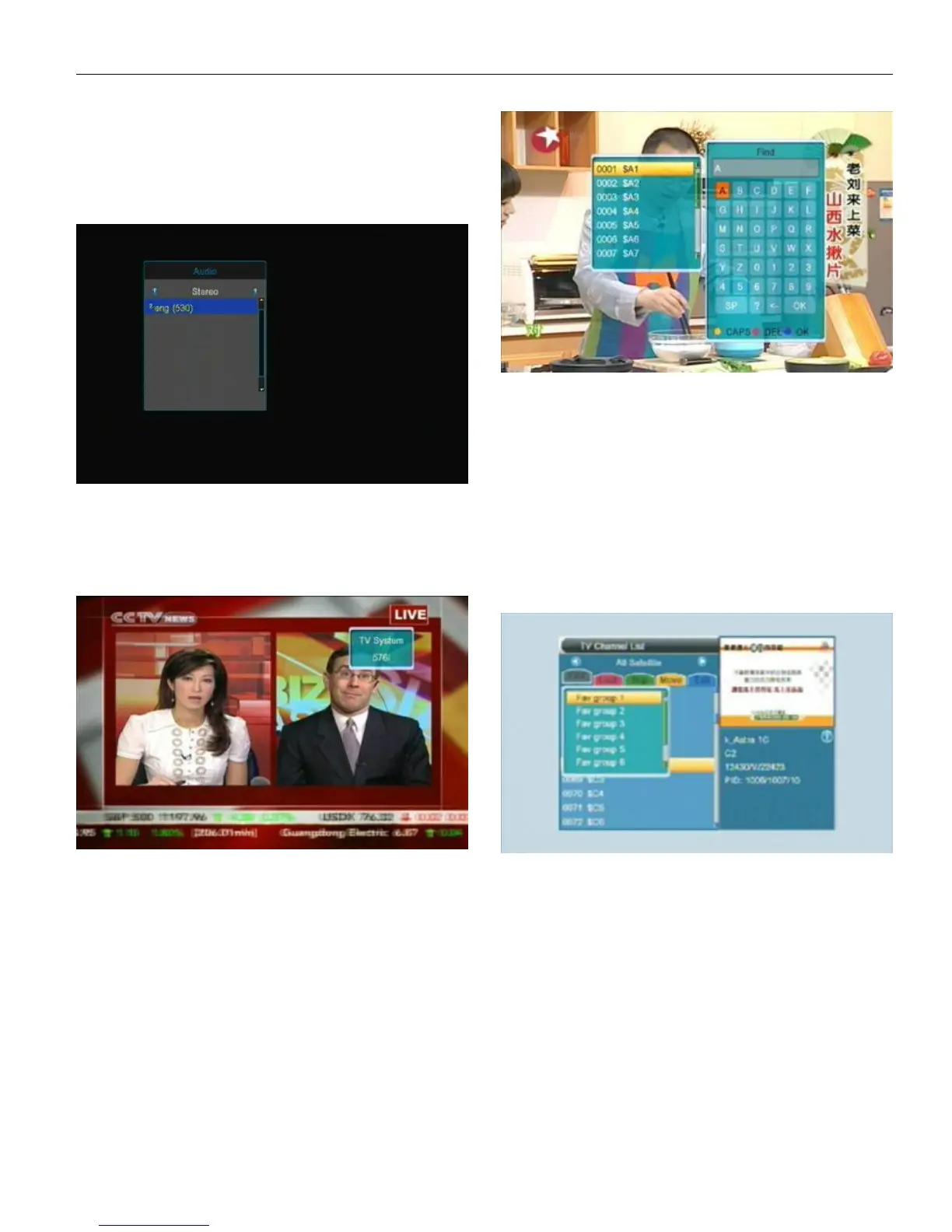
AUDIO
In full screen, press AUDIO there will show a window of
“Audio”.
User can modify the audio track by press UP/DOWN and
press LEFT/RIGHT to change the audio mode ( Left/ Right/
Stereo/ Mono ).
V.FORMAT
In full screen, press V.FORMAT one time can check the
current video output resolution.
Press V.FORMAT continuously, the system will switch the
Video output resolution.( 576P -> 480P 576i -> 480i ->
720P_50 -> 720P_60->1080i_50 -> 1080i_60)
TV/RADIO
Press TV/RADIO to switch between TVandRADIO playing.
MUTE
In play mode, press MUTE one time to mute the sound.
Press again to restore the sound.
TV/STB
Switch between TV mode and RADIO mode.
FIND
In full screen, press FIND can open the “Find” window.
User can press Left/Right/Up/Down to move hightlight to
choose the letter and press OK to input the selected letter into
the dialogue. The searching result will display on the right of
this window. When enter the letters user can press Red color
key to elete the char, Blue color key to confirm and Green color
key or EXIT to cancel and exit from FIND window.
PG-/PG+
In Channel list, press PG-/PG+ can page up/down the
channel list.
In full screen, press PG-/PG+ can switch satellite directly.
FAN/FA V
In full screen, press FAN/FAV then there will show a
window of “Favorite Group” on the left of the screen.
User can move highlight to choose favorite group by press
UP/DOWN and press OK to check the channels in the chose
group. In the chose group user can press UP/DOWN to choose
the channel he/she want then press OK to switch to the chose
channel.
*If user didn’t add/set any favorite channel, there will no
channles available in each group.)
User can go to Chapter1. Edit Channel-TV Channel
list-FAV to check how to add the Favorite channel.
DVR INFO
In full screen, press DVR INFO can check current program’s
informations.
EXIT
Press EXIT to exit from present window / menu / dialogue.


 To Next Page