21
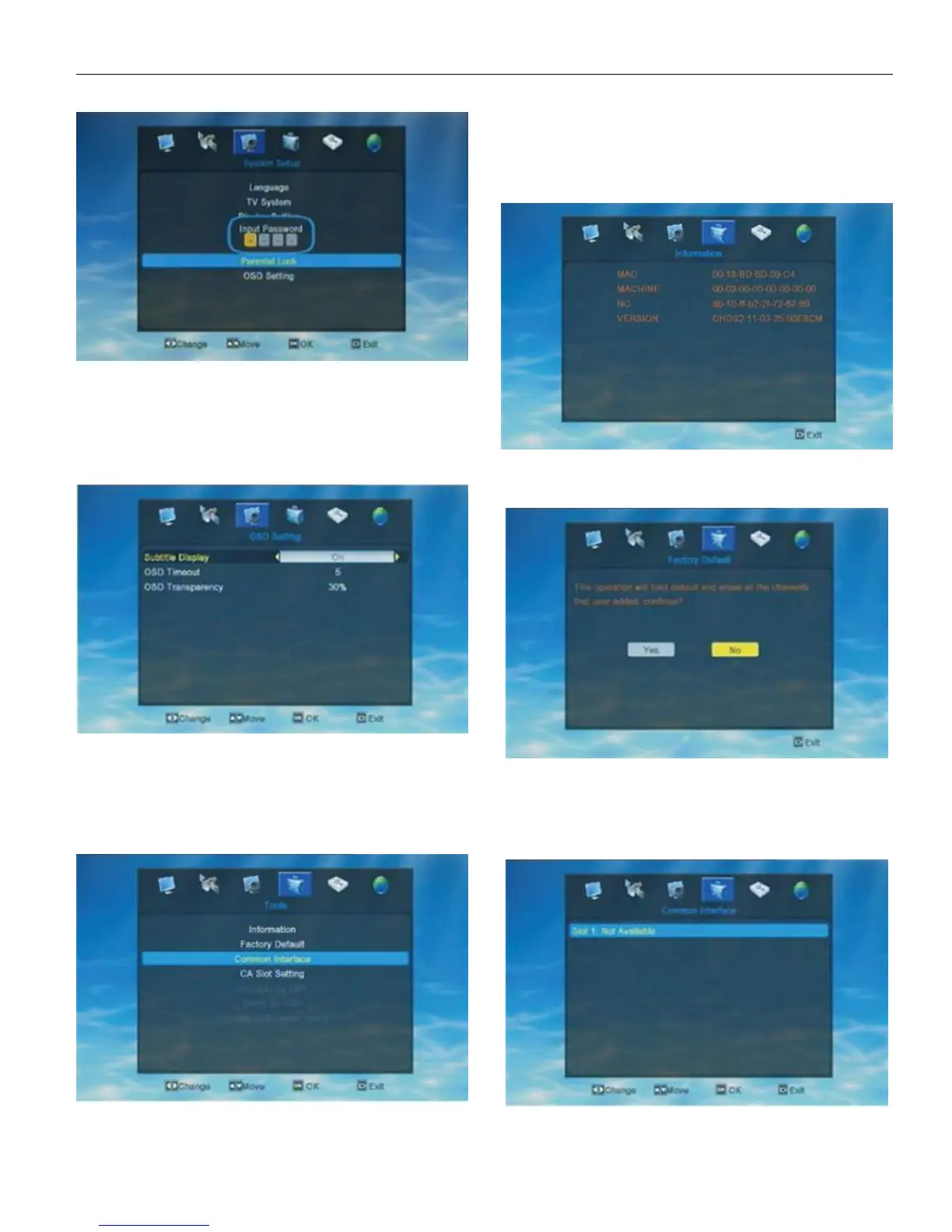
If the STB has been set a menu lock, there will show a
dialogue asking user to input password before user enter into
the Parental Lock menu. The default password is “0000”.
3.7. OSD Setting
When enter into “OSD Setting” menu, the system will
show a menu as below.
If the STB has been set a menu lock, there will show a
dialogue asking user to input password before user enter into
the Parental Lock menu. The default password is “0000”.
4.Tools
Choose the 4th symbol “Tools” on the main menu, then
press OK to enter into the Edit Channel menu.
In Tool menu, user can press UP/DOWN to move highlight
and press OK to open a new windon like Information, Factory
Setting, Common Interface, CA Slot Setting, Upgrade By USB,
Dump By USB, Remove USB device safely.
4.1. Information
User can check the detail informations of the STB.
4.2. Factory Default
When enter into Factory Setting menu, user will see
“this operation will load default and erase all the channels that
user added, ontinue? ”. User need to choose YES or NO
according to his/her own needs.
4.3. Common Interface


 To Next Page