EN | 81
T. +49 30 54905949-1 | www.healy.eu | info@healy.de
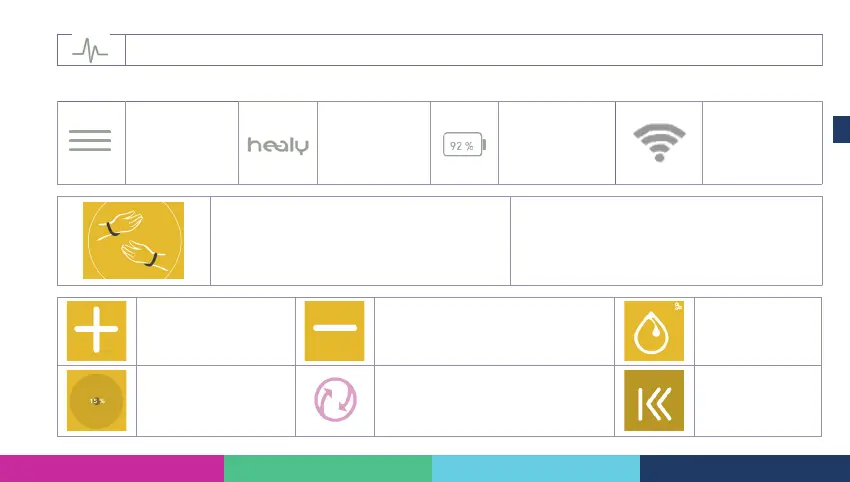
Symbol for generator operation – stimulation output
The following symbols are used in the Healy – App
Icon for over-
view interface
Icon for the
trademark Healy
Battery status of
the Healy hard-
ware
Icon for the blue-
tooth signal
strength between
the Healy App and
Healy hardware
Pictograph for the placement of bracelet electro-
des. Appears after selection of the program
Note: the background colour may vary, depending
on the selected and congured program parameter
Button for increasing
the intensity in percen-
tage (current or voltage)
Button for decreasing the intensity in
percentage (current or voltage)
Icon for
“Meridians”
program.
Symbol with informa-
tion about actual inten-
sity of the application
Symbol for scanning and connecting
with the Healy hardware, appears
after starting the app and during
establishing the Bluetooth connection
Button for
scrolling to the
rst page with
programs



 To Next Page