CONTROL OVERVIEW
PART 9: CONTROL OVERVIEW (CONTINUED)
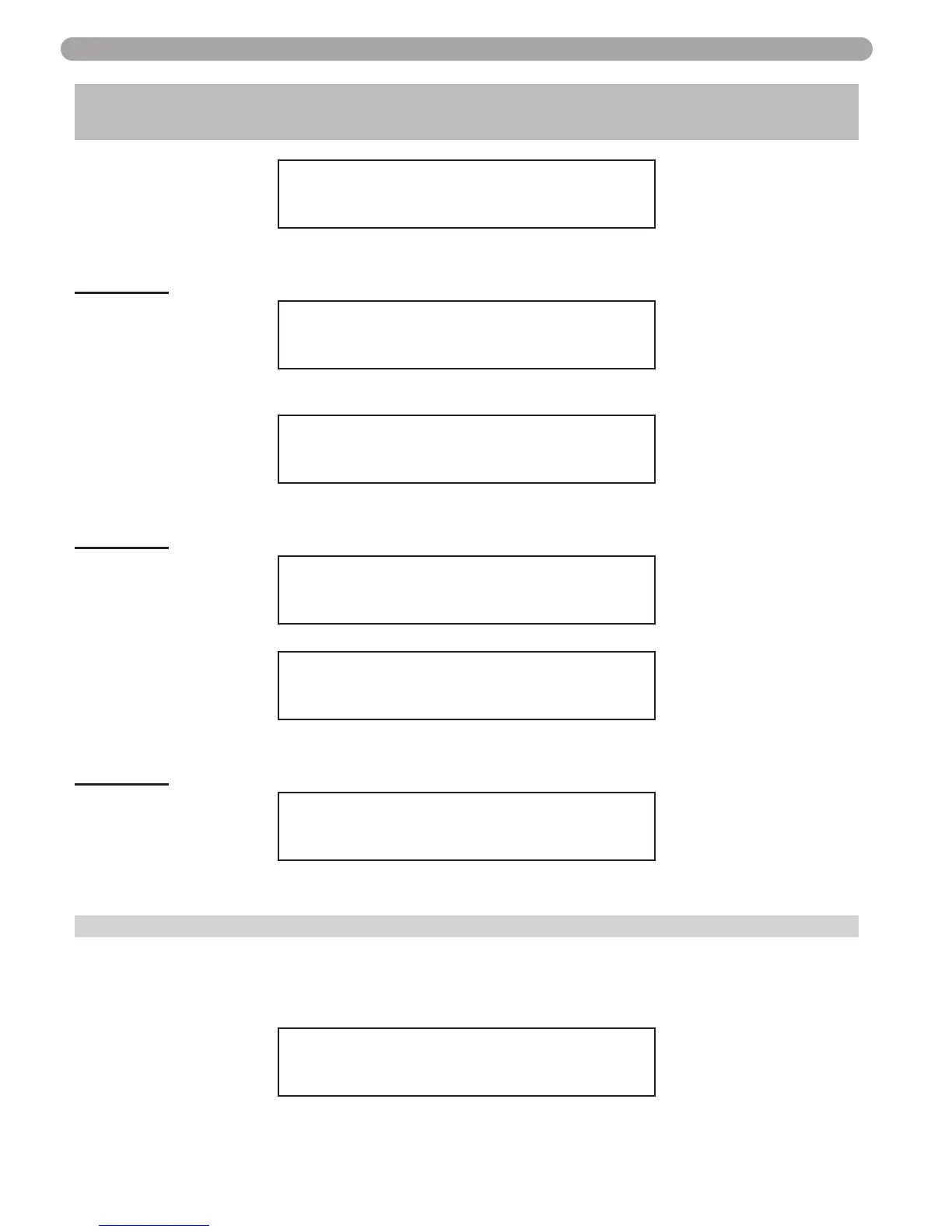
SERVICE SCHEDULE 15
10000’s
O
000000h
Description: This parameter sets the 2 left digits of the amount of run hours for the next service
reminder
Function 16
SERVICE SCHEDULE 16
MONTH 00/00/2000
Description: If you selected the date function you will need to program the month or if you selected
the run hour function you will need to program 10,000 hours if required.
SERVICE SCHEDULE 16
10000’s 00
O
0000h
Description: This parameter sets the 2 middle digits of the amount of run hours for the next service
reminder
Function 17
SERVICE SCHEDULE 17
DAY 00
O
0000
Description:
SERVICE SCHEDULE 17
1’S 0000
O
00h
Description: This parameter sets the 2 right digits of the amount of run hours for the next service
reminder.
Function 18
TELEPHONE # 18
000 000 0000
Description: Allows the user to input a telephone number that will be displayed when maintenance
is required.
F. PHOENIX EVOLUTION CONTROL STATUS MENU:
The Phoenix Evolution Controller also has the ability to review the status of the system. To access
the status screens simply press the right arrow key . Once the first value is displayed than press
the UP arrow key or Down arrow key to access additional information. At any point you may
press the ‘RESET’ button to exit the Status screen. Listed below are the Status screens.
TOP TANK 160°F
BOT TANK 123°F
This screen is displayed after pressing the key as described above. This screen displays the actu-
al temperature that the top and bottom tank sensors are measuring.
43


 To Next Page