27 / 42
PL
SK
EN
CS
HU
MP3 PLAYER / FM RADIO / USB / TF CARD
• The USB connector, memory card slot and 3.5 mm audio jack can be found under the cover,
on the right side of the steering column
(fig. 9A).
• USB supports playback of MP3 audio files from a USB drive and charging of mobile phones
• TF card interface - supports playback of MP3 audio files from the TF card.
• Headphones or an external speaker can be connected to the audio output using the 3.5 mm
jack.
• Switching on the player is indicated by a LED.
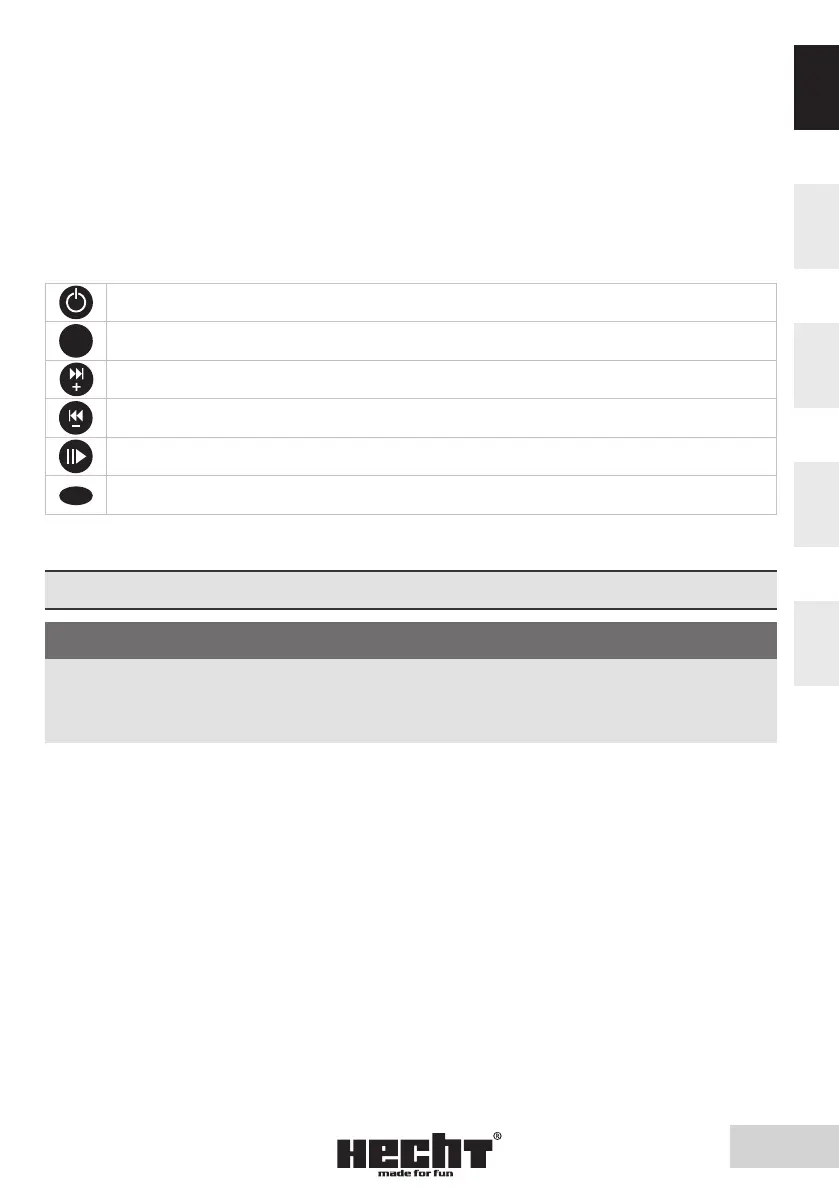
MP3 / FM PLAYER CONTROL BUTTONS (fig. 8A)
Briefly press the ON/OFF button to turn on or off the player
MODE
MODE. Press briefly to switch mode between MP3 and FM
Briefly press to skip to the next song, keep pressed longer to increase the volume
Briefly press to skip to the previous song, keep pressed longer to decrease the volume
Play/Pause. Briefly press to start or pause playback
EQ
Effects. There are six different effects. Briefly press to switch to the next effect
The player can also be operated with the remote-control buttons with the same description.
SETTINGS
CAUTION! A
When adjusting the steering column or seat, always turn off the main switch and
remove the key. Do not attempt to make any adjustments while riding or while
the machine is on. An accident may occur.
SEAT
SEAT ROTATION
The seat can be turned 360° around its axis. It can be locked every 45°.
- push the seat lever (fig. 10A) down, turn the seat to the desired position after unlocking
- release the lever, turn the seat slightly to and fro so that the latch locks the seat well
SEAT HEIGHT ADJUSTMENT
The seat height can be adjusted. There are several holes for height adjustment on the seat tube
(fig. 12).
- Loosen and remove the screw leading through the tubes. Loosen the screw on the sleeve
- Adjust the seat height
- Align the holes in the tubes
- Refit the screw through the tubes and tighten the screw on the sleeve
ARMREST ADJUSTMENT
The seat is equipped with armrests. Their width can be adjusted for greater comfort.


 To Next Page