ENTERING LETTERS,
NUMBERS & SYMBOLS
MEMORY FUNCTIONS
■
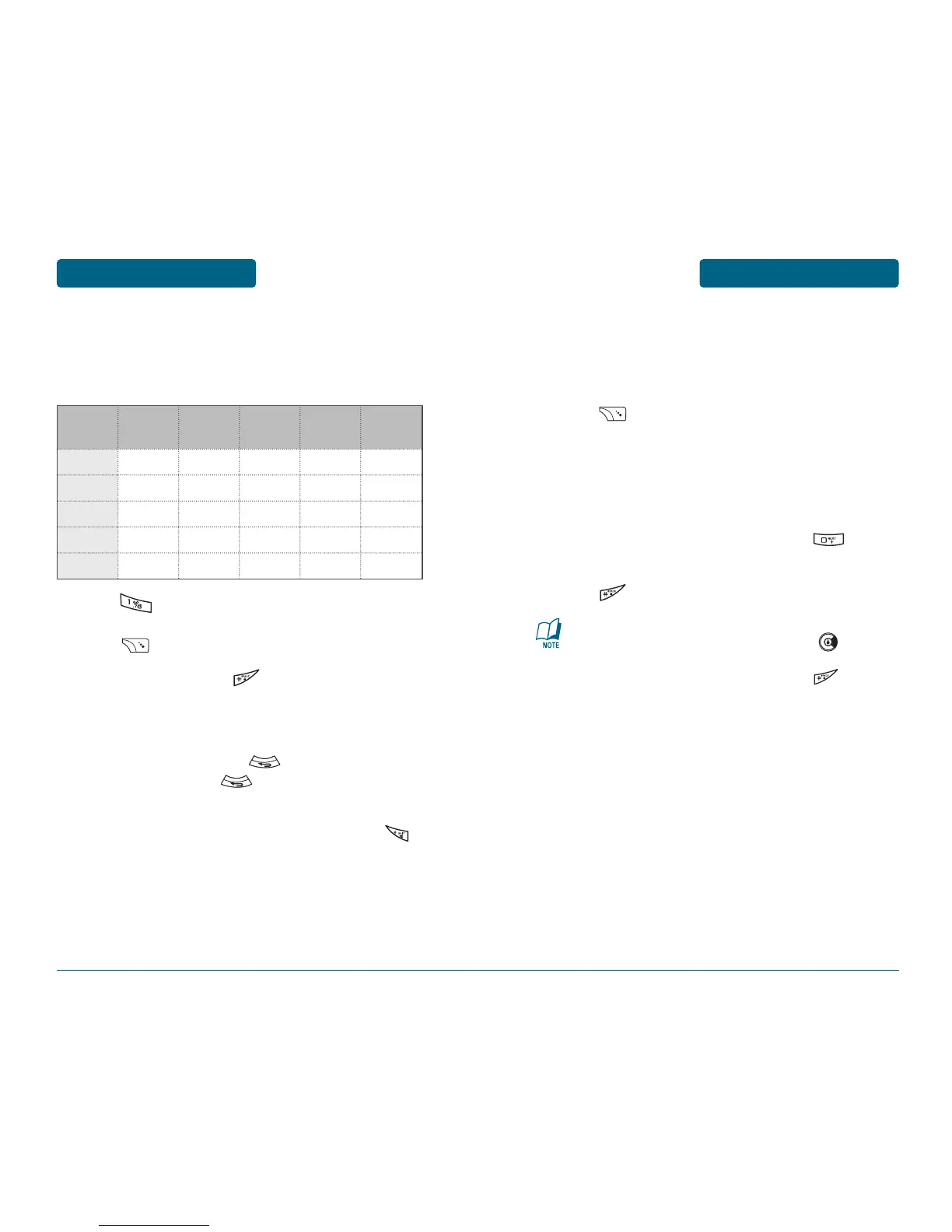
T9WORD INPUT MODE
The T9Word input mode incorporates a built-in-dictionary to
determine a word based on the entered characters. A T9Word can
be entered more quickly by pressing a key once per character.
Press [Abc] repeatedly, until “T9abc” mode is
displayed.
Press a digit key once to enter the character you
want then enter all the characters to input the
word you want.
To view the next matching word, press .
To accept the matching word and enter a space,
press .
41
To enter a compound word:
•
Enter the first part of the word then press to
accept it.
•
Enter the last part of the word then press to
enter the word.
MEMORY FUNCTIONS
ENTERING LETTERS,
NUMBERS & SYMBOLS
■
STANDARD INPUT MODE
Use the number keys to enter letters, numbers and characters.
Enter letters using the key pad as follows:
Press repeatedly, until the desired symbol
appears (. , - ? ! ' @ : 1). To change the input mode,
press [Abc] repeatedly.
To enter a space, press . The cursor will
automatically move to the next column.
Repeat until letters are entered.
To delete one digit, press .
If you press and hold , it will delete characters
quickly.
To change from lowercase to uppercase, press .
40
Key Pad
Press
1 Time
Press
2 times
Press
3 times
Press
4 times
Press
5 times
2ABC
3DEF
4GHI
:
9WXYZ
A
D
G
:
W
B
E
H
:
X
C
F
I
:
Y
2
3
4
:
Z
A
D
G
:
9



 To Next Page