9796
CONTACT
MENU FUNCTIONSMENU FUNCTIONS
CONTACT
■
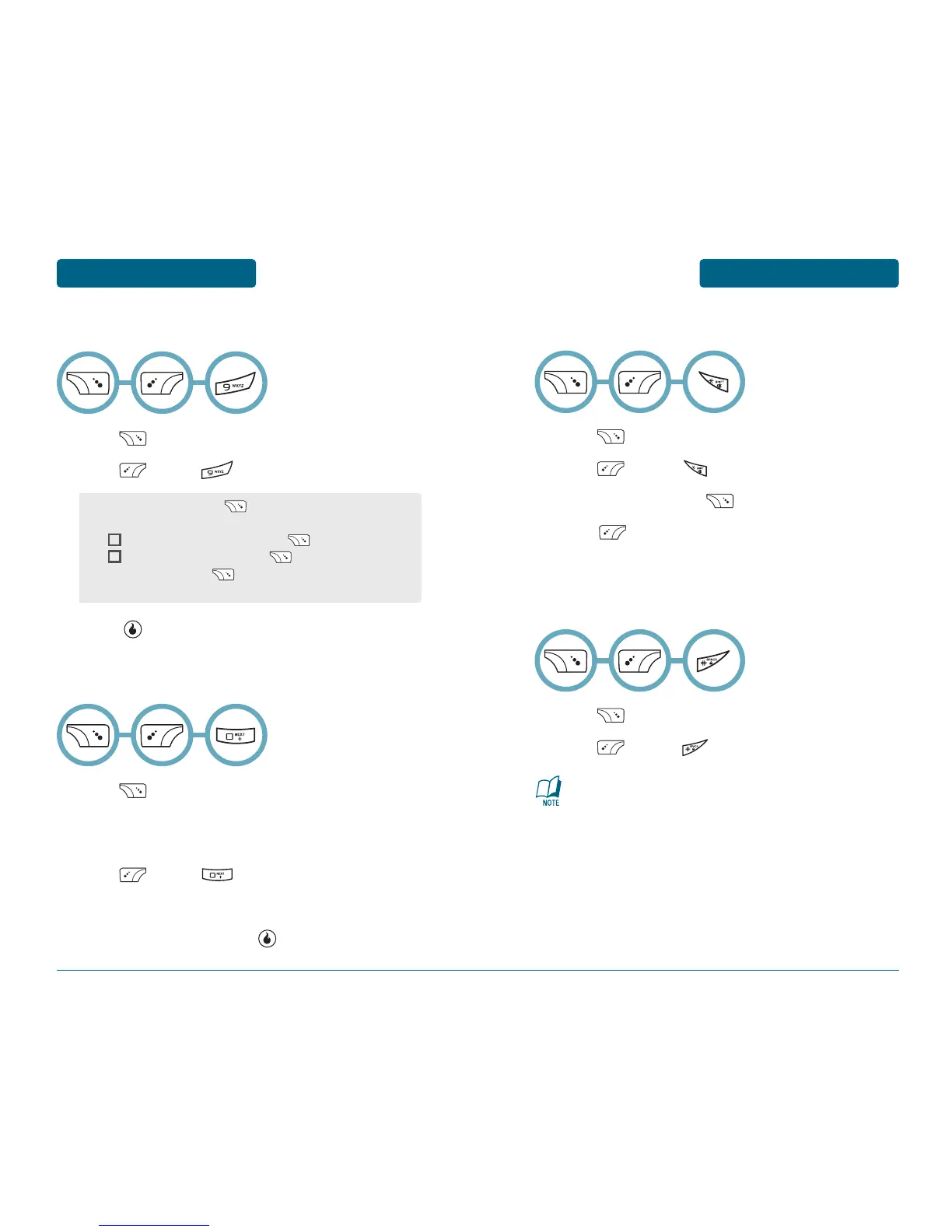
SELECT MULTIPLE
Press [CONTACT].
Press [MENU] .
To marked entry with [CHECK/UNCHECK].
Press [MENU] to 1. Delete Checked, 2.Check
All, 3.Uncheck All.
■
REFRESH PRESENCE
Press [CONTACT].
Press [MENU] .
■
EMAIL AS VCARD
Press [CONTACT].
The list of names in your phone book is displayed
alphabetically. Select entry with the Navigation Keys.
Press [MENU] .
To move a email editor.
To compose a email, press [SEND].
■
SETTINGS
Press [CONTACT].
Press [MENU] .
Press [SAVE] to save it.
•
Name Display: Press [LIST] to select “First name Last
name” or “Last name First name”.
•
Hide Yahoo! Contacts: Press to check it.
•
Hide AOL Contacts: Press to check it.
•
Usage Stats: Press [GO] to usage contacts
information appears.
This will update your IM presence for contacts in your IM
list that have been Synchronized from your Yahoo! or AOL
list. You must be logged into your IM session to see
presence.



 To Next Page