8988
CONTACT
MENU FUNCTIONSMENU FUNCTIONS
VIDEO+MUSIC
■
MEMORY
MEMORY INFO
To view memory information.
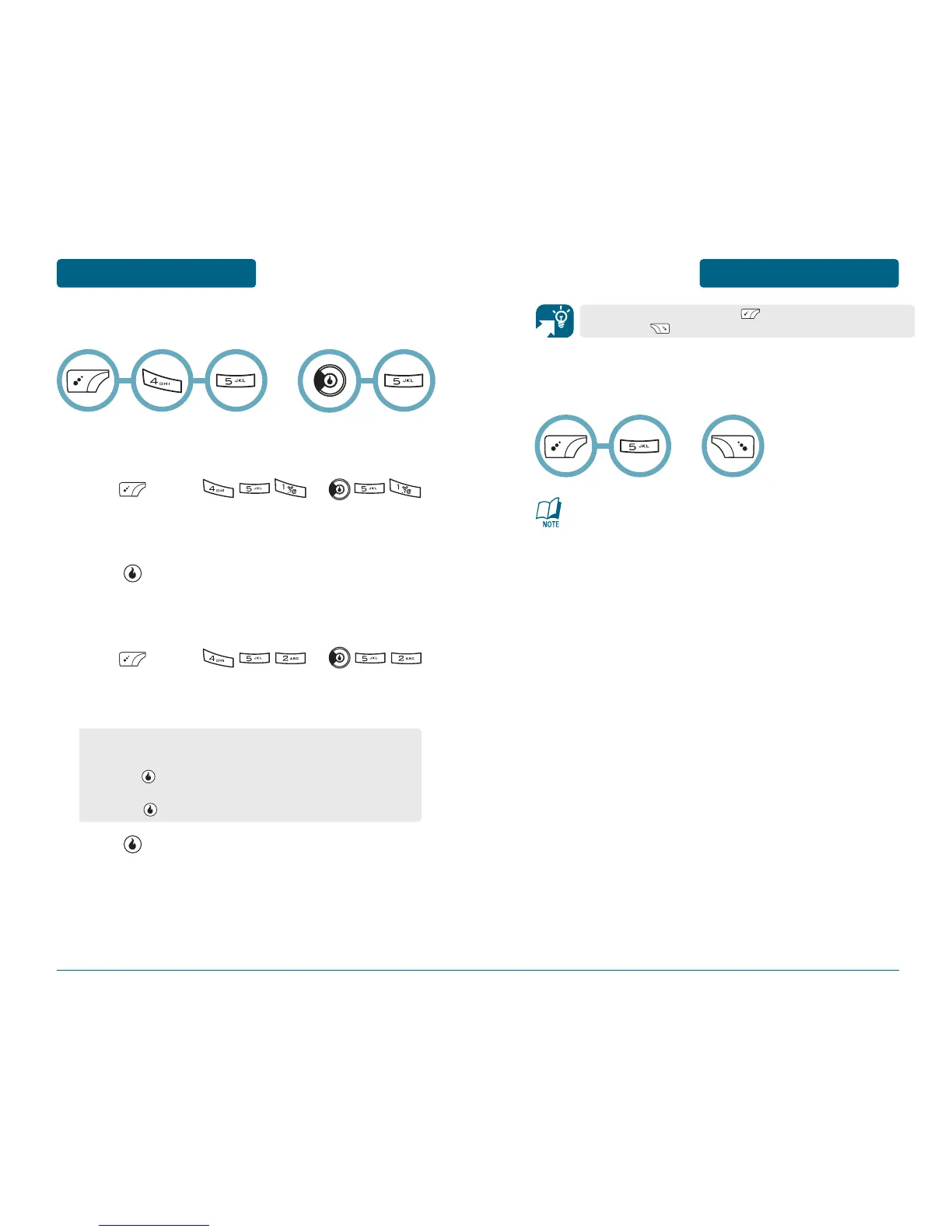
Press [MENU] or .
The “Internal”, “Used”, “Free”, “External”, “Used”,
and “Free” memory information appears.
Press [OK].
CLEAR MEMORY
To format internal or external memory.
Press [MENU] or .
Select “Internal Memory” or “External Memory” with
up or down Navigation Key.
Press [OK].
Stores up to 4500 entries (2500 Helio, 1000 Yahoo!, and 1000 AOL),
each of which can be assigned to a group. Entries can be retrieved
by name, handset number or group.
SERVICE NUMBER
•
Customer Care: 611
•
Emergency: 911
•
Information: 411
•
My Number: My Handset Number
•
Voicemail: My Handset Number
OR
From the Contact menu, press to access the My Number
menu, press to access the New menu.
•
Internal Memory: To select “All Media” or
“All Media+Licenses”, Enter your password, then
press [YES].
•
External Memory: Enter your password, then
press [YES].
OR



 To Next Page