9594
CONTACT
MENU FUNCTIONSMENU FUNCTIONS
CONTACT
■
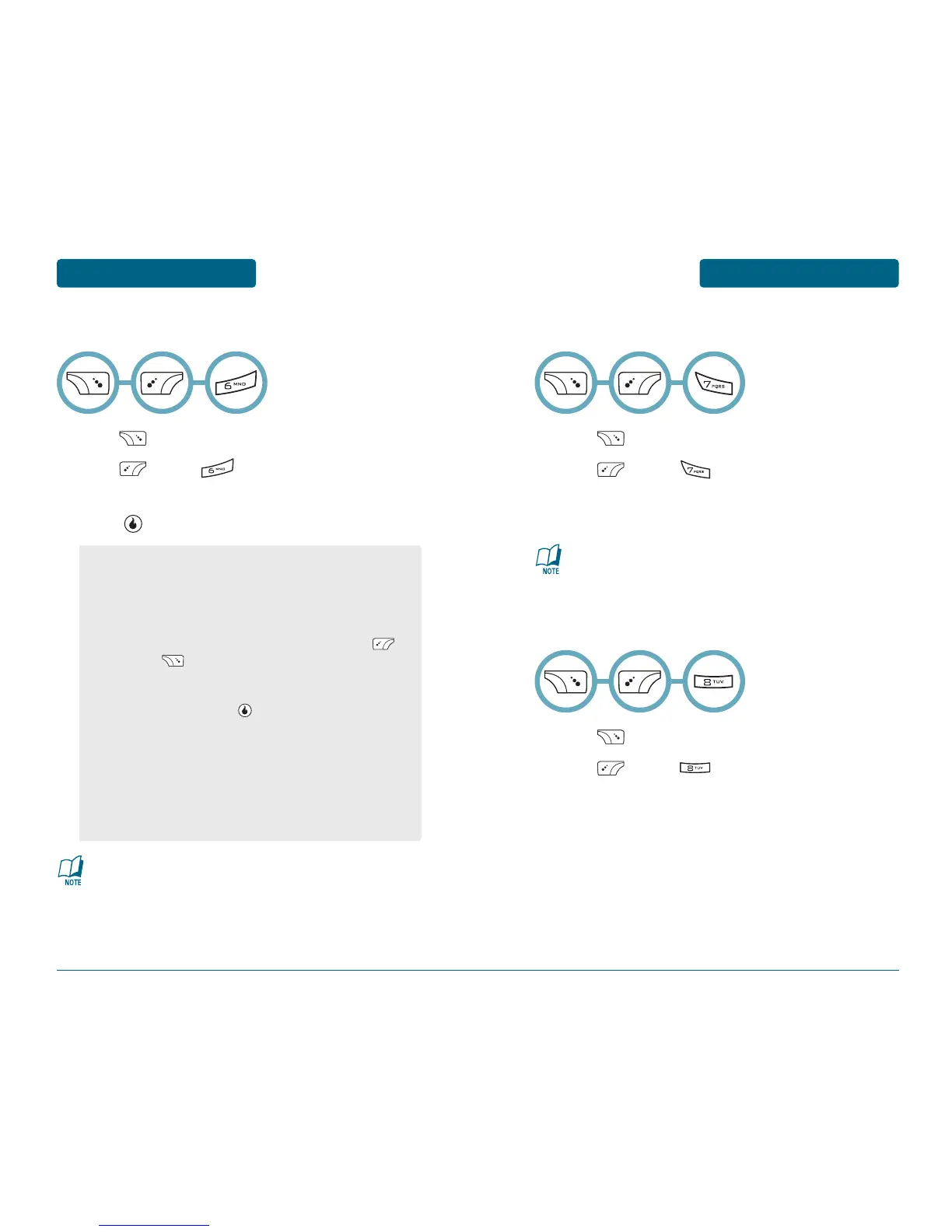
SYNCHRONIZE
Press [CONTACT].
Press [MENU] .
Select MyHelio Sync, Yahoo! Sync, or AOL Sync,
press .
■
SEPARATE DUPLICATES
Press [CONTACT].
Press [MENU] .
To separate all duplicate names that were
combined previously using the Group Duplicates
feature.
■
GROUP DUPLICATES
Press [CONTACT].
Press [MENU] .
To group all entries with duplicate names into a
single entry.
•
Yahoo! and AOL Sync options will only appear after you
have configured your Yahoo! or AOL email (see Email
section for details).
•
MyHelio Sync (standard method):
- Sync Now: To sync port contacts
- Recover Address Book: Read the message, press
[NO] or [YES].
- Sync Settings: To select “Two-way (standard)”, “From
Server Only” or “From Device Only” with left or right
Navigation Key, press [SAVE].
•
Yahoo! Sync:
- Sync Now: To sync portal contacts
- Sync Settings: To enable or disable Yahoo! sync by
default.
•
AOL Sync:
- Sync Now: To sync portal contacts
- Sync Settings: To enable or disable AOL sync by default.
You may need to run Yahoo! Contact Sync a few times to
synchronize all your contacts.
This can be undone at any time by using the Separate
Duplicates feature.



 To Next Page