MESSAGE
MENU FUNCTIONS
123
MENU FUNCTIONS
MESSAGE
122
■
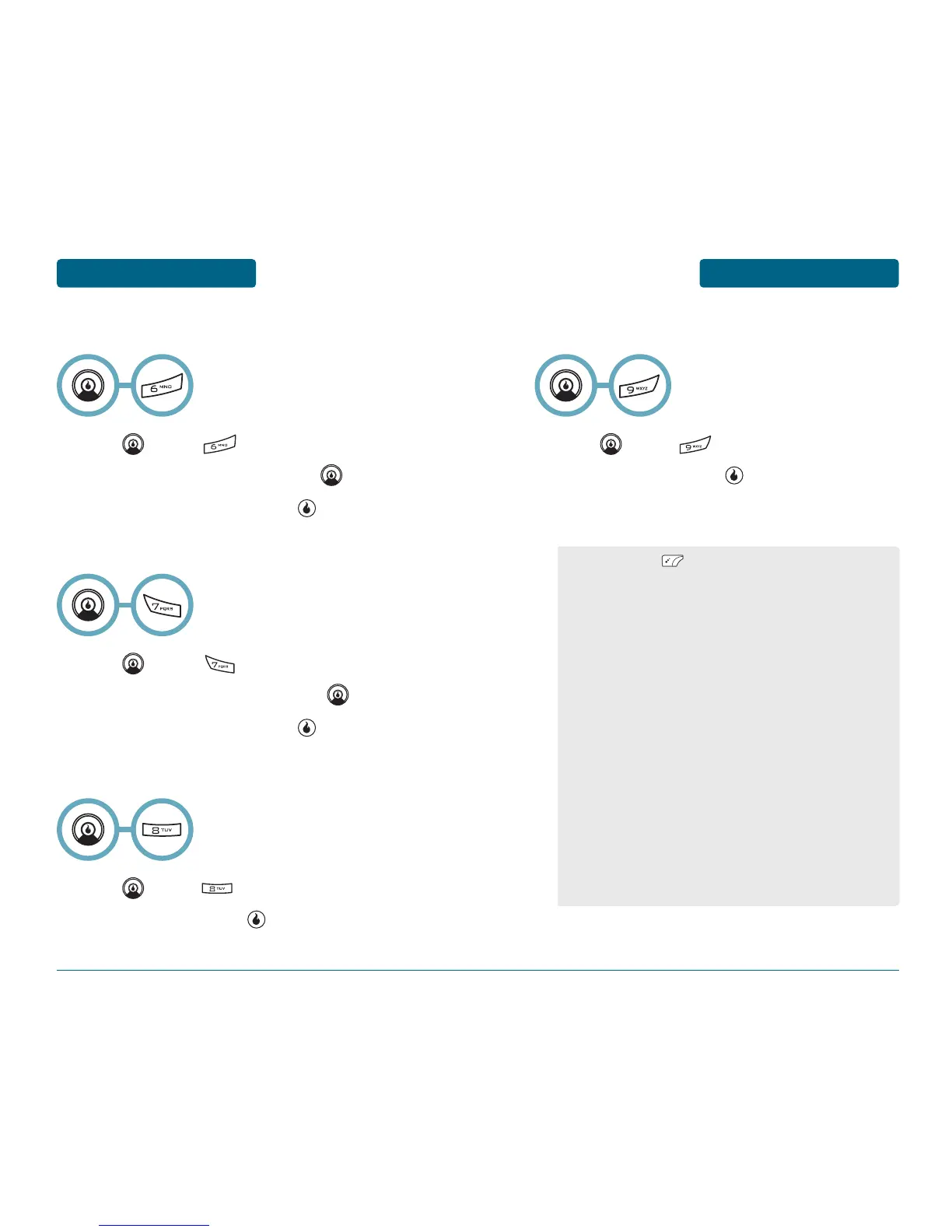
AOL
Press [MENU] .
Input the “Screen Name” and press .
Input the “Password” and press .
■
WINDOWS LIVE
Press [MENU] .
Input the “E-mail address” and press .
Input the “Password” and press .
■
GMAIL
Press [MENU] .
Read the message, press .
■
EARTHLINK
Press [MENU] .
Read the message, press .
■
EMAIL MENU OPTIONS
•
By pressing [MENU], you can choose from the
following:
1. Send/Receive: Starts the syncing process to download
new emails and send any updates you made on the
device back to the web version.
2. New Email: To compose a new email.
3. Reply: To reply to an email.
4. Forward: : To forward an email.
5. VIew Folders: To view other folders such as Sent,
Drafts, Outbox, or Trash.
6. Cancel Send/Receive: To view other folders such as
Sent, Drafts, Outbox, or Trash.
7. Select Multiple: This mode lets you delete multiple
emails at the same time.
8. Mark as Read/Unread: To change the status of email
between read and unread."
9. Settings: To change user configurable settings
(General, Sort By, or Folder Options).
0. View Sender: To show sender’s informations.
*. Add to Contacts: To add the address to the contacts
list.


 To Next Page