8584
VIDEO+MUSIC
MENU FUNCTIONSMENU FUNCTIONS
VIDEO+MUSIC
■
VIDEO
Press [MENU] or .
Select one of the following options with up or
down Navigation Key.
■
DOWNLOAD VIDEO
Connects directly to the Helio Store, where you can download videos.
Press [MENU] or .
Connecting to Helio Service.
1. Playlists: To play, add, rename or delete a playlists.
2. Videos: To display all video lists.
3. Settings
- Sleep Timer: To select “Unlimited”, “30 min”, “1 hr”,
“1 hr 30 min”, “2 hr” or “3 hr” with
Navigation Key, then press .
- Shuffle+Repeat: To select “Normal”, “Shuffle All”,
“Repeat All” or “Repeat One” with Navigation Key,
then press .
From the Video+Music menu, press to access the Get Video
menu, press to access the Get Music menu.
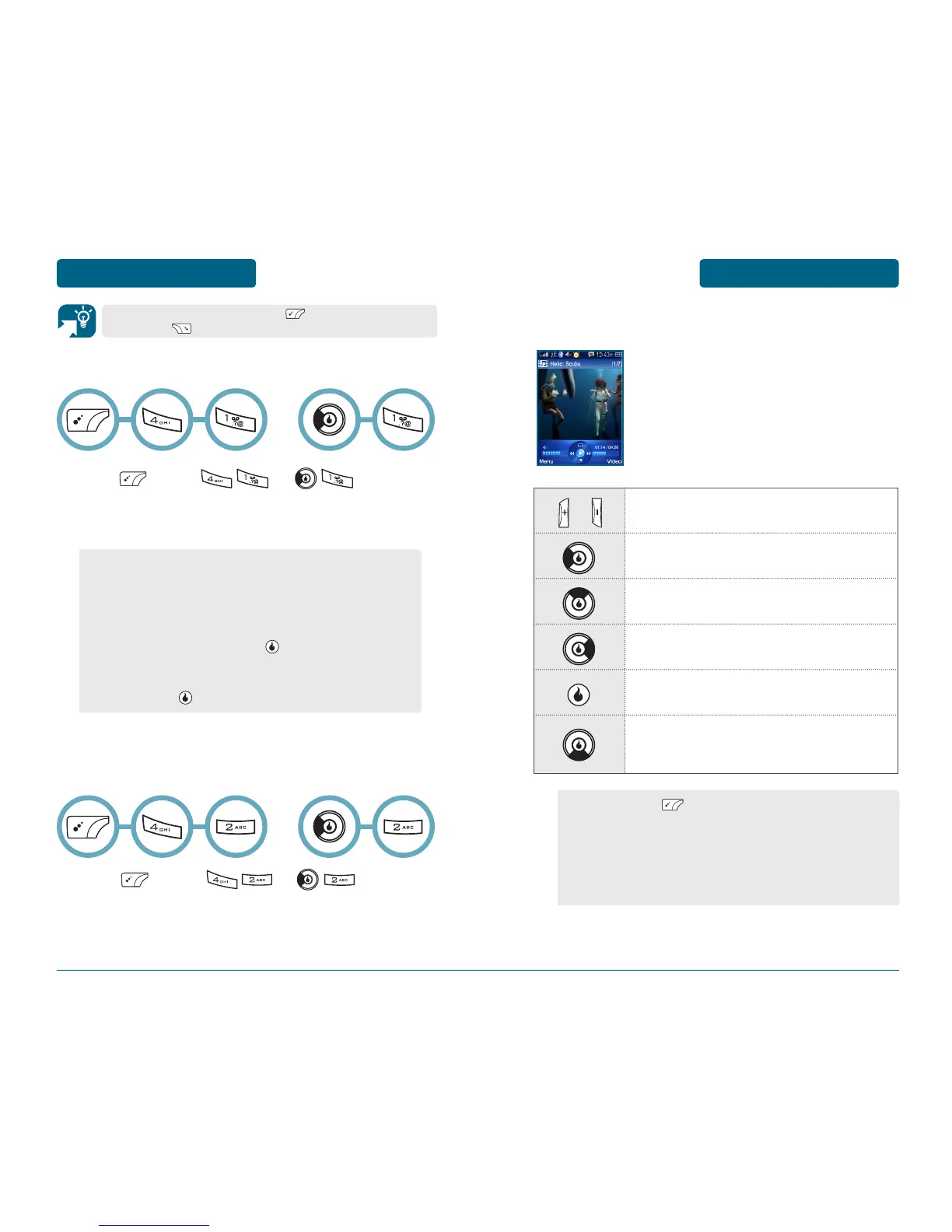
VIDEO PLAYER
Video Main
(Does not interrupt playback)
Volume Up / Volume Down
(Volume Level: 0, 1~10)
/
Prev. Video (Short Press)
Fast Rewind (Long Press)
Cycle through play modes (same as settings)
Next Video (Short Press)
Fast Forward (Long Press)
Play / Pause (Short Press)
Full Screen mode
(Once in landscape mode, down key in this
direction still performs as Full Screen toggle)
•
By pressing [MENU], you can choose from the
following:
1. Full Screen:
2. Add to Playlist:
3. Details:
4. Settings:
OR
OR



 To Next Page