CUSTOMIZE
MENU FUNCTIONS
51
MENU FUNCTIONS
CUSTOMIZE
50
SOUND EFFECTS
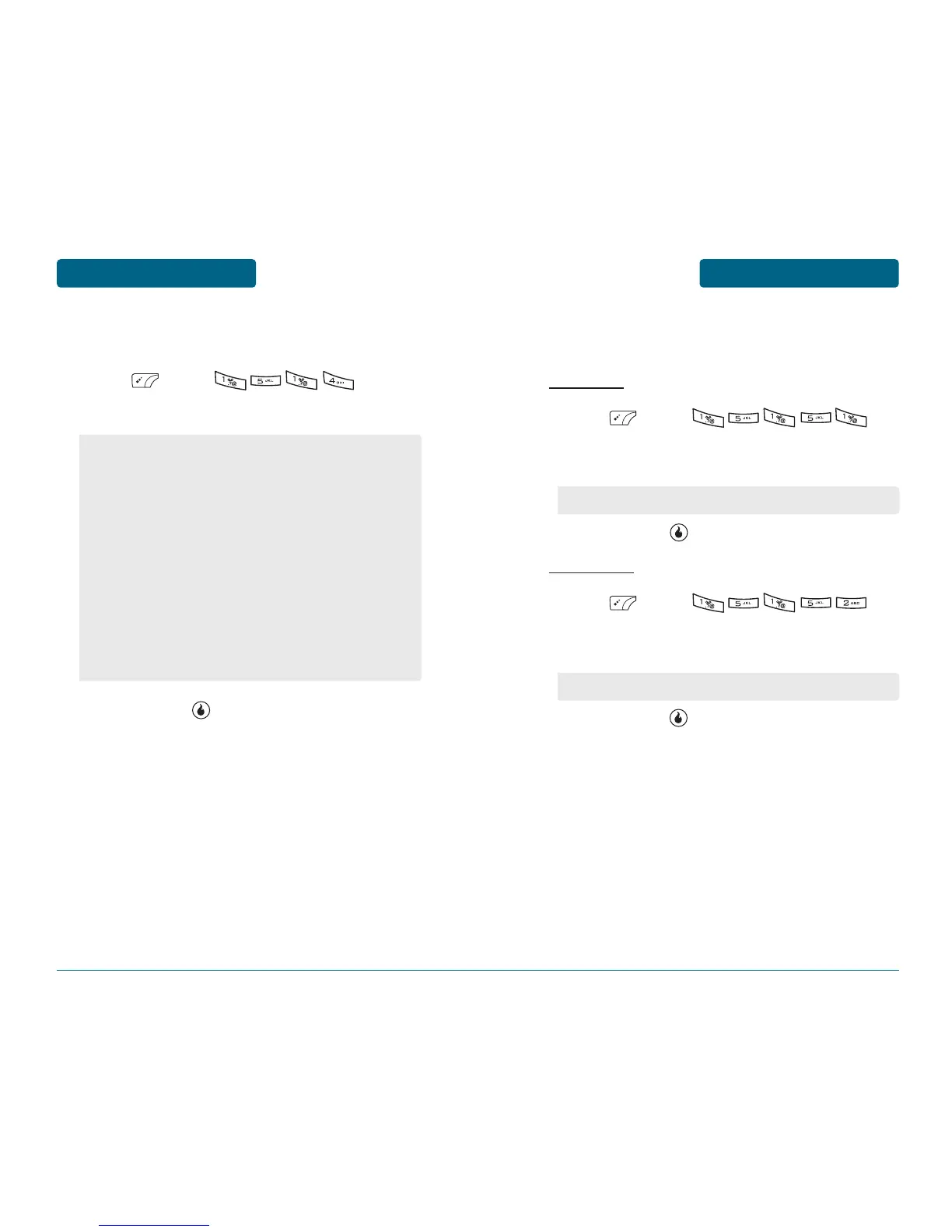
To select a sound effects ringer type:
Press [MENU] .
To set your desired sound effects ringer type.
To save, press [SAVE].
•
Keypad: To set key tone with left or right Navigation Key.
(Off, KeyClick, LeoClick, Tick, Arp, Henry)
•
Slide: To set Slide tone with left or right Navigation Key.
(Off, Mambo1 ~ Mambo5, Helio)
•
Menu: To set menu select tone with left or right
Navigation Key. (Off, On)
•
Confirm/Save: To set Confirm/Save select tone with left
or right Navigation Key. (Off, Confirm/Save1 ~ Confirm/
Save4)
•
Cancel/Warning: To set Cancel/Warning select tone with
left or right Navigation Key. (Off, Cancel/Warning1 ~
Cancel/Warning4)
•
Silent Mode: To set Silent Mode select tone with left or
right Navigation Key. (Off, On)
MISSED CALLS
To set a Missed Calls options:
SET ALERT
Press [MENU] .
To select alarm set mode with up or down
Navigation Key.
To save, press [SET].
ALERT TYPE
Press [MENU] .
To select alarm tone with up or down Navigation
Key.
To save, press [SET].
Mute / Every 2min / Once after 2min
Alert Sound / Vibration



 To Next Page