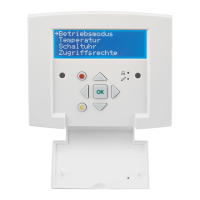
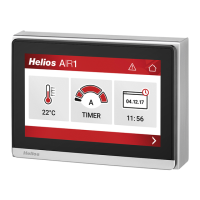
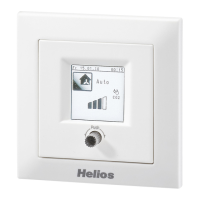
Comfort controller KWL-BEC
5
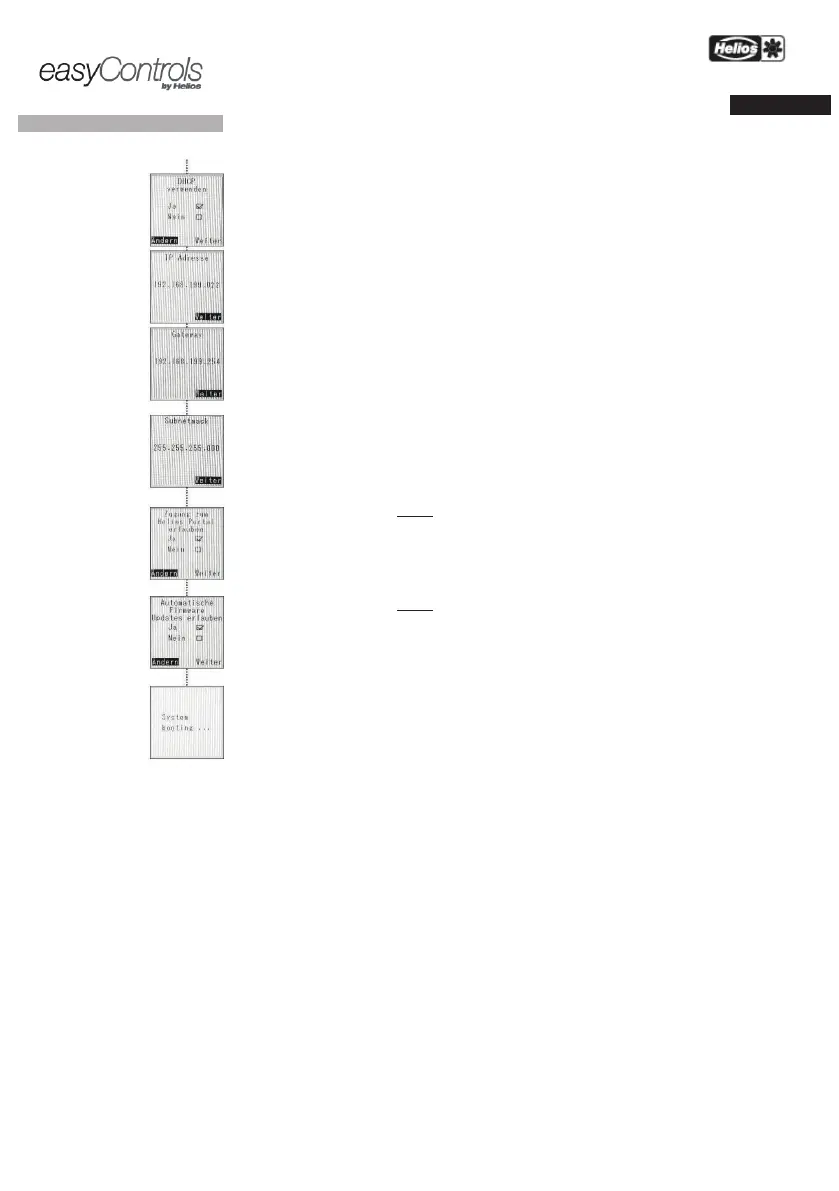
The following settings are required when the KWL unit is integrated in a computer network or
directly connected to a
computer. The settings are without function for network-
Data
synchronisation
with
Automatic firmware
updates
: Automatic IP address assignment via DHCP
DHCP settings (see above)
” Enter the desired IP address
” Displays the assigned IP address (Image left)
Display depends on DHCP settings
„On” Displays the assigned g
Display depends on DHCP settings
Subnet mask 255.---.---.---
„On” Displays the assigned
ction: When checkbox „Yes” is activated, all operation-critical parameter
s and
measured values are sent to the
Helios portal server. You can access your
d change settings via the Helios web portal
www.easycontrols.net
Further evaluations are also
possible
, such as temperature profiles.
ction: When checkbox „Yes
” is activated, the system will check online for new
firmware on a daily basis
. If new firmware is found,
it will be automatically
updated.
The charging process begins between
! Enable automatic firmware updates!
-up is complete, the controller KWL-BEC
or the system
will reboot


 To Next Page