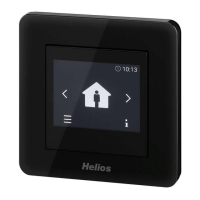
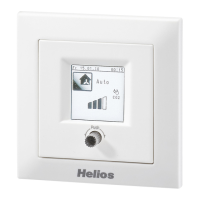
Comfort controller KWL-BEC
14
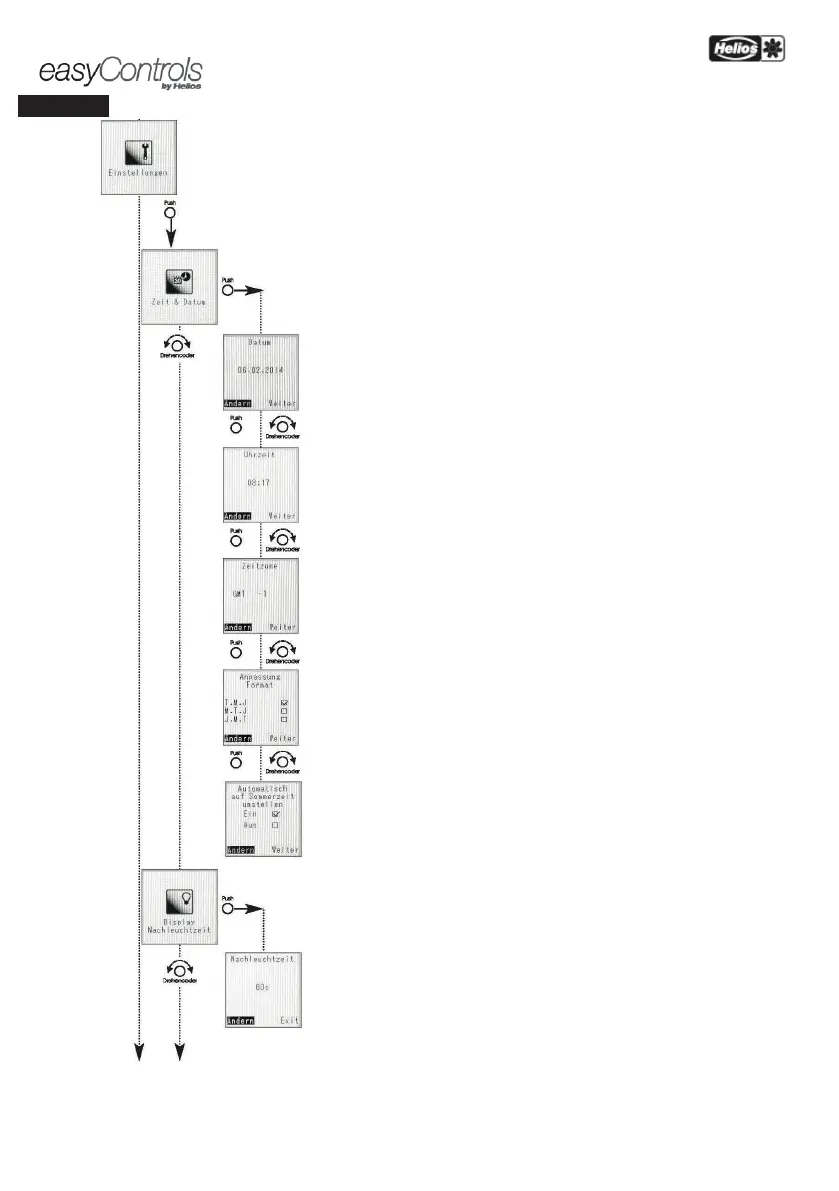
All general functional and display settings can be adjusted in this menu.
The service level can also
be entered from this level.
Time and Date
The time and date on KWL units can be manually adjusted via the Time and Date function.
Date
Push „Change ” and set date
Time
Push „Change” and set time
Time zone
Push „Change” and set time zone. The time tone has no direct effect on the set time.
required to schedule the easyControls software updates with the easyControls portal.
(Requirement: The KWL unit must be connected to the internet and the „Software updates”
must be activated).
Format adjustment
Push „Change” to set one of the following display formats:
– Day.Month.Year
– Month.Day.Year
– Year.Month.Day
Activate summer/wintertime
Push „Change” to switch the automatic summer/wintertime function On/Off.
Display illumination period
Display illumination period
Push „Change” set the desired display illumination period between
15 sec (min.) and 60 sec. (max.).


 To Next Page