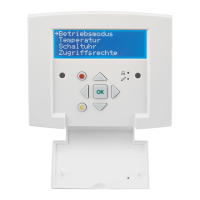
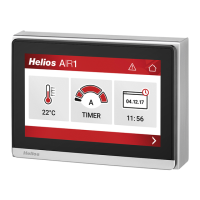
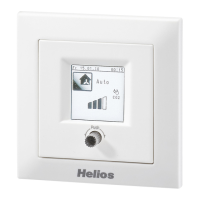
Comfort controller KWL-BEC
2
Initial start-up via KWL-BEC (comfort controller)
The unit control parameters can be easily adjusted via the comfort controller KWL
-BEC.
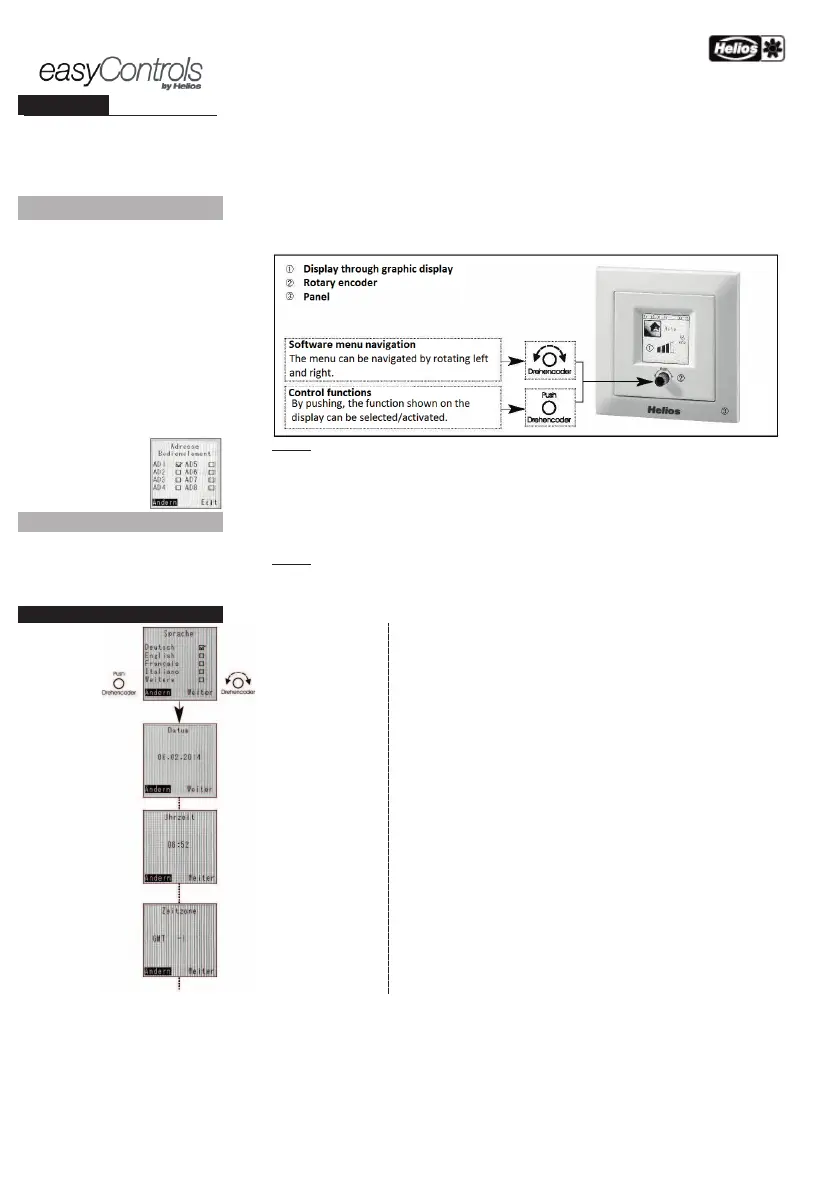
Operating information on menu structure:
„Change” or „Continue” can be selected by rotating the
rotary encoder right/left. For example, if „
Change”
is shown with a black background
, the function can be selected by pushing the rotary encoder.
The
settings can be adjusted by rotating and the entry is confirmed by pushing
(push).
Following successful
adjustment,
push „Continue” to move to the next menu item.
Step 1:
You will automatically be asked for the controller address during the system start
If an address has
already be assigned
, it will no longer be requested. If several controllers are connected to the
KWL-
ventilation unit, it should be ensured that the addresses are unique (address range AD 1-8).
Once all comfort controllers have received an individual address, proceed to step 2. Once the
controller
address(es) are entered, the controller will reboot.
-up assistant starts. IMPORTANT: The initial start-up should only be performed with a
e:
:
:
in hours
Language selection Page 1: „German”, „English”, „French”, „ Italian”
(change to „Functional level 2” via
Page 2: „More” > Function not in use
is shown and can be changed by overwriting.
/ change: Current time zone displays (standard for DE GMT +1 or in
mmer GMT +2. Can be changed by overwriting.


 To Next Page