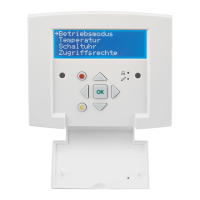
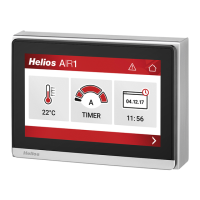
Comfort controller KWL-BEC
13
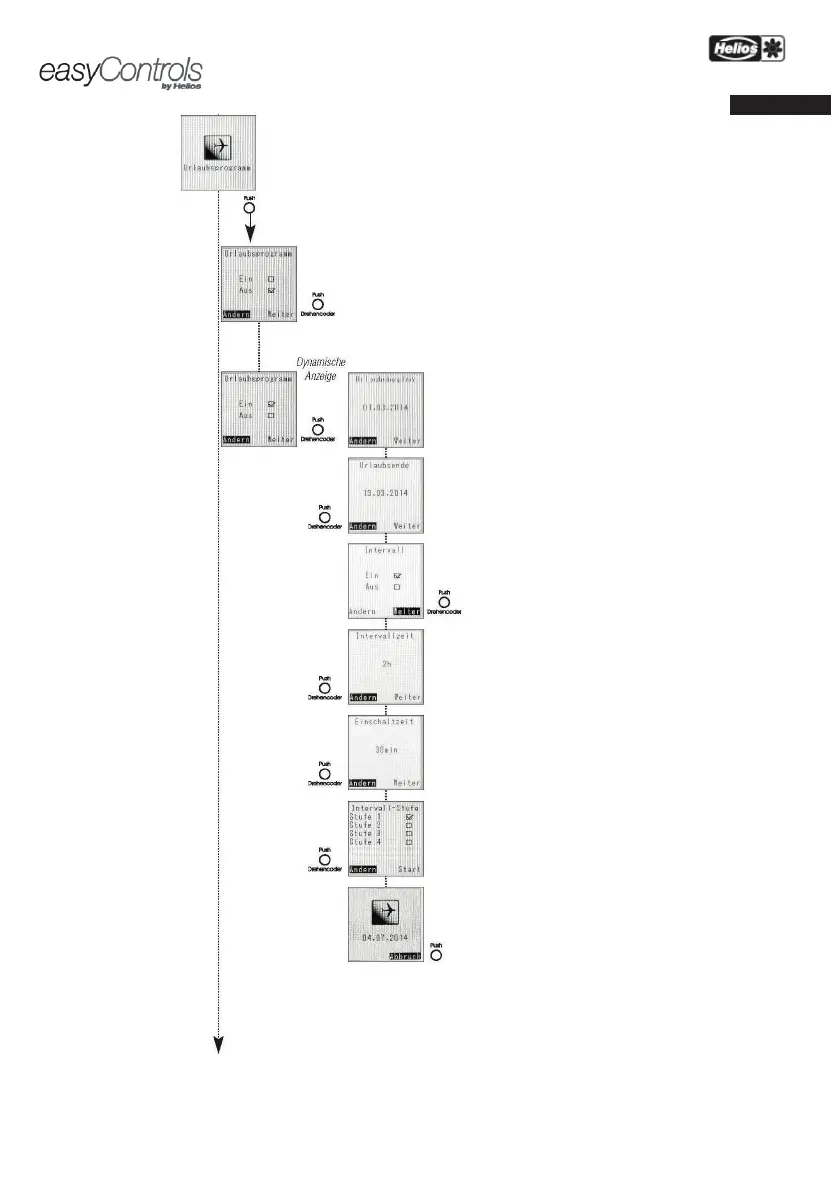
MENU – Holiday programme:
A period of time (e.g. holiday) can be defined via the
„Holiday programme“ menu,
in which the ventilation
unit is active in a certain
operating mode or in interval mode.
The holiday programme can be switched „On” or „Off” via the rotary encoder.
If the holiday programme is activated ("ON"),
settings can be changed:
Start of holiday
Set date via rotary encoder.
End of holiday
Set date via rotary encoder.
Interval
The interval mode can be switched „On” or „Off”
encoder.
Interval period
The interval period determines how long the KWL
the minimum fan stage (e.g. 2h).
(only adjustable with "Interval on")
Activation period
The activation period determines how long the KWL unit should run
in the set fan stage (e.g. 30 min.).
(only adjustable with "Interval on")
Interval stage or fan stage
The interval stage sets the fan stage (stage 1 to 4) at which
KWL unit should run during the activation period.
Holiday mode
If holiday mode is active, the „End-date“ is displayed. The „
Cancel“
function can be used to cancel the holiday programme at any time!


 To Next Page