Comfort controller KWL-BEC
12
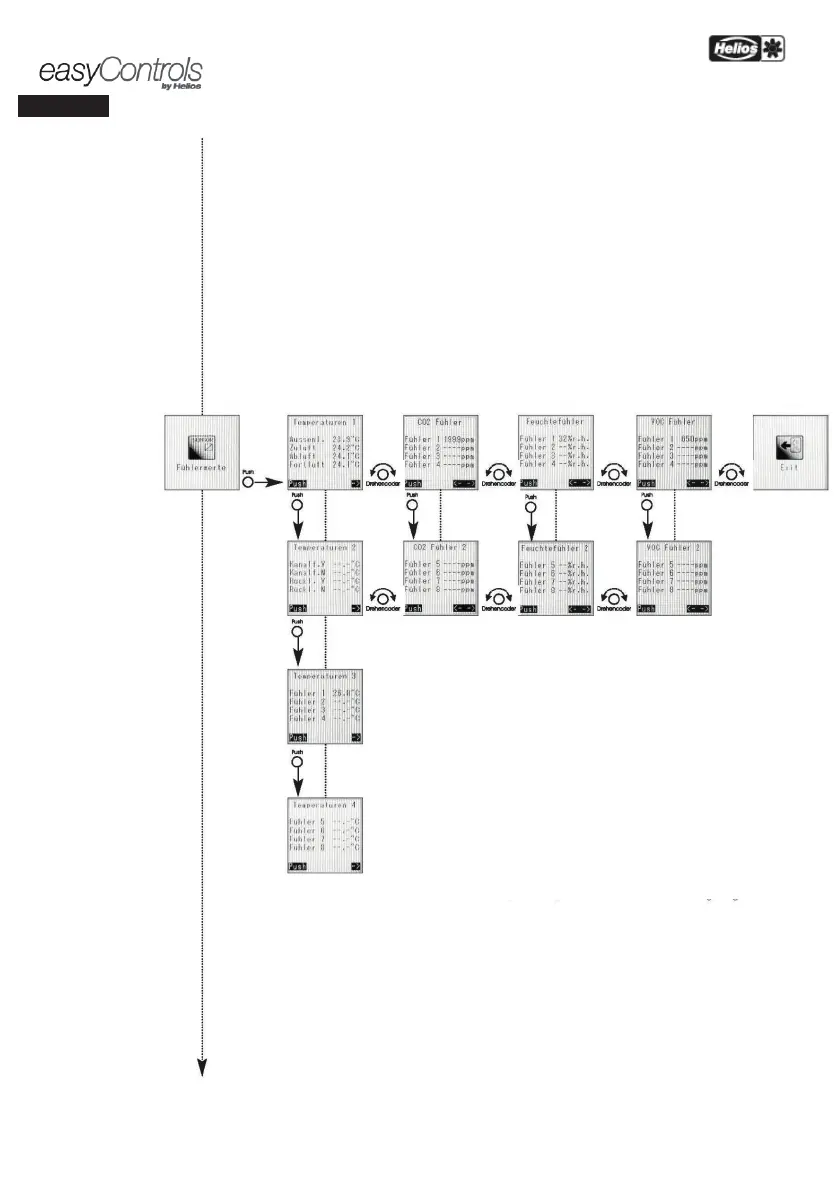
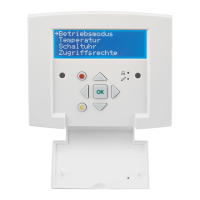
The following temperatures are shown as standard on the display of the controller KWL-BEC:
1. Outside air, 2. Supply air, 3. Extract air, 4. Outgoing air
With regard to connected accessory components e.g. KWL-CO
2
, KWL-VOC, KWL-
units per type) and extension modules for pre and/or auxiliary heating,
the corresponding measured
values are shown on the display. If no accessory components are connected, „ - -“
the display.
Temperatures 1
The temperatures of outside air, supply air, extract air and outgoing air
standard on the KWL unit.
Temperatures 2
When extending the KWL unit with an extension module for pre and/or auxiliary heating,
temperatures of the pre-heater duct sensor, auxiliary heater duct sensor, pre-heater
sensor and auxiliary heater return flow sensor are displayed.
Temperatures 3 / 4
When extending the KWL unit with one or more humidity/temperature sensors,
temperature value of the connected humidity/temperature sensors 1 to 8 are displayed.
CO
2
sensor and CO
2
sensor 2
When extending the KWL unit with one or more CO
2
sensors, the measured
value of the respective CO
2
sensors 1 to 8.
Humidity sensor and humidity sensor 2
When extending the KWL unit with one or more humidity/temperatur
measured relative humidity value of the respective humidity/temperature sensors
8 are displayed.
VOC sensor and VOC sensor 2
When extending the KWL unit with one or more VOC sensors, the measured
value of the respective VOC sensors 1 to 8 are displayed.
Exit
Push rotary encoder to return back to „Functional level 2”.


 To Next Page