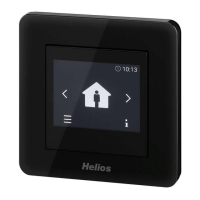
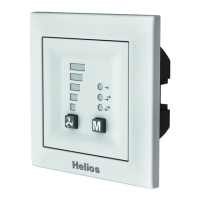
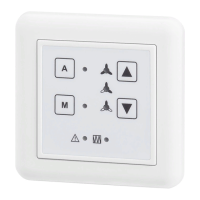
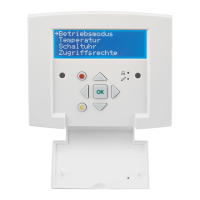
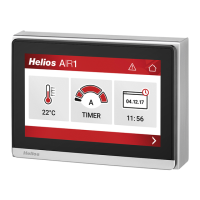
Comfort controller KWL-BEC
7
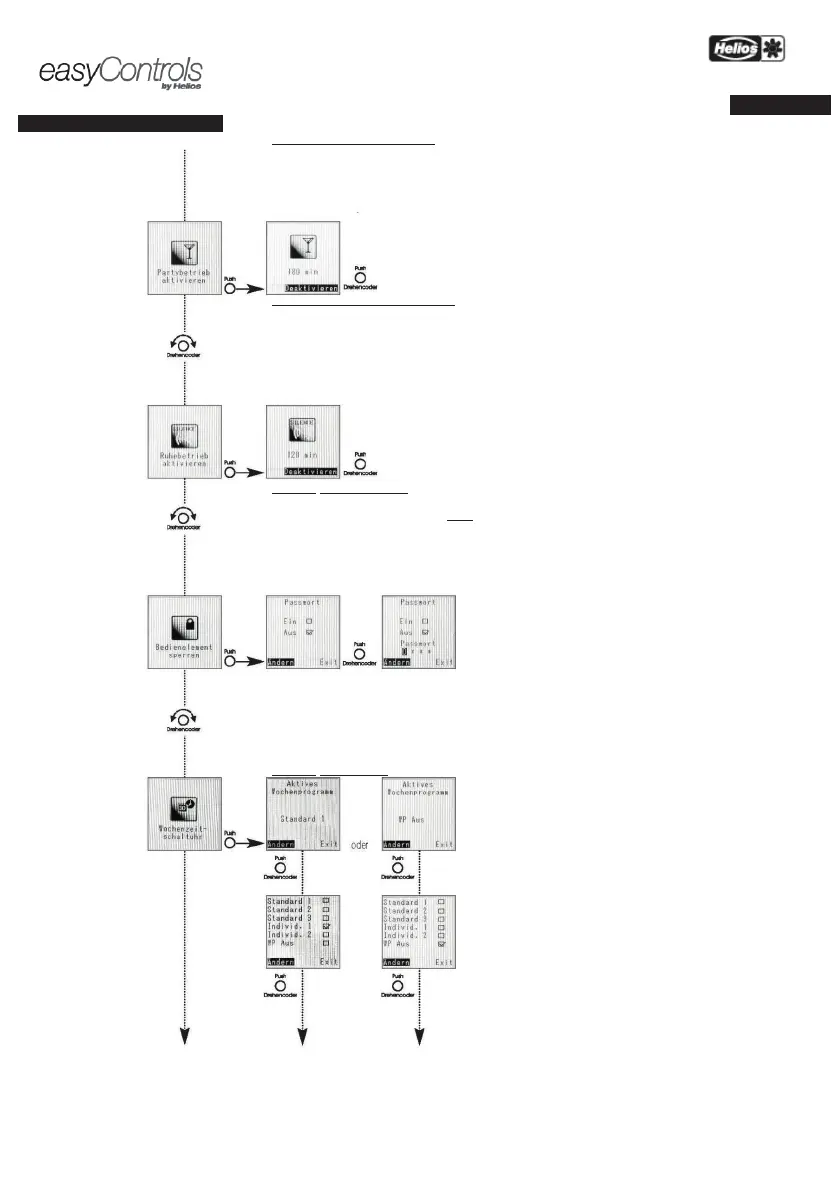
MENU – Activate party mode:
The KWL unit can be operated in a preset fan
stage for a preset duration via the “Party mode” menu.
-mode duration is shown on the display,
this mode can be cancelled by pushing the
rotary encoder at any time
– Activate stand-by mode:
KWL unit can be operated in a preset fan stage for a preset duration via the “Stand-
by mode” menu.
The remaining standby
mode duration is shown on the display, this mode can be cancelled by pushing the
rotary encoder at any time
protected against unauthorised access with a personal password.
The default standard password
An individual password can be set via the
„Customer menü“ (Page 18).
, the password must be entered.
In case of a locked display
, the message „Controller locked“ will appear on the display.
If the rotary encoder is pushed
, the display can be locked.
If an incorrect password is entered
, the message „The password entered is incorrect“
will appear on the
display
: If the password is entered incorrectly three times, the KWL unit
can only be unlocked
by entering the
master PIN (the master PIN can
be requested from Helios customer services by
telephone
– Clock timer:
Active weekly programme
Displays which weekly programme is active or whether the
is inactive = „Off”.
Overview
Weekly programme options.


 To Next Page