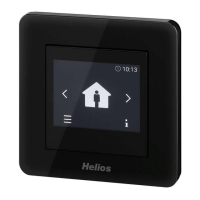
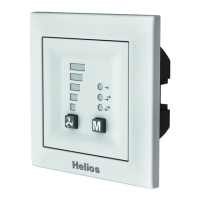
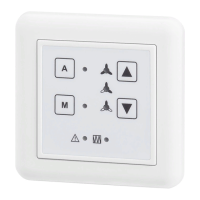
Comfort controller KWL-BEC
8
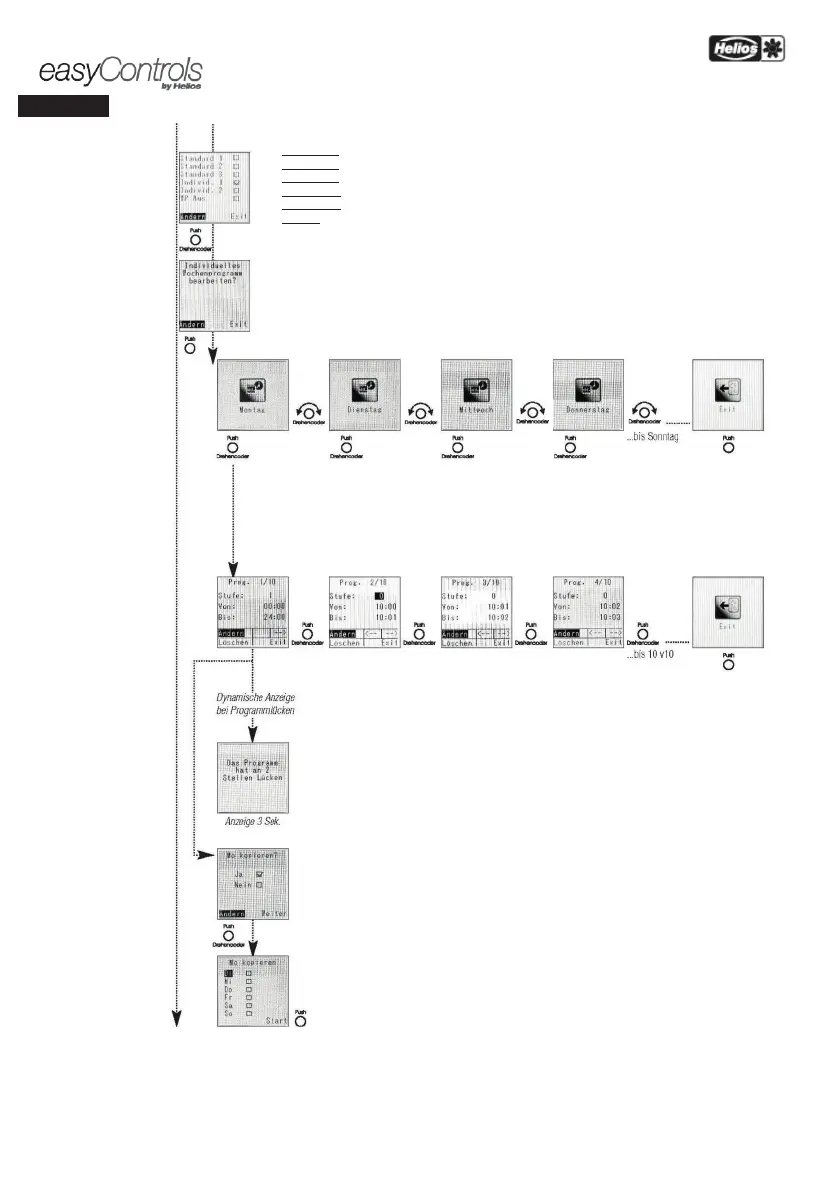
Weekly programme settings
The following
weekly programmes (WP) can be selected:
Standard 1 = See Table WP overview
Standard 2 = See Table WP overview
Standard 3 = See Table WP overview
Individual 1 = Free for individual custom weekly programme
Individual 2 = Free for individual custom weekly programme
WP Off = Deactivate weekly programme
ndividual weekly programme
Confirm editing via rotary enc
oder or leave the editing process by pushing „Exit“.
The weekday to be edited is selected with the rotary encoder
The fan stages can be individually changed up to 10 times over an entire day
Setting range Fan stage 0 to 4
From 00:00 - 24:00 hrs. The hours and minutes are set independently in
the following step sizes:
Minutes: 1 min.; step size Hours: 1 hr.
Programme gaps
If the time of the following programme section is not directly added to the time of the
programme section, there is a gap.
The programme determines how many gaps there are in the
individually edited programme and briefly shows these on the display.
activated in open gaps. In case of automatic control, the sensor control sets the fan stage.
Copy function
If there is no need to individually edit each day, there is the option to copy a defined programme
Copy weekday(s) and start programme


 To Next Page