5
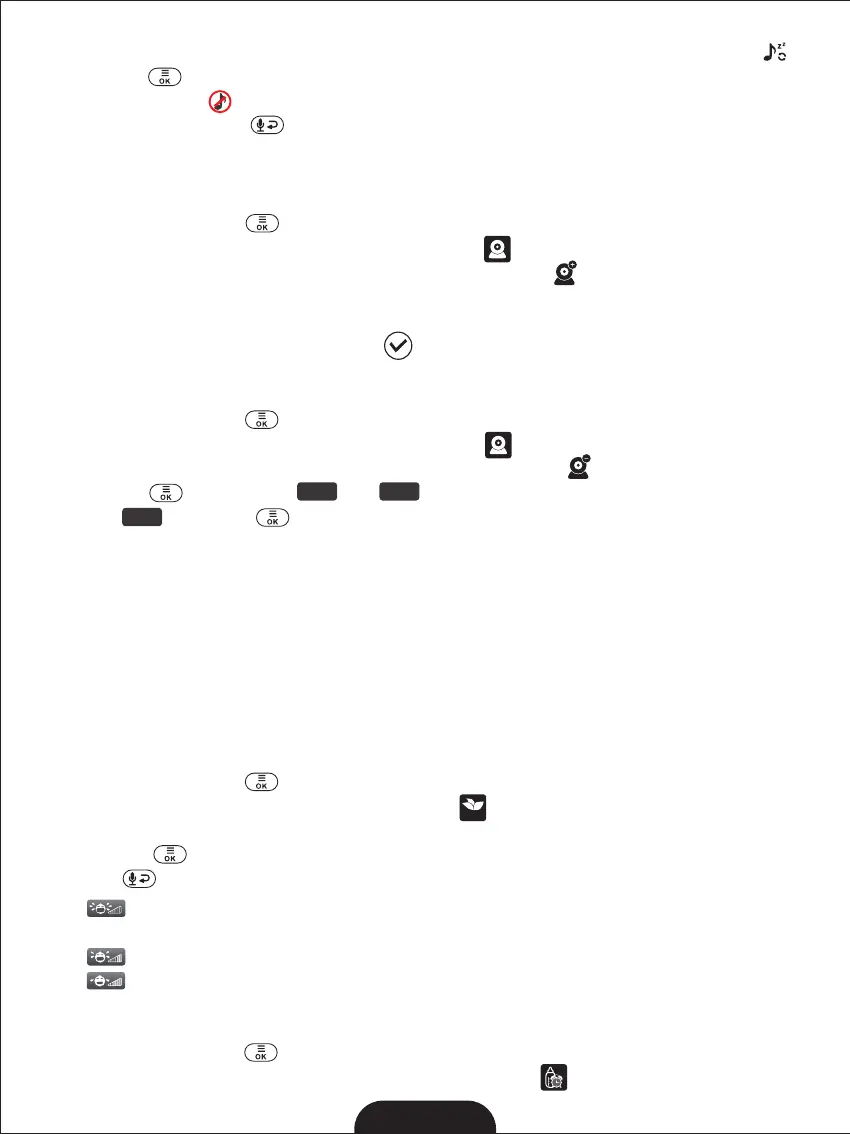
3. Press the◀/▶/▲/▼ key to select one of 8 available lullabies or loop playback .
4. Press the to confirm.
5. Select stop icon to stop.
6. Press the Return Key to exit.
The lullaby default setting is OFF.Note:
8.2 CAMERA
8.21 ADD CAMERA
1. Press the MENU key and the menu will pop up.
2. Press the◀/▶/▲/▼ key until the camera icon is selected.
3. Press the◀/▶/▲/▼ key until the camera adding icon is selected.
4. When the Pair sign is displayed 30 seconds countdown on the LCD screen, press PAIR
button on the back of the camera.
5. Once paired, SuccessfulpairingiconshowsontheLCDscreen.
6. If fails, repeat above steps.
8.22 DELETE CAMERA
1. Press the MENU key and the menu will pop up.
2. Press the◀/▶/▲/▼ key until the camera icon is selected.
3. Press the ◀/▶/▲/▼ key until the camera deleting icon is selected.
4. Press the key, the icon and the will appear.
5. Select and press key to delete the camera.
SPLIT-SCREEN FUNCTIO N
The baby moniter has Split-Screen feature. When 2 cameras are paired, the two different
imagines will be displayed on the monitor’s screen side by side at the same time. When 3 or
4 cameras are paired, all imagines will be displayed splitly on the screen in real-time.
8.3 ENERGY SAVING
This mode allows you to control the sound activation of your baby unit. If there is no sound
around the baby unit within 30 seconds, it will stop audio transmission and turn off the
screen of the parent unit. When the baby unit detects any sounds louder than the sensitivity
level, it will start transmitting the signal to the parent unit again and turn on the screen of the
parent unit. To change the ECO level, please follow the below instructions.
1. Press the MENU key and the menu will pop up.
2. Press the◀/▶/▲/▼ key until the ECO icon is selected.
3. Press the◀/▶key to select desired level.
4. Press the to confirm.
5. Presskeytoexit.
isLowsensitivitylevel, the baby have to make a lot of sound before the ECO Note:
function is activated;
is Middle sensitivity level.Note:
is High sensitivity level, the baby don't have to make a lot of sound before the ECO Note:
function is activated;
8.4 FEEDING TIME SETTING
1. Press the MENU key and the menu will pop up.
2. Press the◀/▶/▲/▼ key until the Feeding Time icon is selected.
YE S NO
YE S
ECO


 To Next Page