7
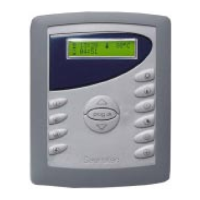
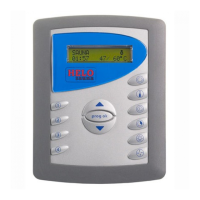
Control panel Digi II
Set start time, temperature and
duration
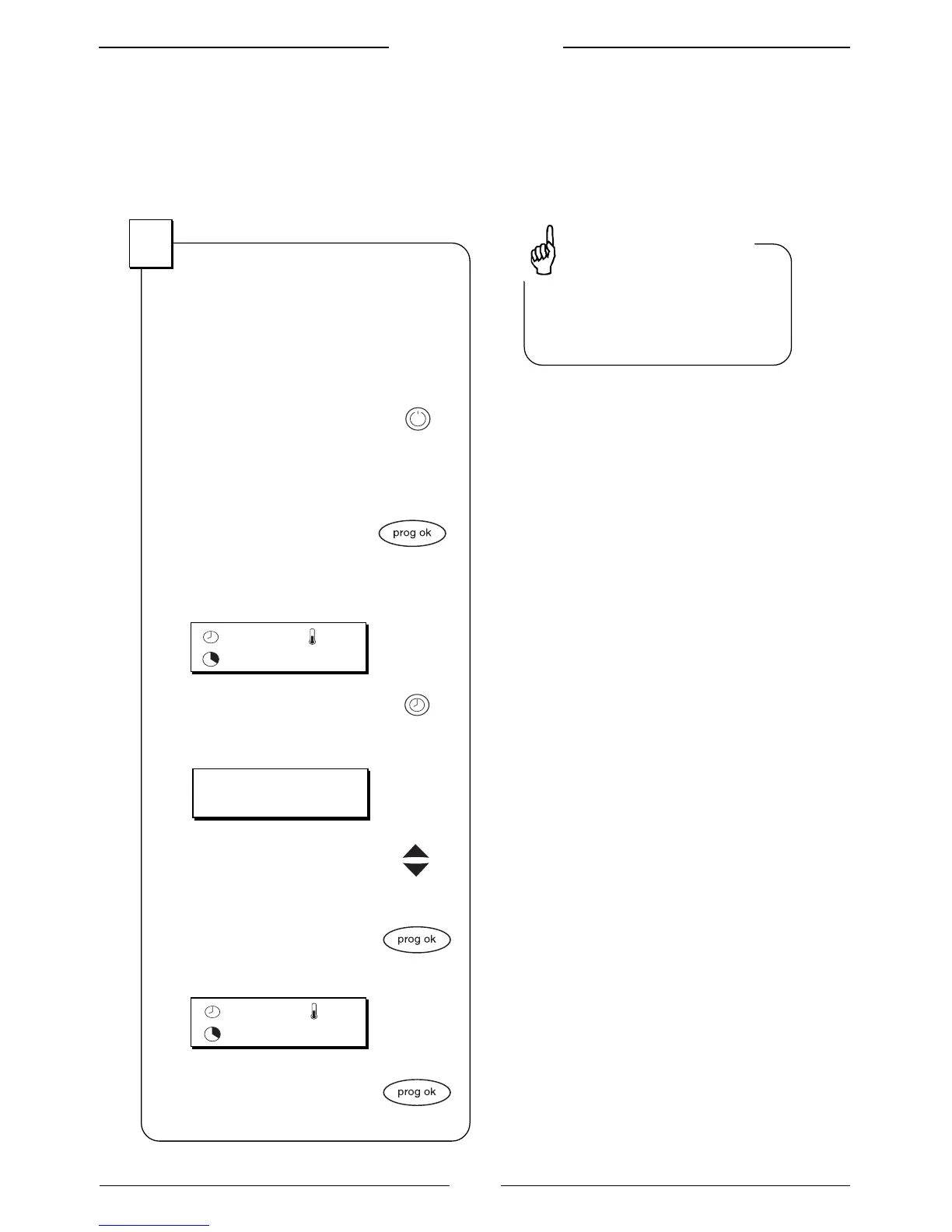
Set the start time
The start time is the time that the
heater turns on, for example 18:30.
1. Start the panel with the
On/Off button
The background lighting
is lighted
2. Push the button
prog ok
The display shows earlier chosen
settings, for example:
3. Push the button for
start time
The display shows:
4. Set start time, for example
18:30, with the arrow
buttons
5. Approve the start time
with the button prog ok
The display shows:
6. Start the heater by
pushing prog ok for
three seconds.
1
By holding the arrow button
depressed the values are
paged up or down fast.
Tips and advice
70
O
C
14:00
01:30
START TIME:
14:00
70
O
C
18:30
01:30


 To Next Page
 Loading...