8
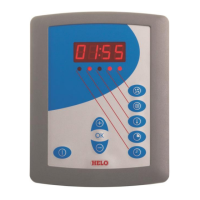
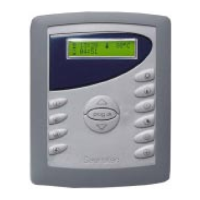
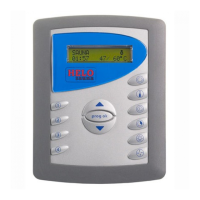
Control panel Digi II
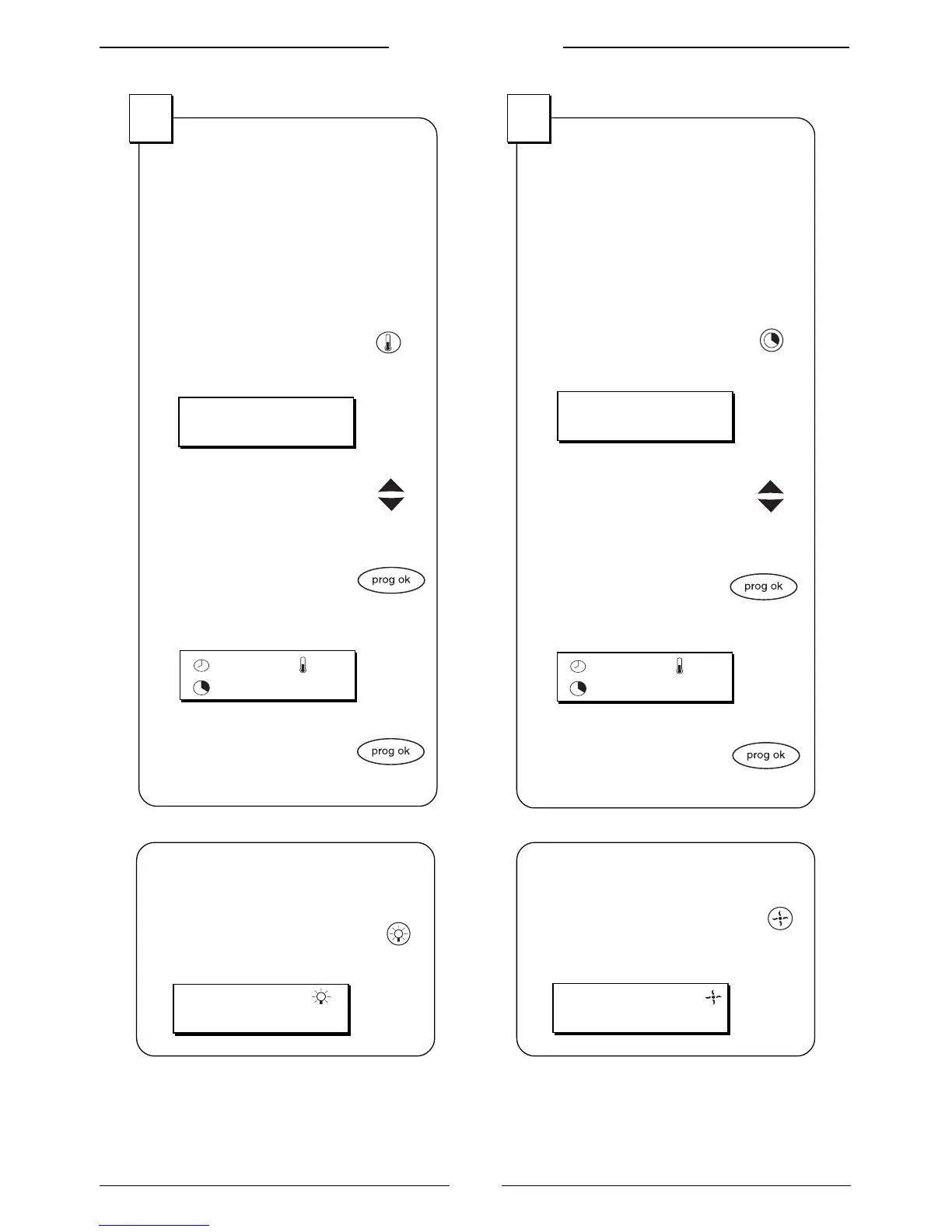
Set the tempera-
ture
The temperature is the tempera-
ture that the heater produces in the
sauna, for example 80° C.
1. Push the button for
the temperature
The display shows:
2. Set the temperature
with the arrow buttons,
for example 80° C
3. Approve the tempera-
ture with the button
prog ok
The display shows:
4. Start the heater by
pushing prog ok for
three seconds.
2
TEMPERATURE:
70
O
C
Set the duration
Duration is the time that the heater
will operate. Maximum duration is
six hours.
1. Push the button for
start time
The display shows:
2. Enter duration with
the arrow buttons,
for example 30 minutes
3. Approve the duration
with the button
prog ok
The display shows:
4. Start the heater by
pushing prog ok for
three seconds.
3
ON-TIME:
01:30
80
O
C
18:30
01:30
Turn on the
lightning
1. Push the button for lighting
The display shows:
Activate ventilation
1. Push the button for
ventilation
The display shows:
80
O
C
18:30
01:30


 To Next Page
 Loading...