Page 14
4.3.3 Braille Translator Option
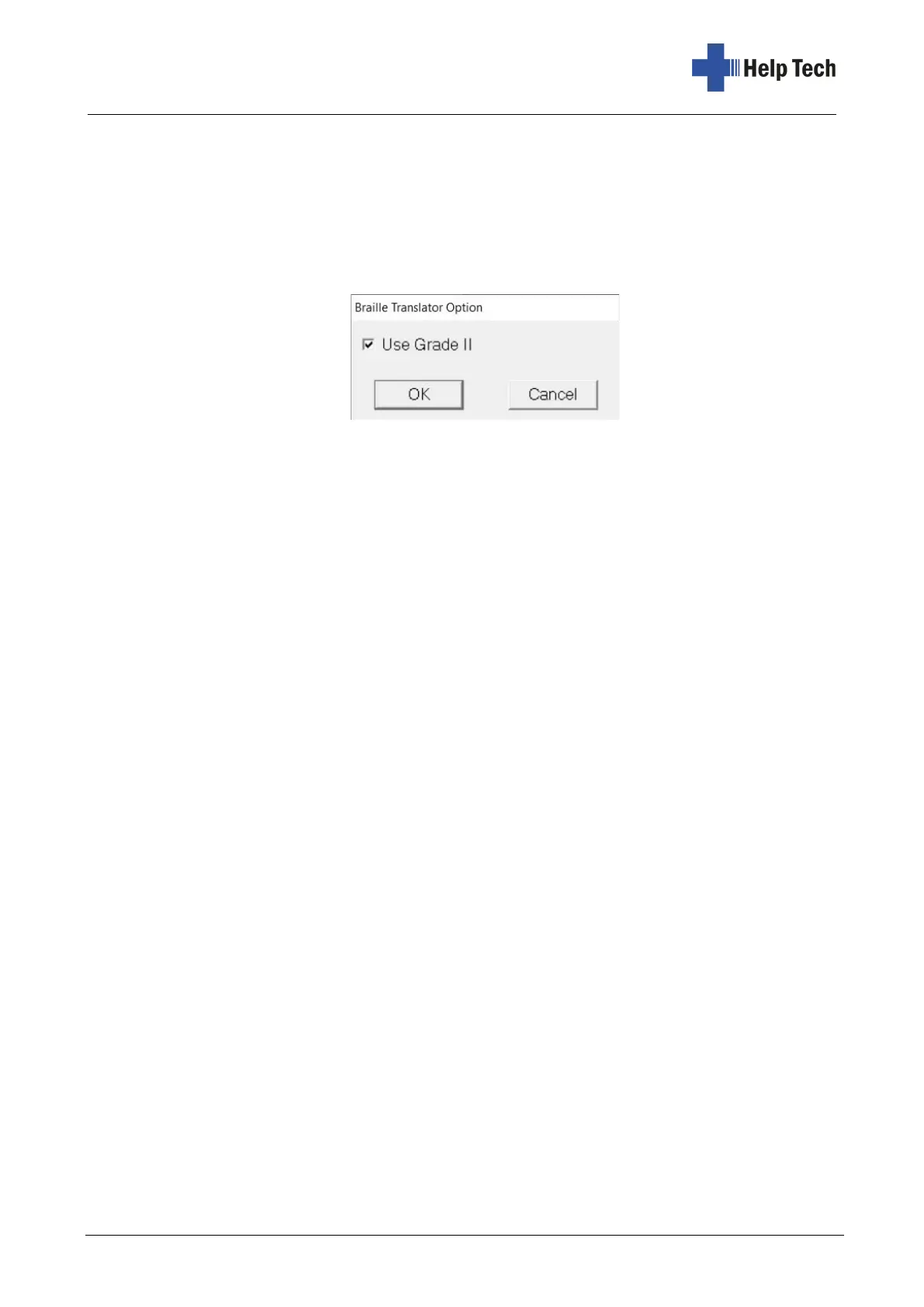
When converting text to Braille, you can choose whether to use the Grade 2. When you
open the "Braille Translator Option" function either from the "Settings/Braille Translator
Option" menu of the main window, or from the "Input Style" button below the Braille input
field in the "Edit the Label" window, a small dialog box appears in which you can check or
uncheck the "Use Grade 2" option as required.



 To Next Page