EasyManua.ls Logo

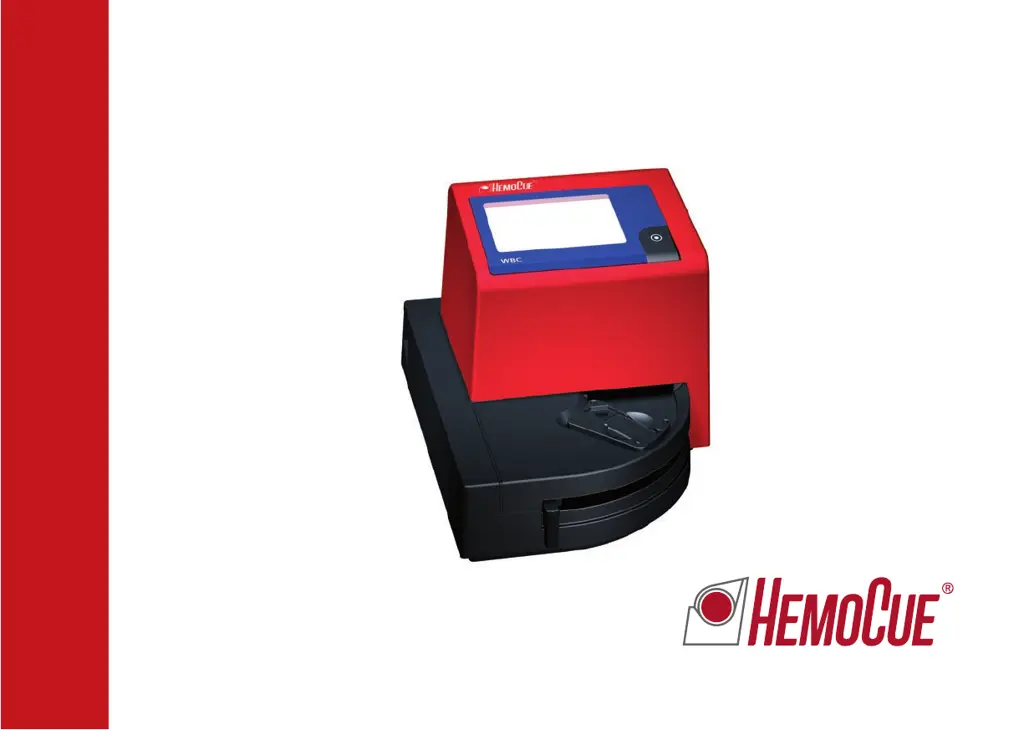
HemoCue WBC - User Manual

HemoCue WBC
68 pages
Print Icon
To Next Page IconTo Next Page
Loading...
HemoCue
®
WBC
Operating Manual
Manuel d’utilisation

Questions and Answers

  • K
    keith68Sep 3, 2025
    Why are HemoCue Measuring Instruments results on patient samples higher or lower than expected?
    • M
      Michele DixonSep 4, 2025
      Inaccurate readings on patient samples from the HemoCue Measuring Instruments can stem from: 1. Incorrect sampling technique. In this case, take a new microcuvette and repeat the measurement. 2. Expired, damaged, or improperly stored microcuvettes. Check the expiration date and storage conditions of your microcuvettes.
  • A
    andersoncharlesSep 2, 2025
    What does it mean when the HemoCue Measuring Instruments display shows blank spaces?
    • S
      Susan DavisSep 2, 2025
      If the display shows only blank spaces, here’s what you should check: 1. If you're using batteries, they likely need replacement. Turn off the analyzer and replace the six AA batteries. 2. If using AC power, verify that the correct power adapter is properly connected and functioning. If problems persist, the circuit board might be faulty.
  • B
    Brett HarrisonSep 1, 2025
    What to do if there are no characters on the HemoCue Measuring Instruments display?
    • N
      Nicholas BrooksSep 2, 2025
      If the display of your HemoCue Measuring Instruments is blank, it could be due to several reasons: 1. Ensure the power adapter is correctly connected to both the analyzer and the AC power supply. 2. If using battery power, replace the six AA batteries. 3. If the issue persists, the display may be faulty, requiring service. Please contact your local distributor.
  • A
    Austin BenjaminAug 31, 2025
    What does error Err03 mean on HemoCue Measuring Instruments?
    • J
      Joshua HarrisSep 1, 2025
      To resolve Err03, take a new microcuvette and repeat the measurement.
  • A
    Alexandra BowersAug 30, 2025
    What does Err02 mean on HemoCue Measuring Instruments?
    • V
      vriggsAug 31, 2025
      To resolve Err02, take a new microcuvette and repeat the measurement.
  • R
    Randall GarciaAug 29, 2025
    What to do for Err33 on HemoCue Measuring Instruments?
    • J
      John ColemanAug 29, 2025
      To fix Err33 on your HemoCue analyzer, take a new microcuvette, repeat the measurement, and ensure the microcuvette is filled with sample.
  • S
    sharon98Aug 29, 2025
    What should I do if my HemoCue Measuring Instruments is showing Err62?
    • T
      Thomas WillisAug 29, 2025
      If you encounter Err62 on your HemoCue Measuring Instruments: a. Turn off the analyzer, wait 30 seconds, and then turn it back on. b. Use a new microcuvette and repeat the measurement.
  • L
    Lacey JonesAug 28, 2025
    How to resolve Err61 on HemoCue Measuring Instruments?
    • C
      Courtney DuncanAug 28, 2025
      To address Err61 on your HemoCue device: a. Turn off the analyzer, wait 30 seconds, and turn it back on. b. Take a microcuvette and perform the measurement again.
  • T
    Travis ValentineAug 27, 2025
    What to do if HemoCue Measuring Instruments displays Err60?
    • J
      jacob32Aug 27, 2025
      If your HemoCue Measuring Instruments shows Err60: a. Turn off the analyzer, wait 30 seconds, and then turn it back on. b. Take a new microcuvette and repeat the measurement.
  • G
    Gary MerrittAug 26, 2025
    What does Err34 mean on HemoCue Measuring Instruments?
    • T
      Terry PayneAug 27, 2025
      If the HemoCue Measuring Instruments displays Err34, turn off the analyzer and ensure it is not exposed to bright light sources.

Summary

HemoCue WBC System Introduction

Intended Use and Safety Precautions

Details the system's purpose for quantitative WBC determination and safety precautions.

HemoCue WBC Components

Analyzer and Accessory Identification

Lists and describes the HemoCue WBC Analyzer and its associated components for setup.

HemoCue WBC Analyzer Start-up

Powering On and Initial Readiness Checks

Instructions for powering on, self-test, and readiness indicators.

HemoCue WBC Configuration

Audio Signal Settings

How to activate or deactivate the audible signal for measurement alerts.

Printer Functionality Setup

Procedure for connecting and using the printer to output results automatically.

HemoCue WBC Measurement Procedures

Capillary Blood Sampling Guide

Step-by-step guide for collecting capillary blood and preparing it for analysis.

Venous Blood and Control Material Measurement

Instructions for using control materials or venous blood samples for analysis.

HemoCue WBC Maintenance

Daily Cuvette Holder Cleaning

Daily maintenance steps for cleaning the cuvette holder and cover.

Optical Parts Cleaning Procedure

Procedure for cleaning the analyzer's optical parts using the HemoCue Cleaner WBC.

HemoCue WBC Troubleshooting

Error Code Explanations and Actions

Lists common error codes, their explanations, and recommended actions for resolution.

Display and Movement Issue Troubleshooting

Troubleshooting steps for display errors, no characters, or cuvette holder movement problems.

HemoCue WBC Technical Specifications

System Purpose, Principles, and Use

Details the system's purpose, methodology, and operating principles.

Storage, Handling, and Required Materials

Recommendations for storage, handling, and required materials for operation.

Quality Control and Expected Values

Information on internal quality control, self-tests, and expected blood cell count ranges.

Performance Metrics and Method Limitations

Data on linearity, precision, and limitations of the measurement method.

Validation and Interference Studies

Method Validation Study Results

Presents results from validation studies comparing HemoCue WBC to other methods.

Substance Interference Testing Results

Details substances that do not interfere with HemoCue WBC system performance.

Electromagnetic Compatibility (EMC)

EMC Immunity and Emissions Guidance

Guidelines for operation in electromagnetic environments and compliance with EMC standards.

Safety, Warranty, and Support Information

AC Adapter Specifications and Warnings

Specifications for AC adapters and warnings regarding electromagnetic interference.

Service, Disposal, and Spare Parts

Procedures for analyzer service, disposal, and available spare parts.

HemoCue WBC Specifications

General IconGeneral
Sample Volume10 µL
Operating Temperature15 - 30 °C
Sample TypeCapillary, venous or arterial whole blood
Measurement Range0.3 - 30 x 10^9/L
Analysis Time3 minutes
Power SupplyAC adapter
CalibrationFactory calibrated, no user calibration required
Humidity10-90% non-condensing
Storage Temperature0 - 50 °C

Related product manuals