EN
14
6. PROGRAM SETTING
•
This chapter will give instructions on program setting.
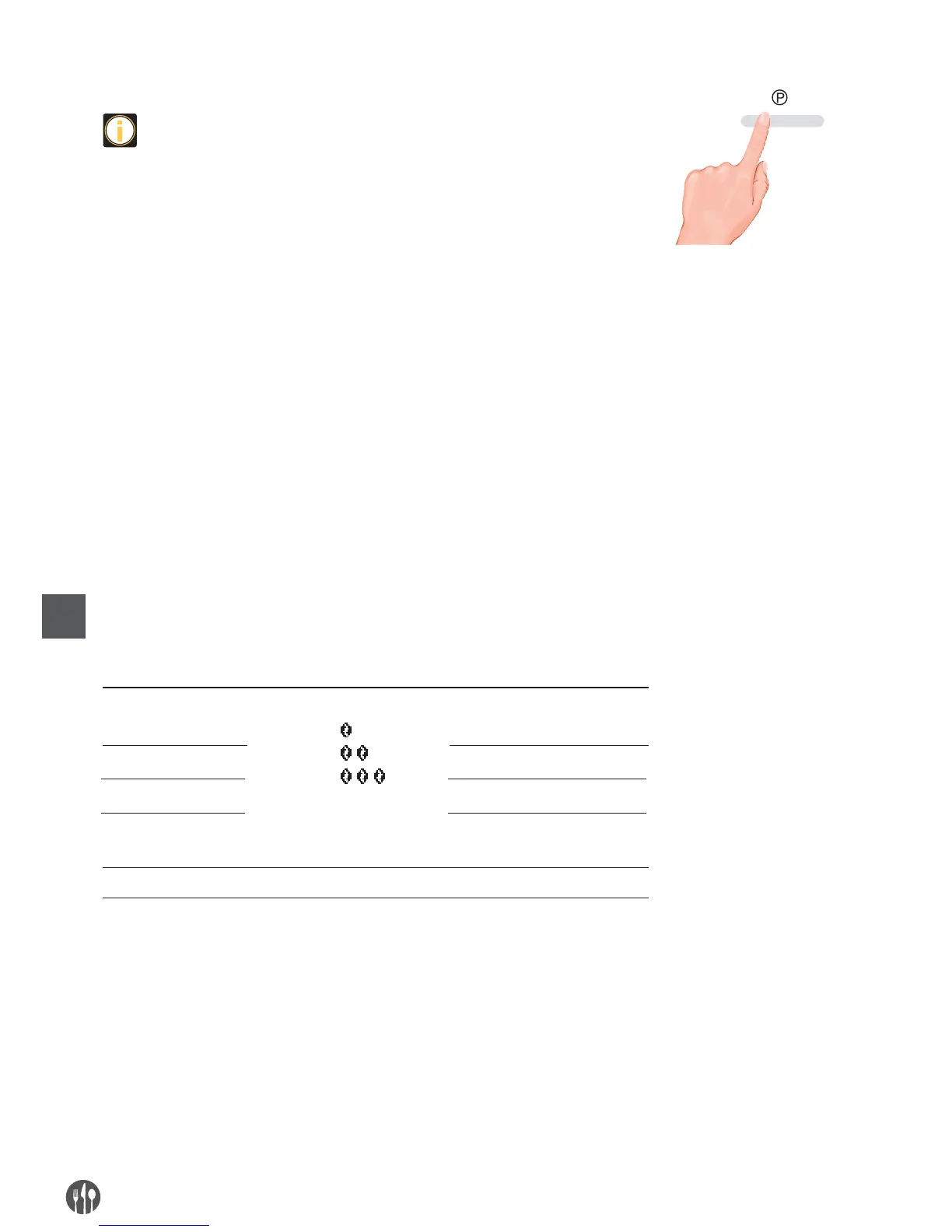
• Ensure the coffee machine shows “READY”, press the setting button, than
press left and right button to select “MENU”, than you can set the menu.
MAINTENANCE SETTING
•
Please read the detailed instructions about rinsing the brewing unit and
decalcifying on P12 and P13.
BEVERAGE SETTING
•
This chapter will instruct you how to set beverages. The setting parameters
include coffee taste strength, amount of coffee, amount of hot water and
steam time.
•
The parameters accomplished by beverage setting will be the default values
for each beverage.
1. Cappuccino setting 3. Coffee setting
2. Espresso setting 4. Steam setting
SETTING UP BEVERAGE PARAMETERS AND RANGE
The parameters as strength and volume can be set for the beverages bellow.
•
The strength, volume and cream making time of Cappuccino can be set
•
The strength and volume of Espresso can be set
•
The strength and volume of Coffee can be set
•
Steam making time can be set
Please read the following table for the detail setting parameters and adjustment range.
TEMPERATURE SETTING
You can set the temperature of coffee baverage. Enter program setting menu, choose
“TEMPERATURE”, press left or right button to choose your coffee temperature.
Press setting button to confirm, setting is completed. There is high temperature and
normal temperature for choosing.
PREWBREW SETTING
Prebrew can be set when making coffee. Enter into setting, choose “PRE-BREW”,
press left or right button to choose if need prebrew precooking, press setting button
to confirm, setting is completed.
Drinks
Cappuccino
Espresso
Coffee
Coffee latte
Steam
Strength Volume
Coffee volume: 25 - 240ML
Cream time: 3 - 120S
Coffee volume: 25 - 120ML
Coffee volume: 25 - 240ML
Coffee volume: 25 - 240ML
Cream time: 3 - 120S
Steam time: 3 - 120S
Mild:
Normal:
Strong:
SETTING


 To Next Page