17
EN
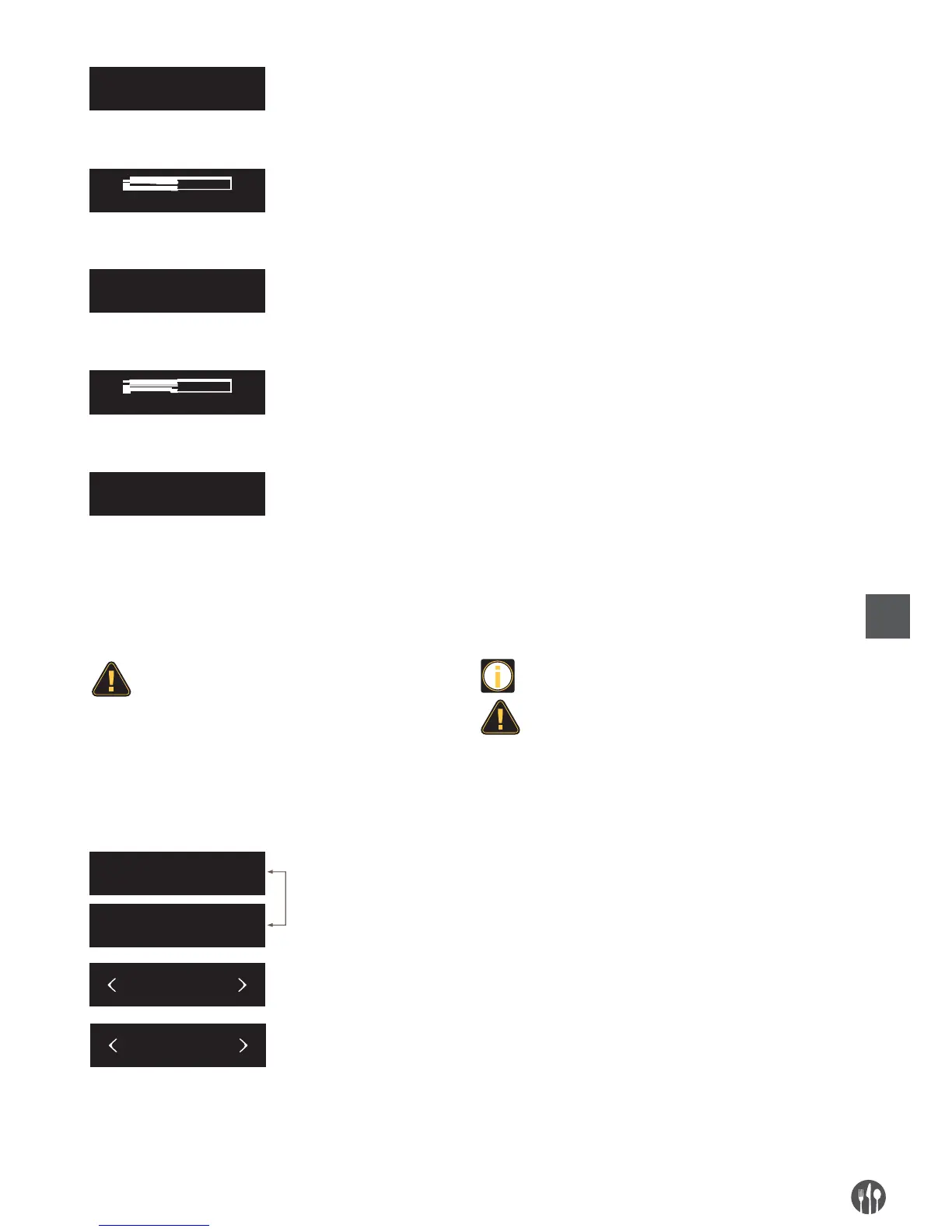
Screen shows “PRESS SETTING” to start.
The brew unit is cleaning.
Open the coffee powder container lid and add the
cleaning tablet, close the coffee powder container lid
and press the cleaning button to clean the brew unit.
Brew unit is cleaning.
After cleaning finished, the machine enters into “READY
”
status.
PRESS SETTING
CLEANING
ADD TABLET
PRESS SETTING
CLEANING
READY
READY
NEED DESCALE
MENU
MAINTENANCE
After a centain time use, the screen will display
“NEED DESCALE” and “READY” alternately. Now,
press
setting button to enter the descaling program.
Press left and right button to choose “MENU”, then press
setting butoon to enter into program setting menu.
Press left and right button to choose “MAINTENANCE”,
then press setting butoon to enter into maintenance
page.
DESCALING THE COFFEE MACHINE
•
The daily usage will cause calcareous deposited
in coffee machine. The depositing rate varies
with the local water hardness.
•
Decalcifier contains acidic substances that would
stimulate your eyes and skin, so you must
strictly comply with the security warnings noted
by manufacturer on the packaging. If you have
contacted it with your eyes or skin by accident,
please wash it with clean water immediately.
•
Dissolve the decalcifier in clean water, and then
lead the mixed liquid into the water tank. Fully
dissolve the decalcifier can descale the coffee
machine more thoroughly.
•
The whole descaling process takes about 30
minutes.
•
The termination during the descaling process
will damage the coffee machine. So once you start
the descaling process, please do not terminate
it midway.


 To Next Page