CHUCK Bolting Data Processor
Operations Manual
CHUCK and all materials within copyright HEX TECHNOLOGY (2021) 3
Unboxing Your CHUCK
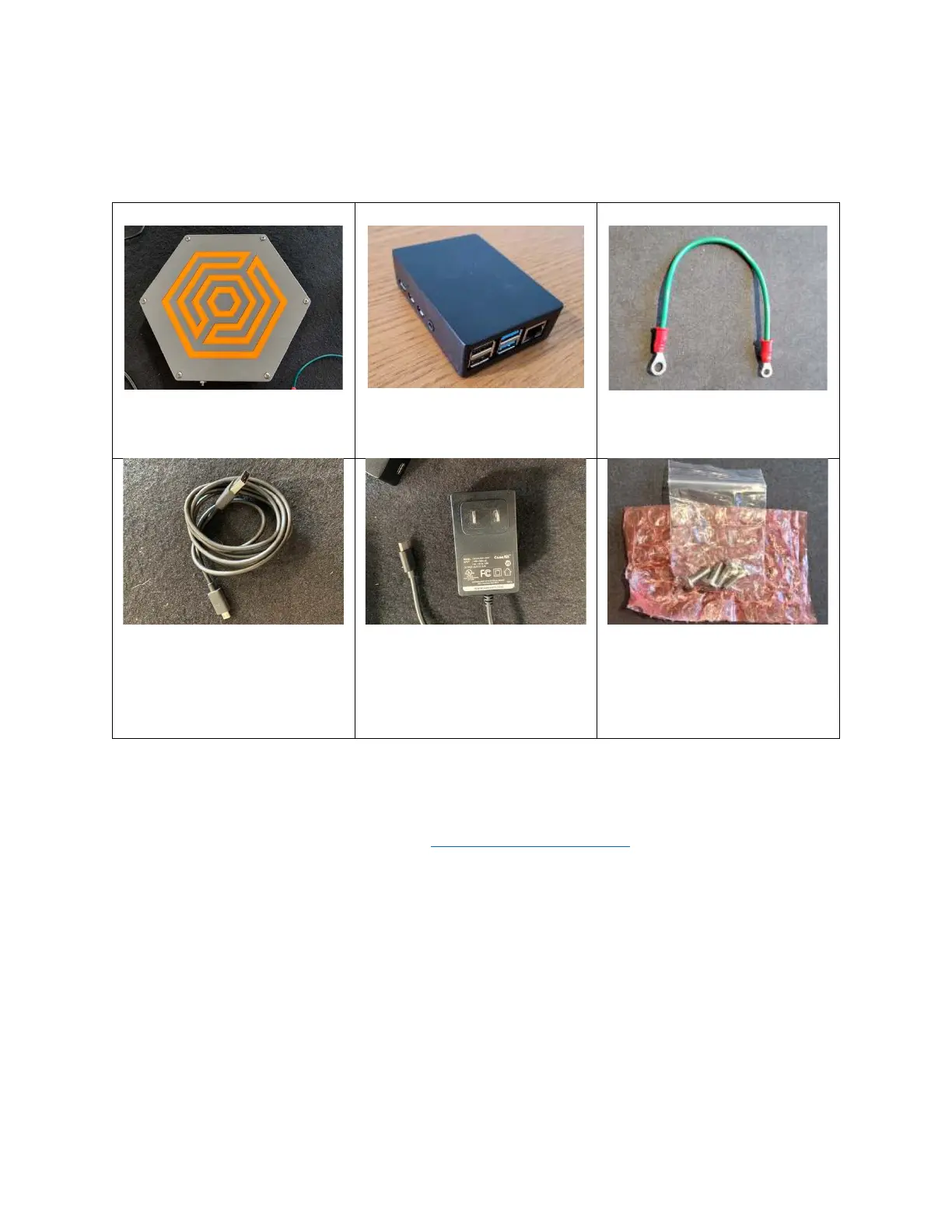
The package you receive will contain 6 items:
CHUCK Brain
(Hexagonal box)
Server
(Black box)
Ground Wire
Micro B USB Cable
Power Supply with USB-C
connector
Four (4) #10 machine screws
for mounting CHUCK Brain.
(Packaged in red bubble
wrap.)
You will find a label on the underside of the CHUCK Brain with the WiFi network name, the WiFi
password, and the CHUCK serial number. You will need those items to connect to your CHUCK.
If you discover an item is missing, contact
help@hextechnology.com.
Powering Up Your CHUCK
1. Connect the CHUCK Brain to Server using USB cable.
a. Connect the USB cable to the Chuck Brain using the Micro B USB port centered
on one edge of the box.
b. Connect the other end of the USB cable to any of the four USB ports on the
Chuck Server.
2. Power up Server and Brain.
a. Connect the power supply cable to the USB-C port on the side of the Server.


 To Next Page