Arm Connection
ROMER ABSOLUTE ARM Manual V2.3.1 (29/05/2012) 45
WI-FI (MOBILITY PACK)
D.2
Note about Wi-Fi network SSID: D.2.1
The SSID (identification) of your ROMER ABSOLUTE ARM refers to the Feature Pack and is
the following:
“T-UN-FF”
T: type of Feature Pack
UN: serial number of the Feature Pack
FF: Factory
Arm setup D.2.2
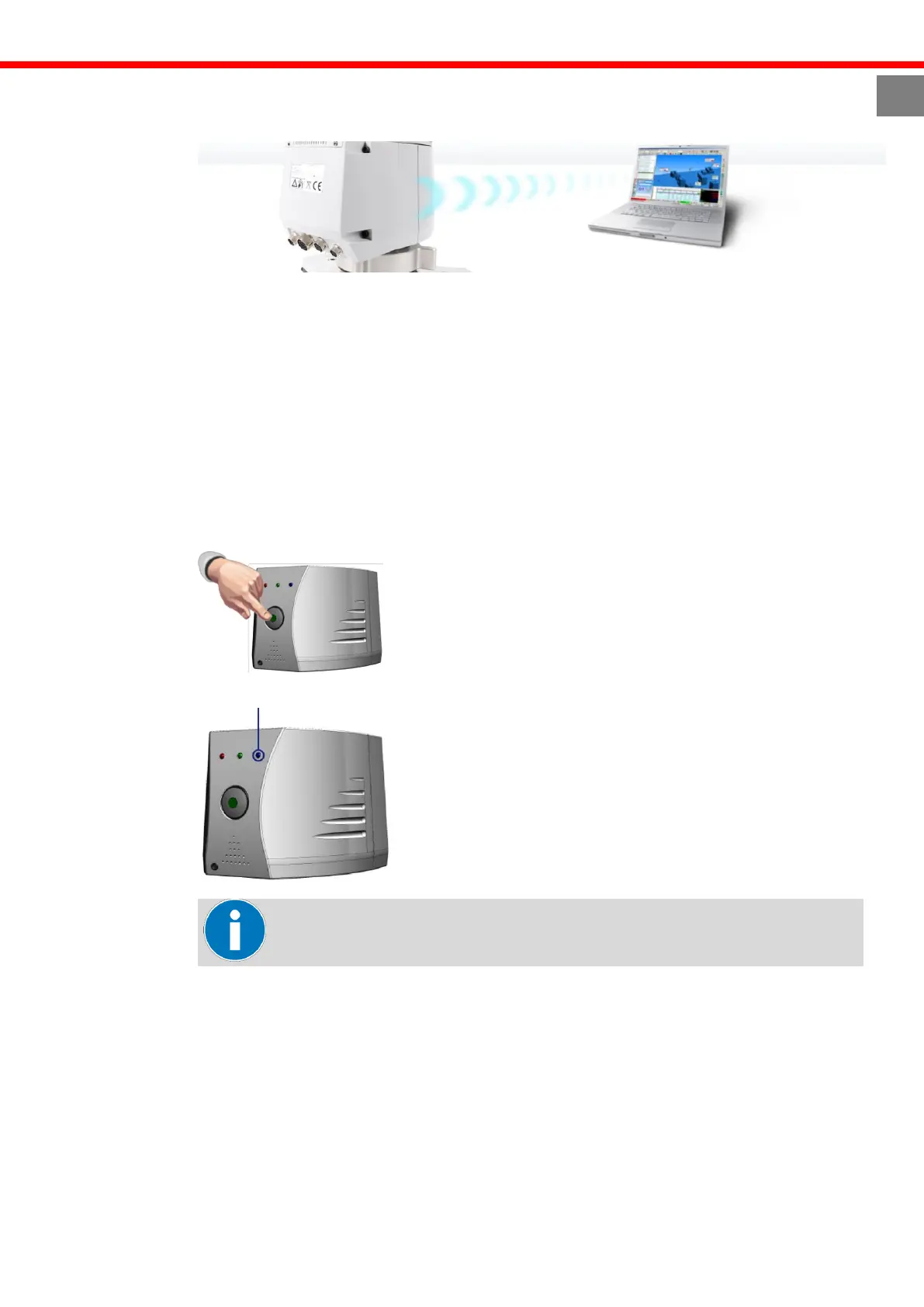
1. Make sure that the FP2 Mobility Pack or higher is installed on the arm.
2. Power on the arm by holding the power button for at least 1 second.
3. Ensure that the blue light on the front of the arm is on. If not, ensure the USB cable is
unplugged
Wi-Fi is available only when USB cable is unplugged.



 To Next Page