Measure with the arm
ROMER ABSOLUTE ARM Manual V2.3.1 (29/05/2012) 85
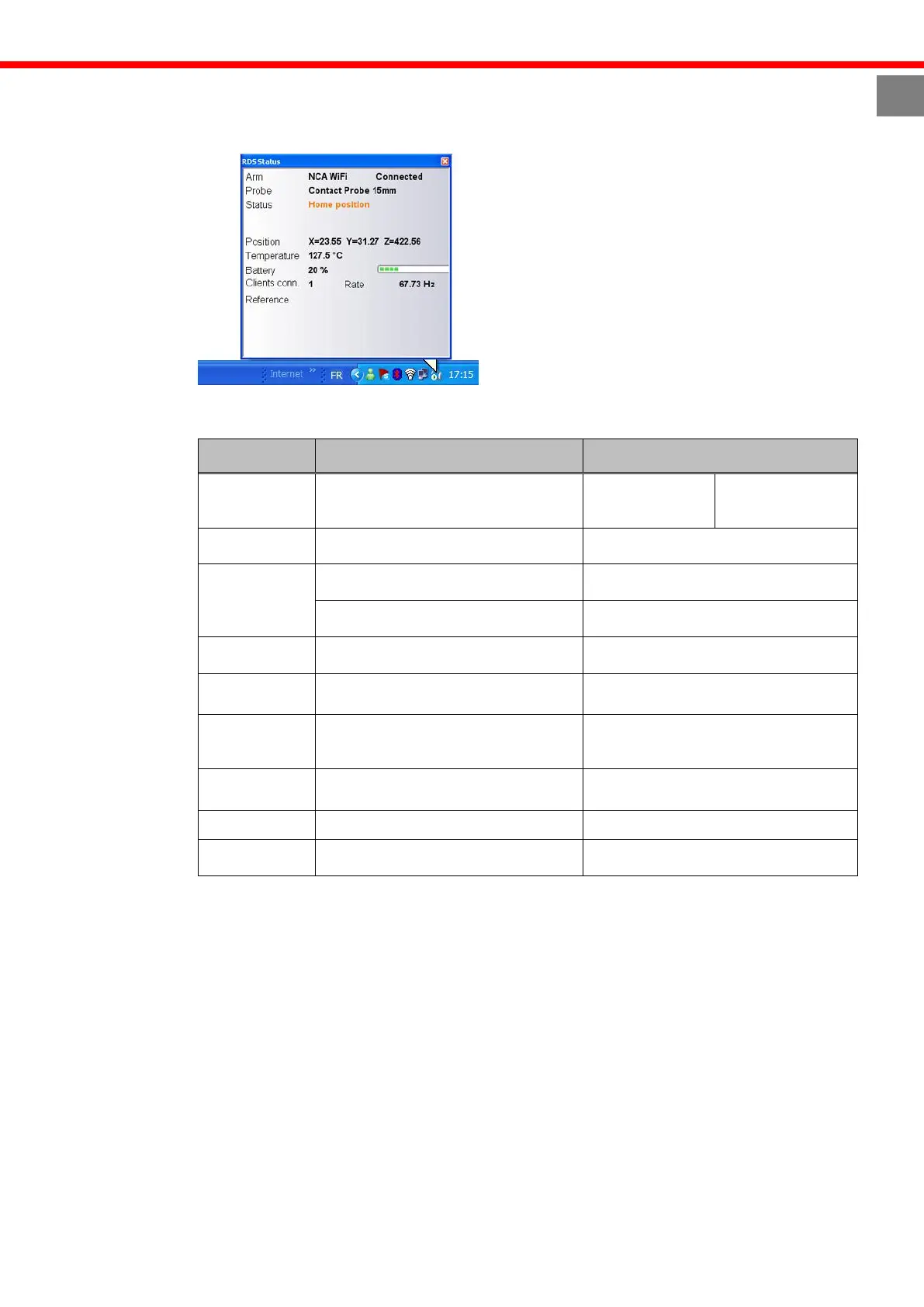
Display arm status F.8.2
Click the RDS icon at any time to display the arm status.
The information displayed is:
Type of arm and of connection
Name of the current probe
Current status of the arm
Information area (connection errors,
encoder limit…
Warning! An encoder is over limit!
Coordinates of the center of the
probe due to arm reference.
X, Y, Z coordinates in mm
Temperature measured by the arm
Power Supply
Low battery
Level in %
Number of software currently using
the arm through RDS
Frequency of reading of the arm.
Position of the arm in case of VPS,
LOK or Leapfrog
At any moment, you can check the status of the arm simply overpassing the mouse on RDS
icon.



 To Next Page