EasyManua.ls Logo

Hexagon ROMER Absolute Arm - Page 82

Default Icon
106 pages
Print Icon
To Next Page IconTo Next Page
To Previous Page IconTo Previous Page
Loading...
Measure with the arm
ROMER ABSOLUTE ARM Manual V2.3.1 (29/05/2012) 82
F
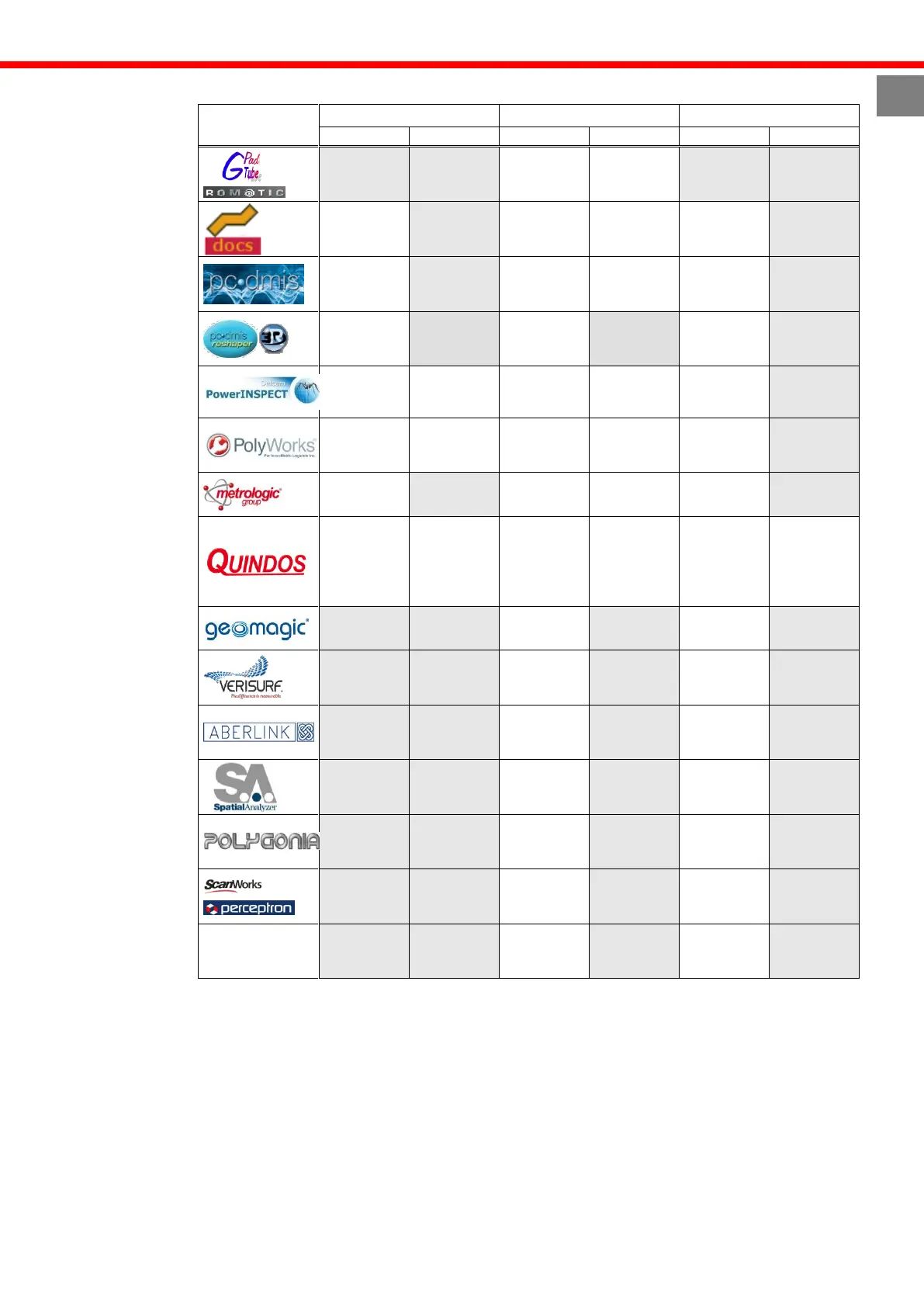
Therefore, depending on the software, buttons are defined as following :
Software
Button0 (white)
Button1 (Red)
Button2 (Yellow)
Short
Long
Short
Long
Short
Long
Hit Pt.
Validate
Del Pt.
Hit Pt.
Stand by
Del PT
Del Pt. /
Cancel
Hit Pt.
Burst Pts
Validate /
OK
Del last
patch
Hit Pt./
Scan.
Validate
Del Pt.
Del All Pts
Hit Pt. /
Scan
Burst Pts
Validate
Del Pt. /
Scan
Del All Pts
Hit Pt. /
Scan
Burst Pts
Validate
Validate
Hit Pt. /
Scan
Burst Pts
Validate
equivalent
to POS-
button on
Leitz
jogbox
DELR
Hit Pt.
Burst Pts
Execute
actual line
End
Hit Pt. /
Scan
Validate
Hit Pt. /
Scan
Hit Pt.
Hit Pt. /
Scan
Validate
Start-Stop
scan
Start-stop
Scan
Validate
CALYPSO
Hit Pt.
Validate

Table of Contents