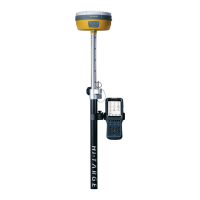
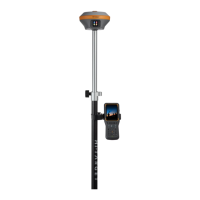
V60 GNSS RTK System Operation Instruction
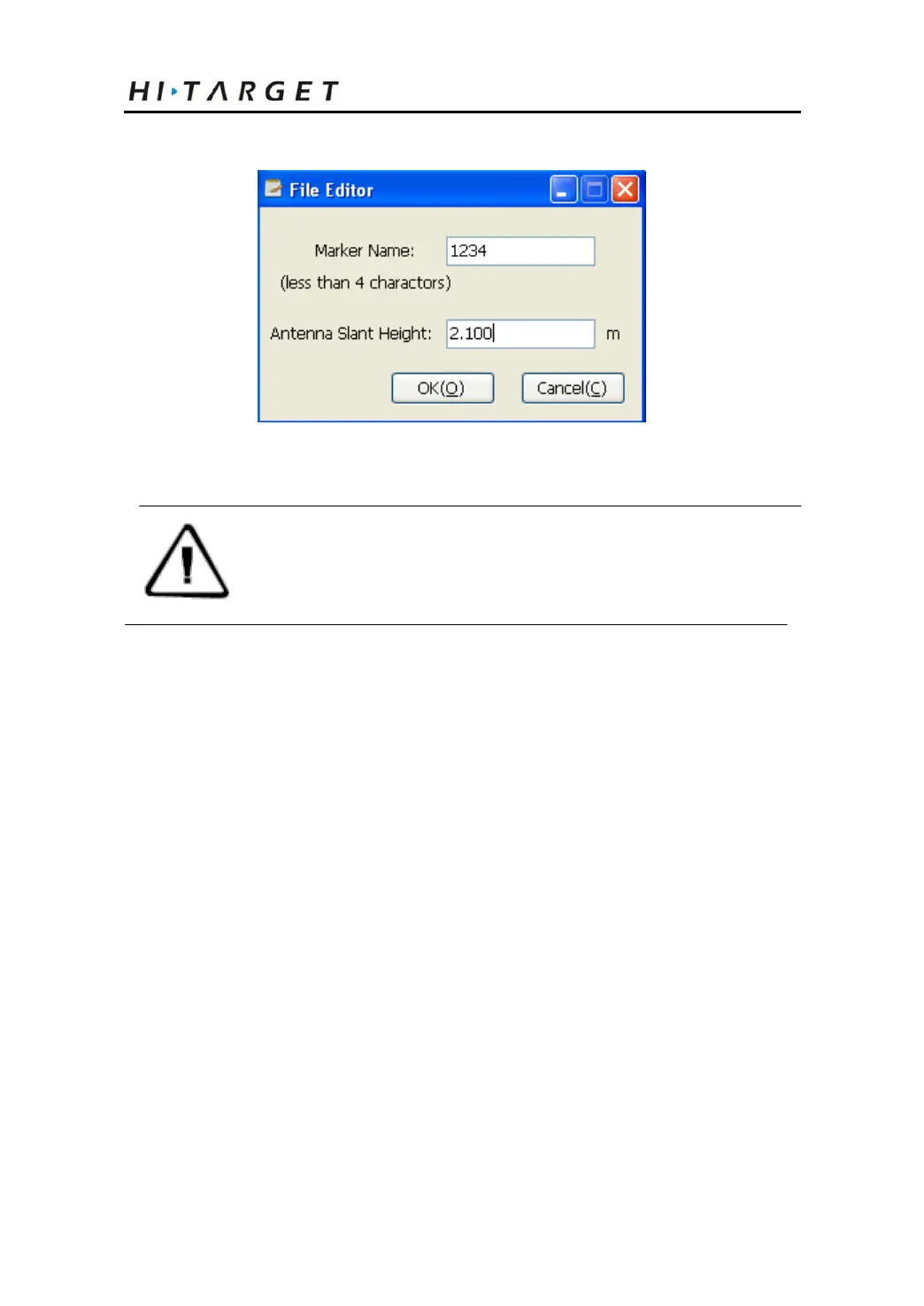
Figure 4-3
Note: the static files in removable disk can be
deleted by GNSS receiver management
software rather than deleting directly.
Operations of Static Management Software
The main functions of GNSS receiver management software:
◇ Delete the original data document
◇ Delete and format the whole internal storage
◇ Read and set the parameters
◇ Set the storage path of static data
Procedures:
1. Use two ends of Y-type data line to connect eight-core
socket of receiver and serial port of computer.
2. Select computer port and click connect.
3. Refresh directory; the observed data file will appear in the
43



 To Next Page