vRTK GNSS System User Manual
6
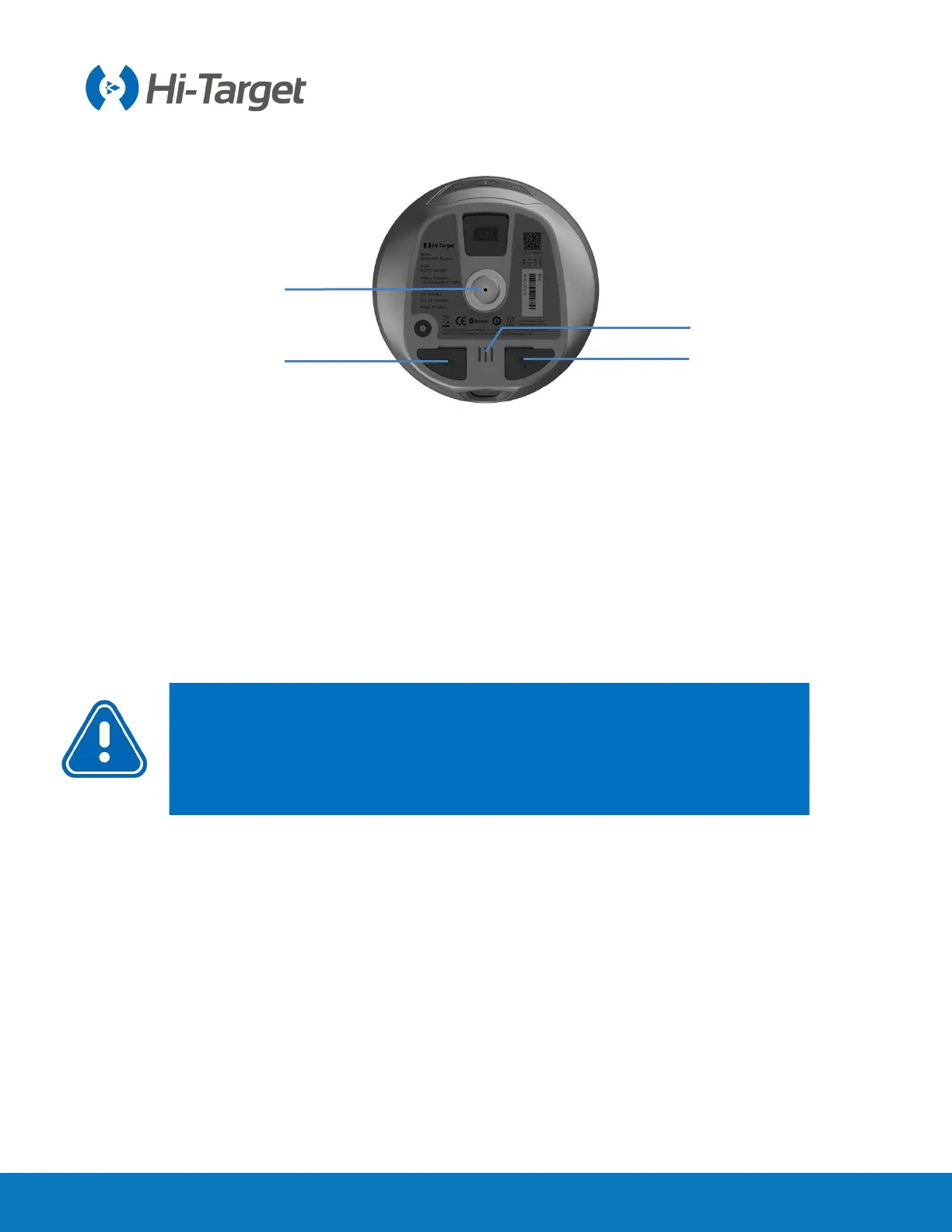
Figure 2-1-3
1. Type-C USB interface 2. Connection screw 3. Speaker 4. SMA antenna interface
◇
SMA antenna interface: Connect the radio antenna while using the Internal UHF mode.
◇
Type-C USB interface: To upgrade firmware and download static data.
◇
Protective plug: Used for dustproof and waterproof sockets.
2.1.3 Control cover
The control panel includes a satellite light, power button and data light.
Notice:
If you don’t use the SMA antenna interface and USB interface, please
cover the rubber plug to protect them from dust and water.
If the speaker becomes flooded, the sound may be silent or hoarse, but it will
return to normal after it has dried.



 To Next Page