vRTK GNSS System User Manual
16
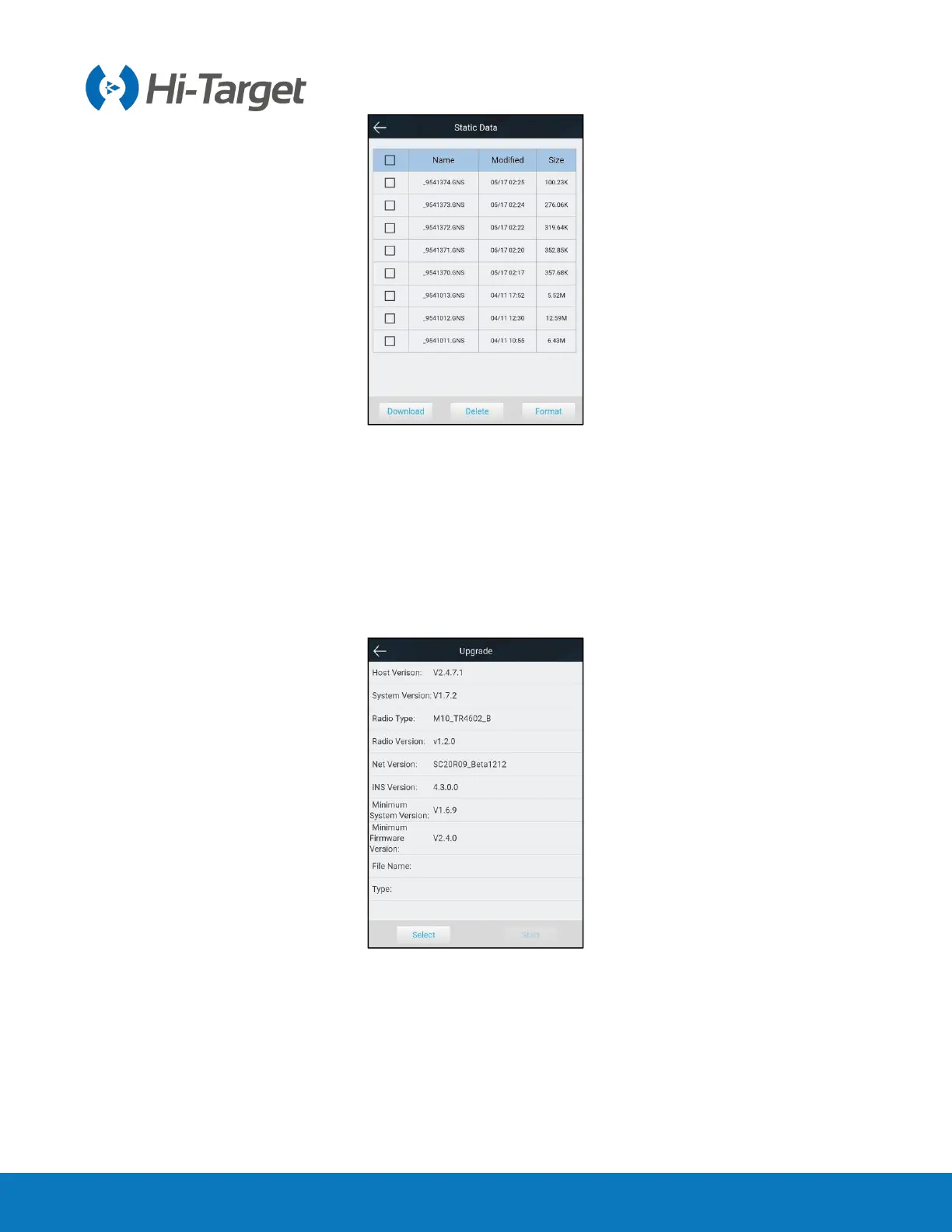
Figure 2-3-17 Static data
2.3.5 Firmware
1. Upgrade
Display specific device version information. Click ‘Select’, choose the upgrade package required and
then click ‘Start’. The receiver will automatically detect and upgrade the firmware.
Figure 2-3-18 Upgrade
2. Restore
You can restore the system to its former state after the last firmware upgrade.



 To Next Page