Rev. B 08-2017
32
MTEC.4680.GB-B-1 Operation and maintenance manual GH serie English
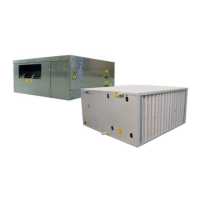
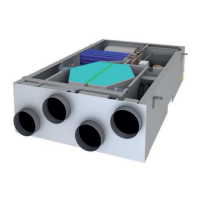
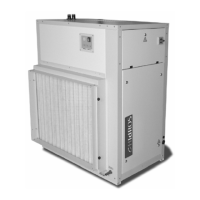
GH Dehumidifiers for radiant cooling system
5. UNIT START UP
5.1 Preliminary checks
Start-up operations must be performed in accordance with the instructions detailed in the previous paragraphs.
Do not modify internal wiring of the unit as this will immediately invalidate the warranty.
Verify that the unit is installed in a workmanlike manner and in accordance with the guidelines in this manual.•
Check that all power cables are properly connected and all terminals are correctly fixed.•
The operating voltage the one shown on the unit labels.•
Check that the unit is connected to the system earth.•
Check that there is no refrigerant leakage.•
Check for oil stains, sign of a possible leak.•
Check that the refrigerant circuit shows the correct standing pressure on the pressure gauges (if present) otherwise use external ones.•
Check that the Shrader port caps are the correct type and are tightly closed. •
Check that all water connections are properly installed and all indications on unit labels are observed.•
The system must be flushed, filled and vented in order to eliminate any air.•
Check that the water temperatures are within the operation limits reported in the manual.•
Before start up check that all panels are replaced in the proper position and locked with fastening screws.•
Before starting the unit the checks detailed in this manual of the electric supply and connections, the hydraulic system and the refrigerant
circuit, should be performed.
5.1.1 Before start-up
Damage can occur during shipment or installation. It is recommended that a detailed check is made, before the
installation of the unit, for possible refrigerant leakages caused by breakage of capillaries, pressure switch con-
nections, tampering of the refrigerant pipework, vibration during transport or general abuse suffered by the unit.
5.2 Control panel
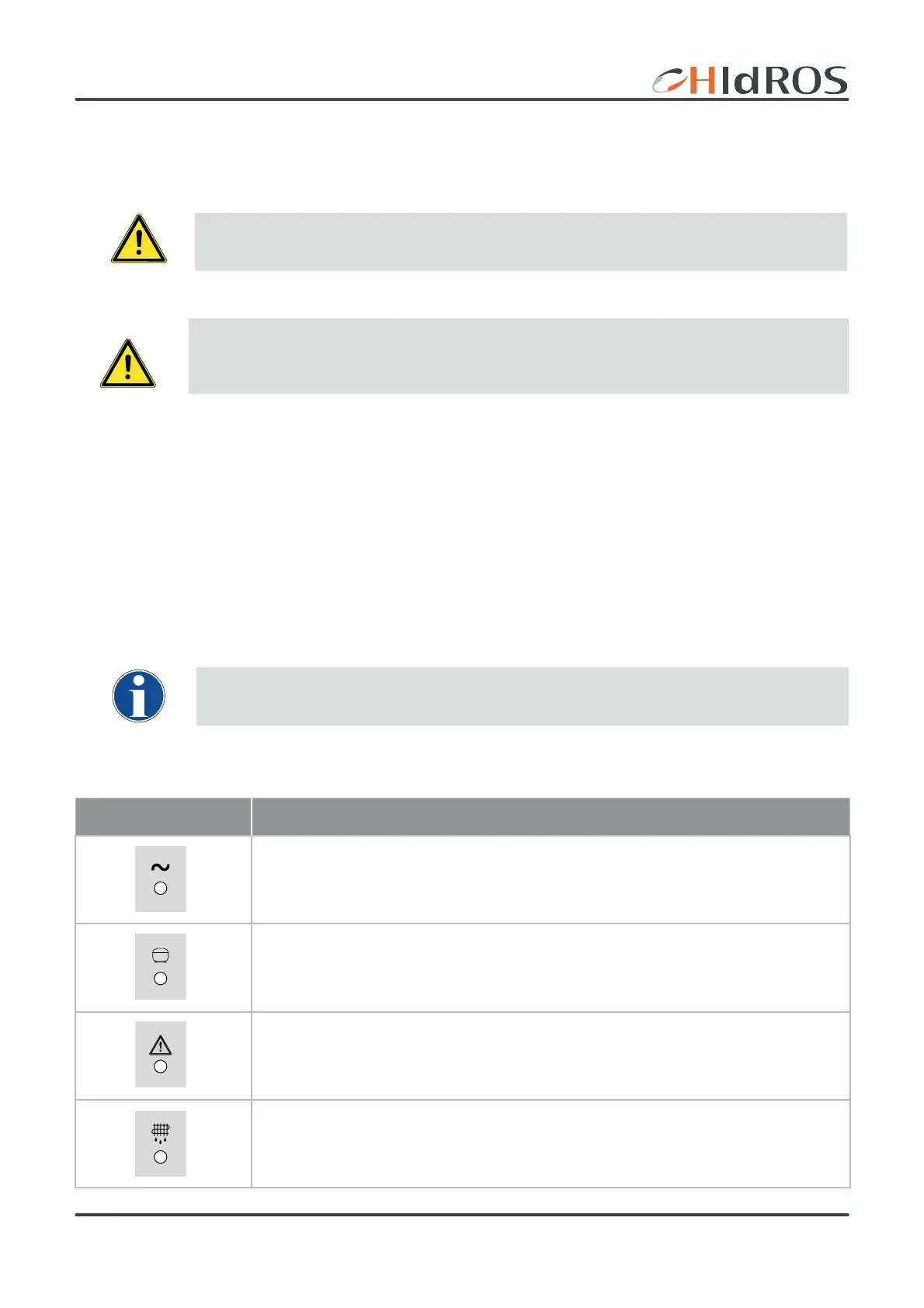
Icon Meaning
Electrical supply (green): indicates that green switch has been turned in On position and the unit is
electrically supplied.
Compressor led (green): indicates compressor status with the following meanings:
led ON: compressor running;
led blinking: compressor time delay to start;
Alarm led (red): indicates the unit alarm status
Red led ON or blinking: see paragraph 6.4
Defrost led (yellow): indicates that the units is executing the defrost cycle;
led fastly blinking: execution of drop cycle at the defrost end;



 To Next Page