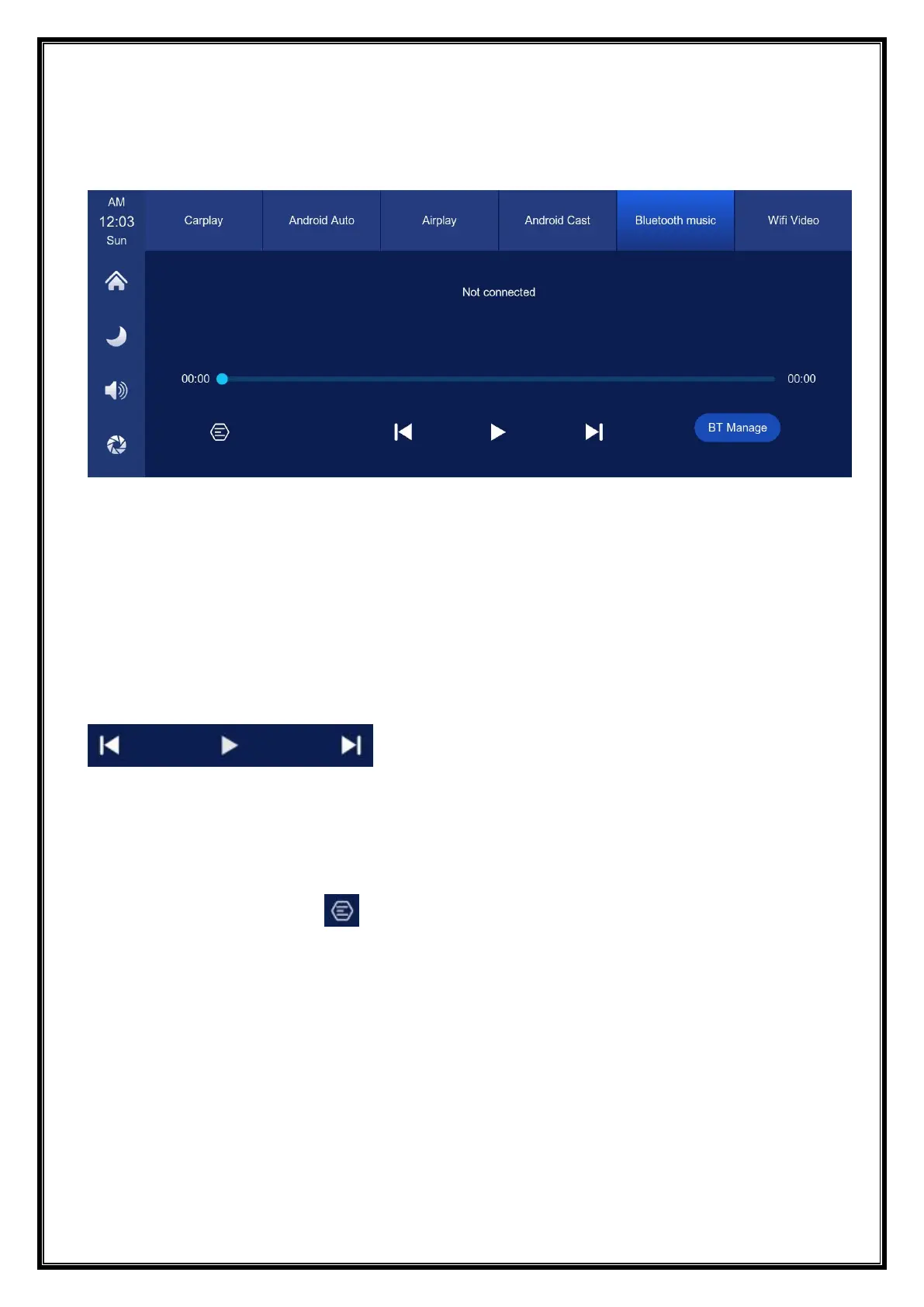
E. Bluetooth Music
Turn on the Wi-Fi and Bluetooth of the mobile phone first, and select [Bluetooth
Music] option. Click the [BT Manage] option on the interface to connect Bluetooth
to the mobile phone and start playing music.
The buttons correspond to "previous song", "play/pause" and "next song"
respectively.
Click on the Lyrics button [ ] to display the lyrics.
(Some mobile music player apps do not support displaying lyrics)


 To Next Page