I. Audio Output
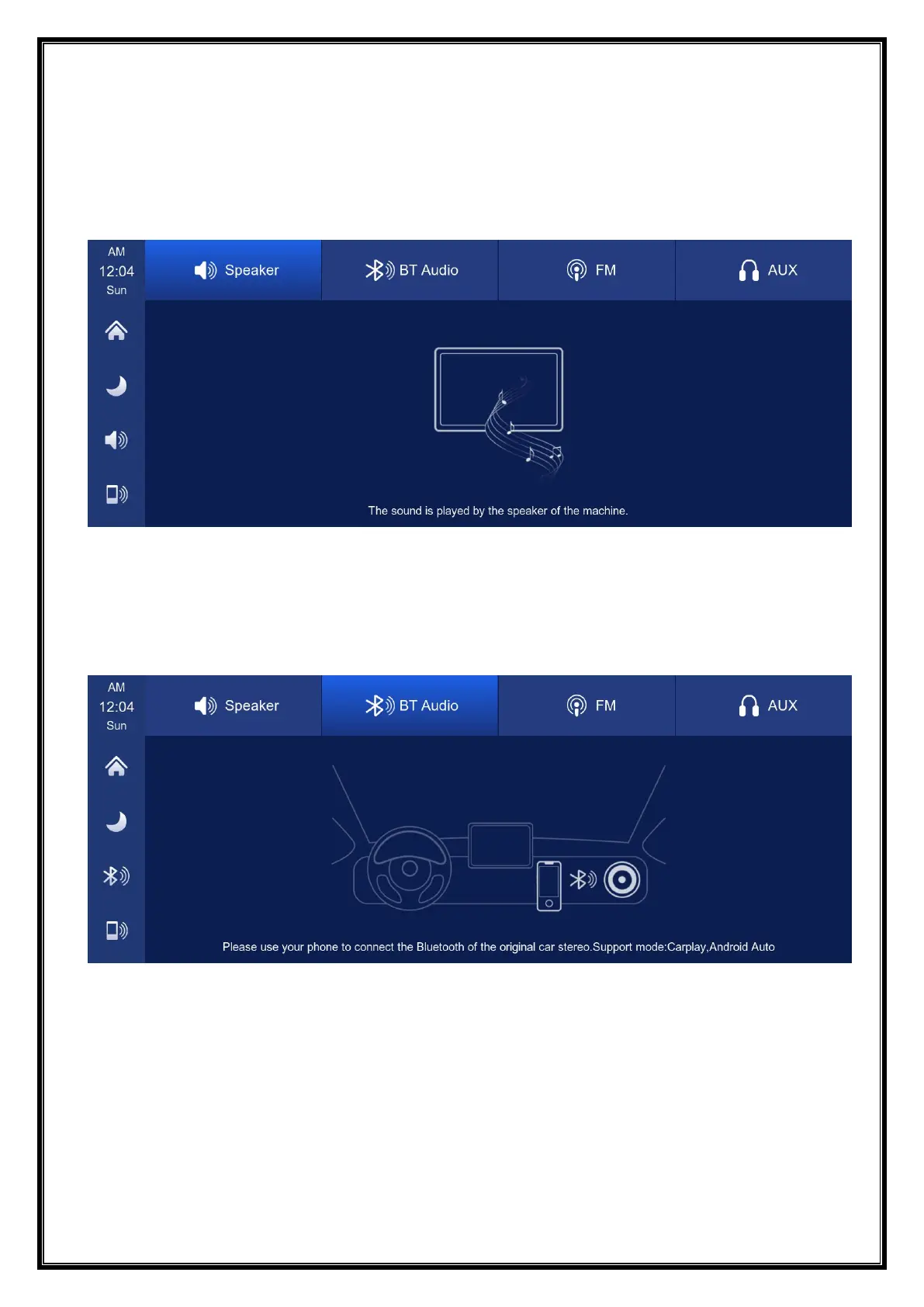
Click the [Audio Output] button to enter the audio output selection interface.
① 【Speaker】: The sound will be played from the speaker of the smart screen.
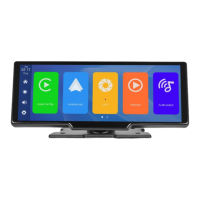
②【Carplay/Auto】: Select this mode, and then connect to【Apple CarPlay】or【Android
Auto】to cast the screen, you can use the phone's Bluetooth to directly connect to the
original car's Bluetooth. After the connection is successful, all sounds from the device
will be transmitted to the original car speakers via Bluetooth.


 To Next Page