H. Playback
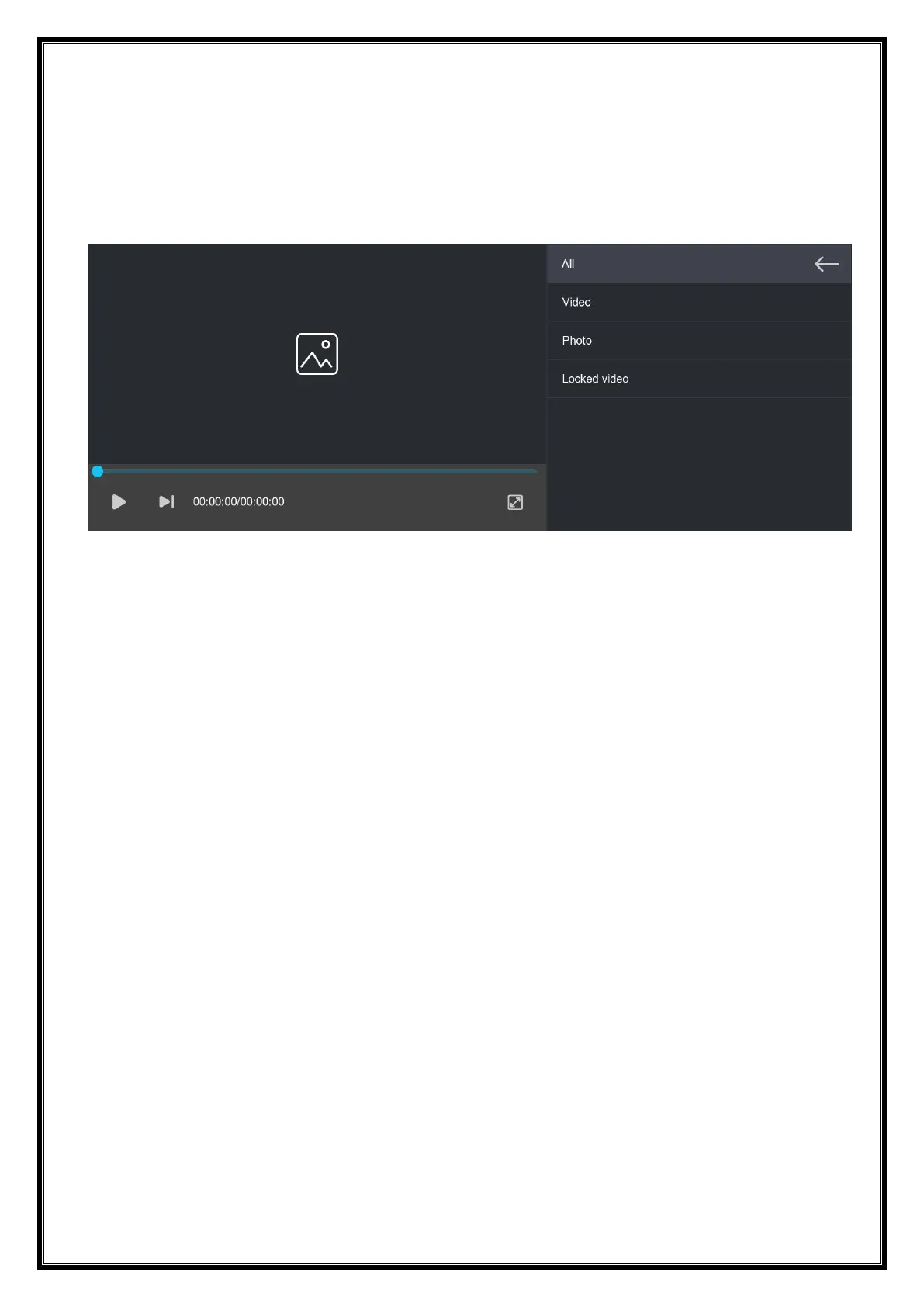
As shown above, click the [Playback] button to enter the video playback interface.
You can click any to play back the video and play the video on the right.
[Video] Click to view the recorded loop video.
[Photo] Click to view the pictures taken by the one-click photo function.
[Locked video] Click the video saved after locking.


 To Next Page