G. DVR
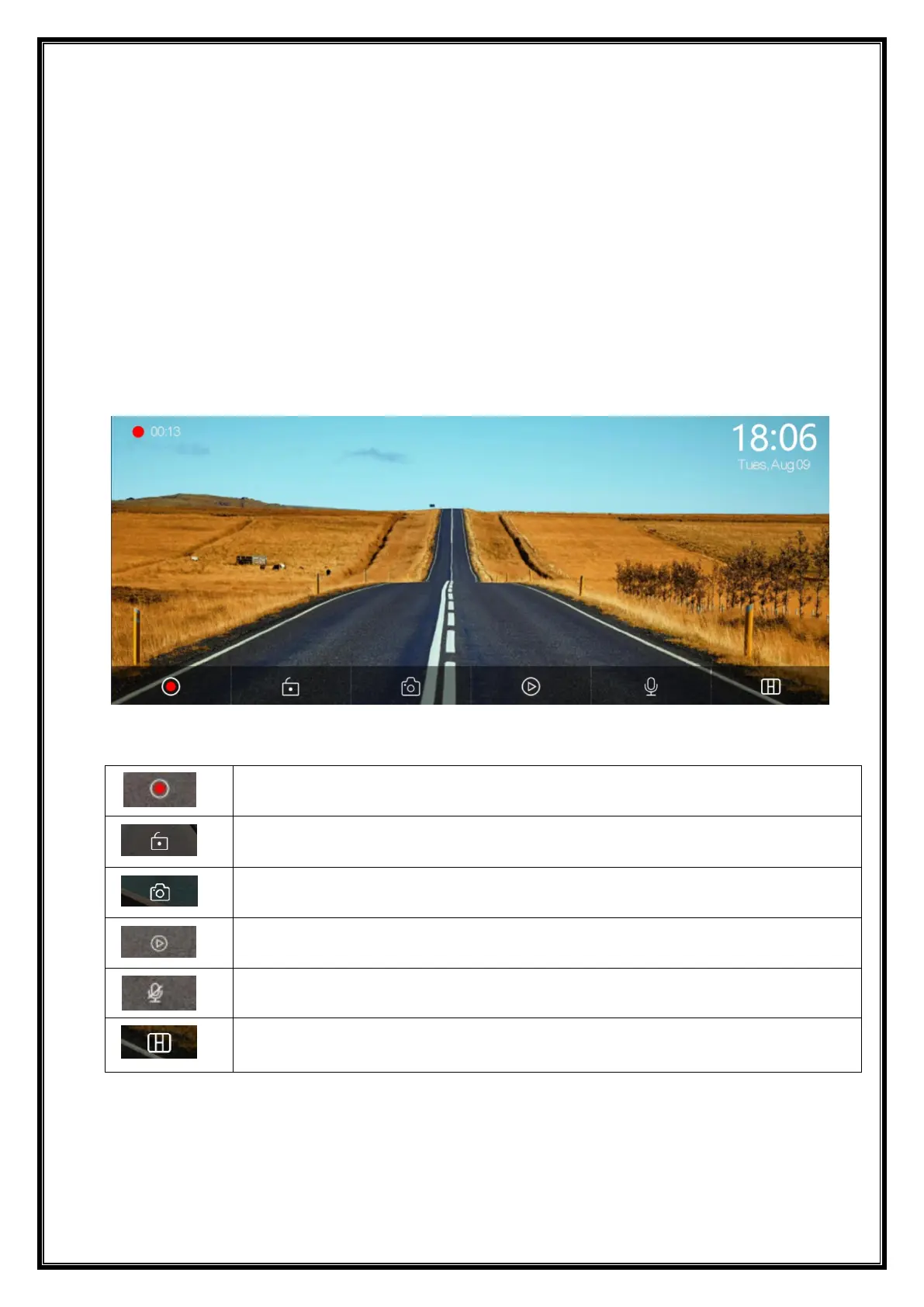
As shown in the picture, the main page will not display the camera image, you need to
click the Dvr button to view the camera image. When a card is inserted, the system
automatically enters the video mode, and when recorded, the small red dots in the
[Driving Monitoring] button will flash.
Start recording and click Close recording again.
Lock the video for a few minutes and the data will not be deleted.
Click to take a photo with one click.
Turn recording sound on or off.
Click to switch the camera distribution screen.


 To Next Page