Chapter 3 Access to the Network
Speed dome
3.1 Accessing by Web Browsers
Steps:
1. Open the web browser.
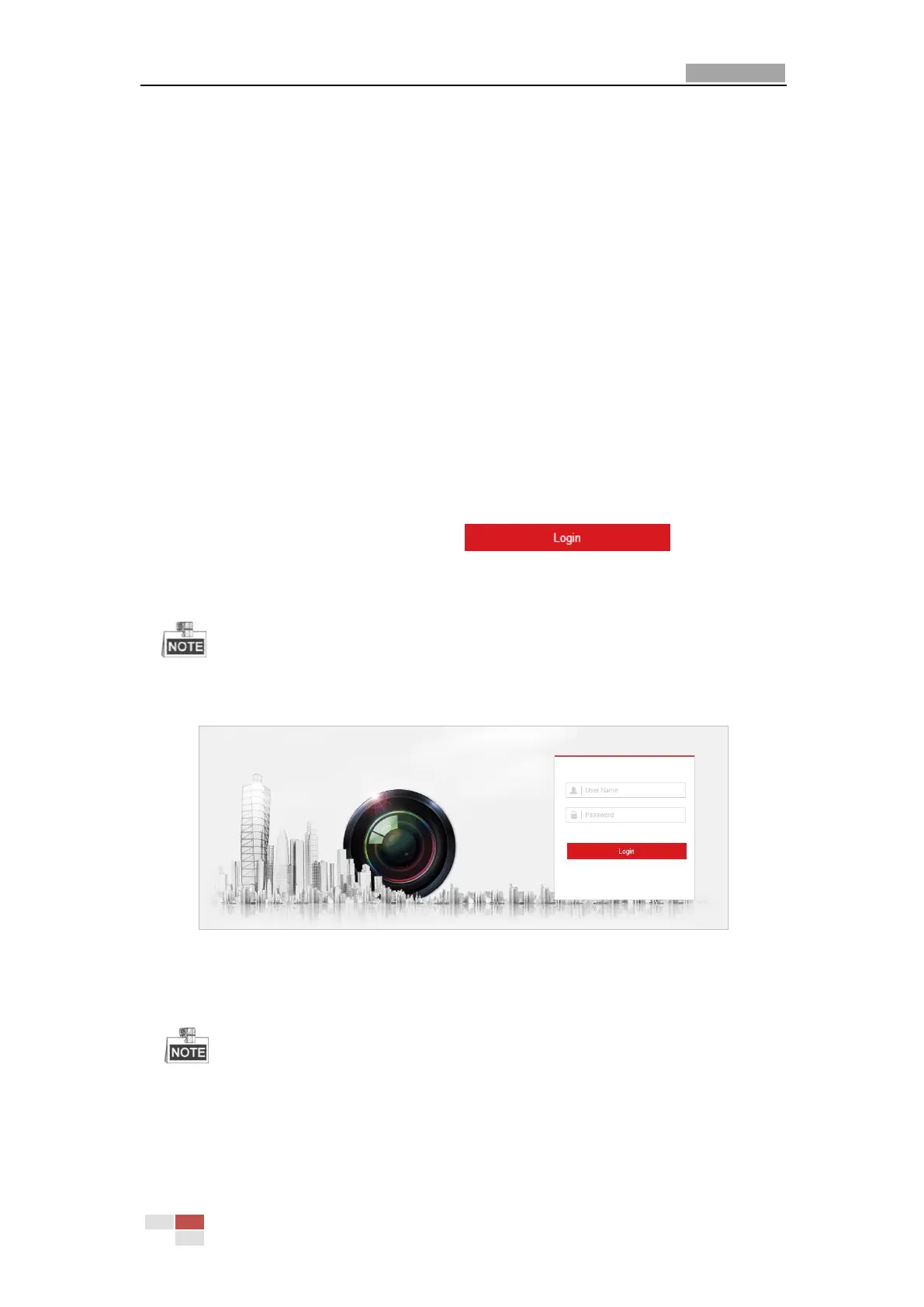
2. In the address field, input the IP address of the network speed dome, e.g., 192.168.1.64 and
press the Enter key to enter the login interface.
3. Activate the speed dome for the first time using, refer to the section 2.1.2 Activating the
Speed dome.
4. Select English as the interface language on the top-right of login interface.
5. Input the user name and password and click .
The admin user should configure the device accounts and user/operator permissions properly.
Delete the unnecessary accounts and user/operator permissions.
The device IP address gets locked if the admin user performs 7 failed password attempts (5
attempts for the user/operator).
Figure 3-1 Login Interface
6. Install the plug-in before viewing the live video and operating the speed dome. Please follow
the installation prompts to install the plug-in.
You may have to close the web browser to install the plug-in. Please reopen the web browser
and log in again after installing the plug-in.



 To Next Page
 Loading...