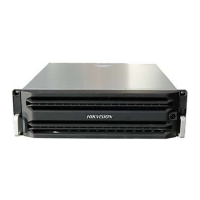
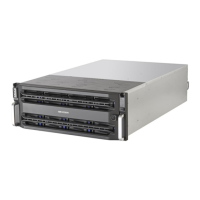
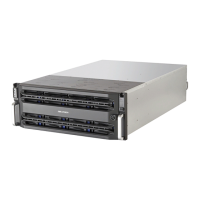
DS-A83 Series ICVS Quick Start Guide
20
Chapter 4 Device Startup
Purpose:
Proper startup and shutdown procedures are crucial to expanding the life of the device.
Before you start:
Connect all the data ports to Gigabit switch with the delivered CAT 5e cables.
Step 1 Check if the power supply is plugged into an electrical outlet. It is HIGHLY recommended that
an Uninterruptible Power Supply (UPS) is used in conjunction with the device.
Step 2 Press the power button on the front panel. It will take about 5 to 10 minutes to start up
device.


 To Next Page
 Loading...