DS-A83 Series ICVS Quick Start Guide
27
Chapter 8 HDD Management
Purpose:
You can search the information of all the HDD in storage device.
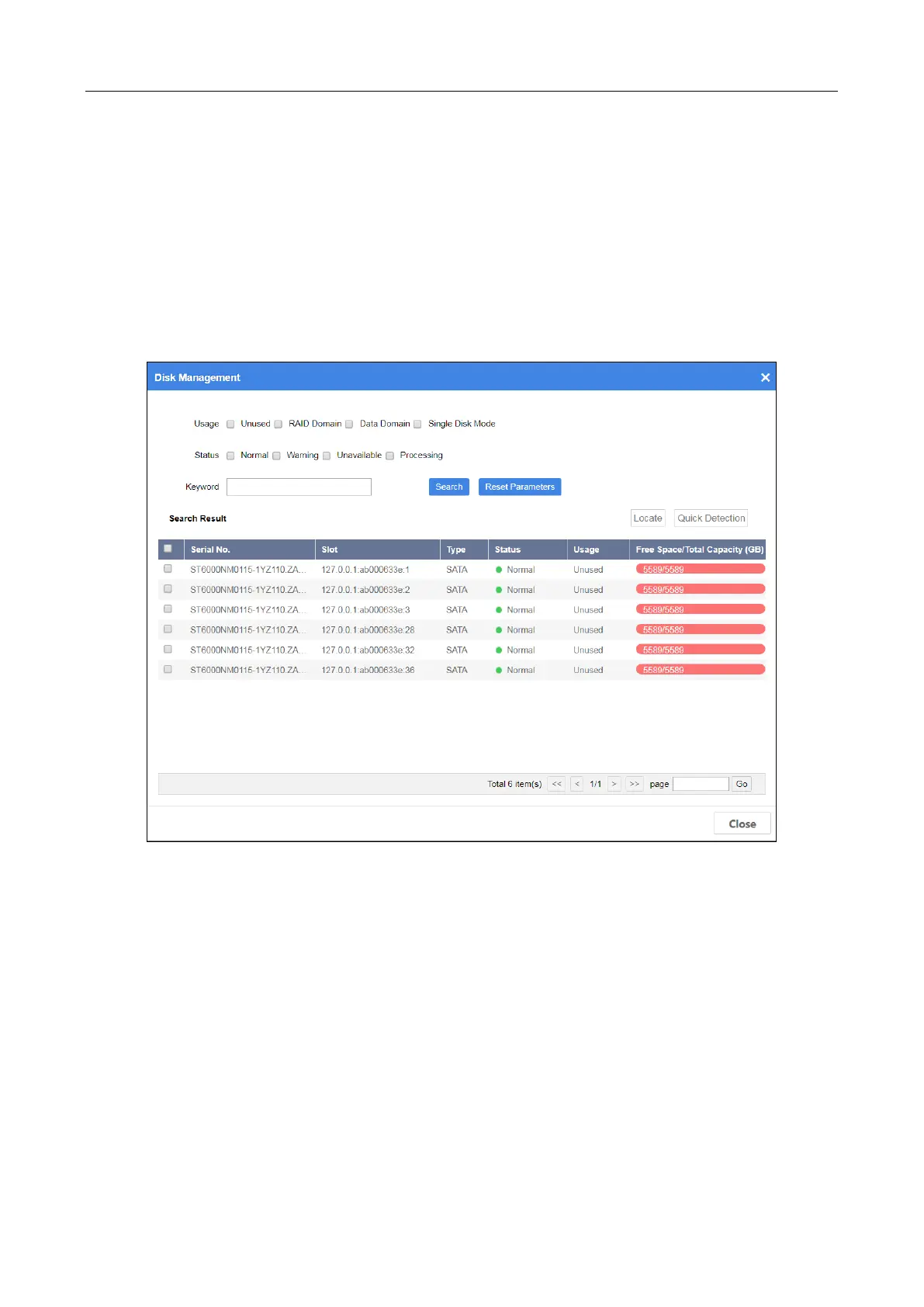
Step 1 Go to Maintenance > Disk Management or Device > Information Overview > Disk
Management.
Figure 8-1 Disk Management
Step 2 Specify search conditions.
Usage:
Unused: Disk that not used by any RAID domain.
Single Disk Mode: Reserved.
When disk Usage is set as Unused, Status description is shown as follows:
Normal: Disk is normal in all online nodes.
Alarm: Disk is normal in some online nodes. Or bad sector exists in the disk.
Unavailable: Disk is abnormal in all the online nodes. Disk will be removed from resource
pool.
Processing: Disk is being detected, located, repaired, moved, or maintained.


 To Next Page
 Loading...