DS-A83 Series ICVS Quick Start Guide
25
Chapter 7 Time Configuration
Purpose:
You can select time zone and synchronize time manually or by NTP.
7.1 Synchronize Time Manually
Step 1 Go to Maintenance > Time Management.
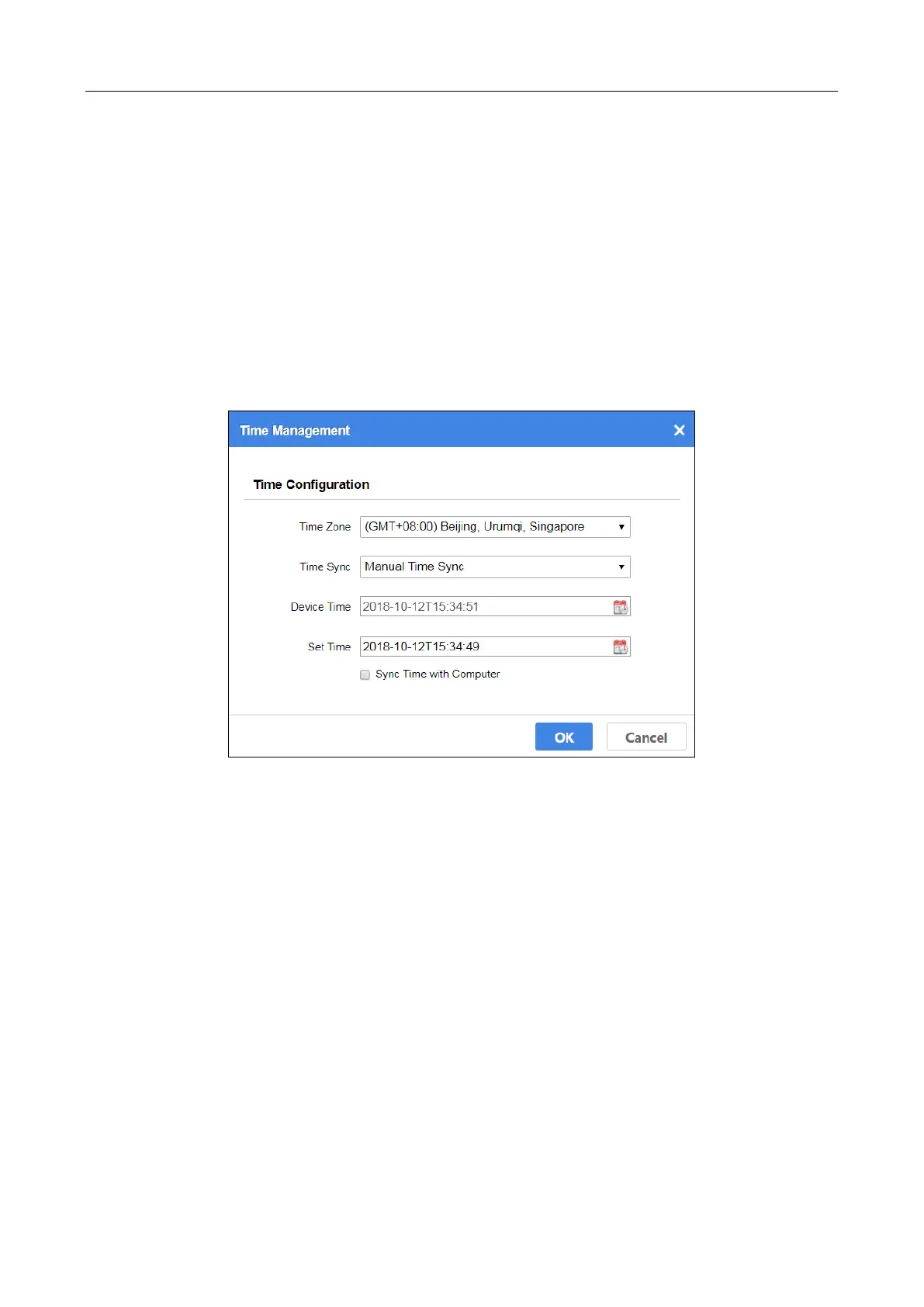
Figure 7-1 Time Management
Step 2 Select Time Zone.
Step 3 Select Time Sync as Manual Time Sync.
Step 4 Click OK.
7.2 Synchronize Time by NTP
Step 1 Go to Maintenance > Time Management.
Step 2 Select Time Zone.
Step 3 Select Time Sync as NTP Time Sync.
Step 4 Input Time Server IP Address, Time Server Port, and Time Sync Interval.
Step 5 Click OK.


 To Next Page
 Loading...