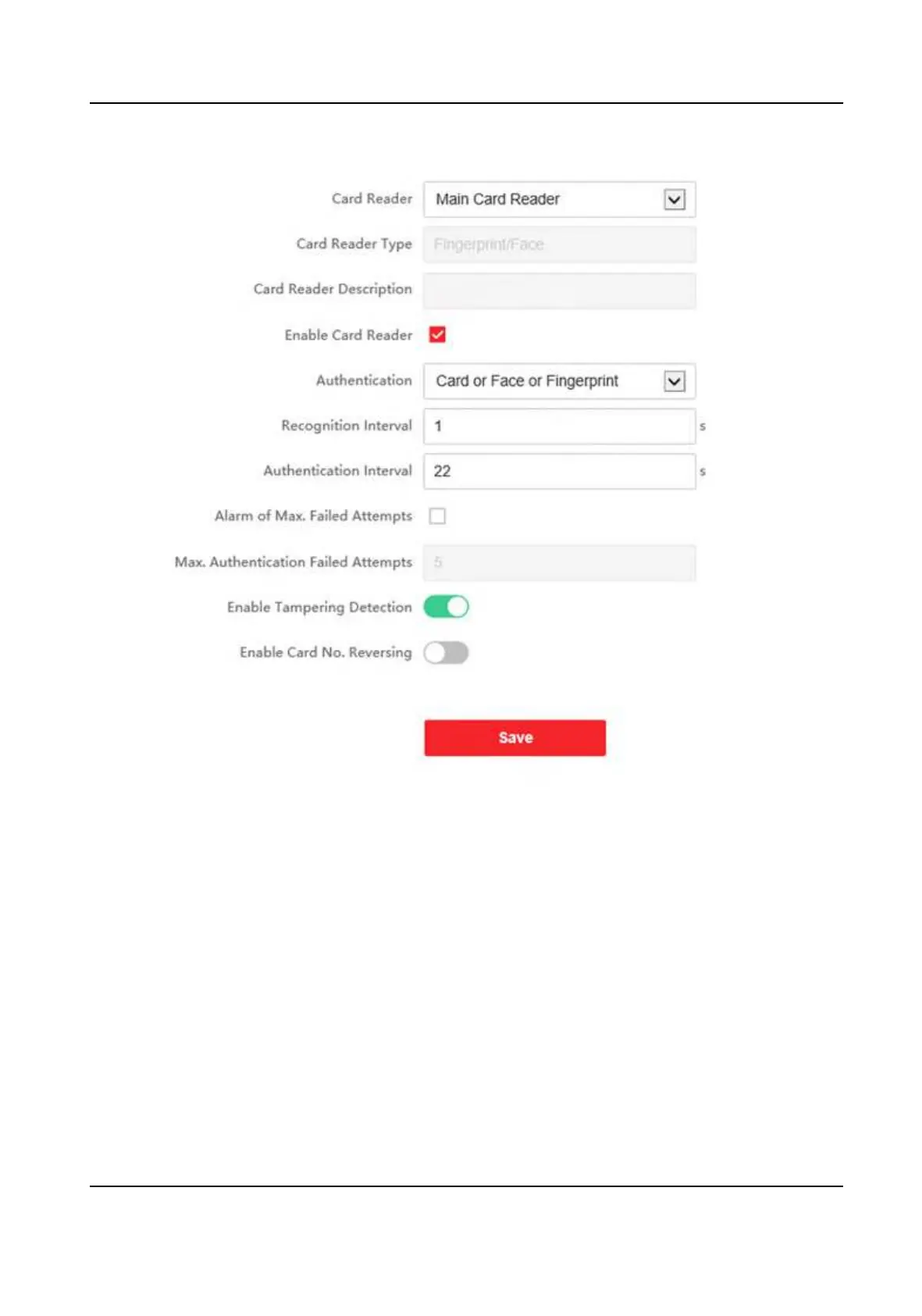
Figure 9-10 Set Authencaon Parameters
Click Save to save the sengs aer the conguraon.
Device Type
Select Main Card Reader or Sub Card Reader from the drop-down list.
Main Card Reader
You can congure the device card reader's parameters.
Sub Card Reader
You can congure the connected peripheral card reader's parameters.
If select Main Card Reader:
Card Reader Type/Card Reader Descripon
Get card reader type and descripon. They are read-only.
DS-K1T342 Series Face Recognion Terminal User Manual
137


 To Next Page
 Loading...