Network Traffic Camera • User Manual
16
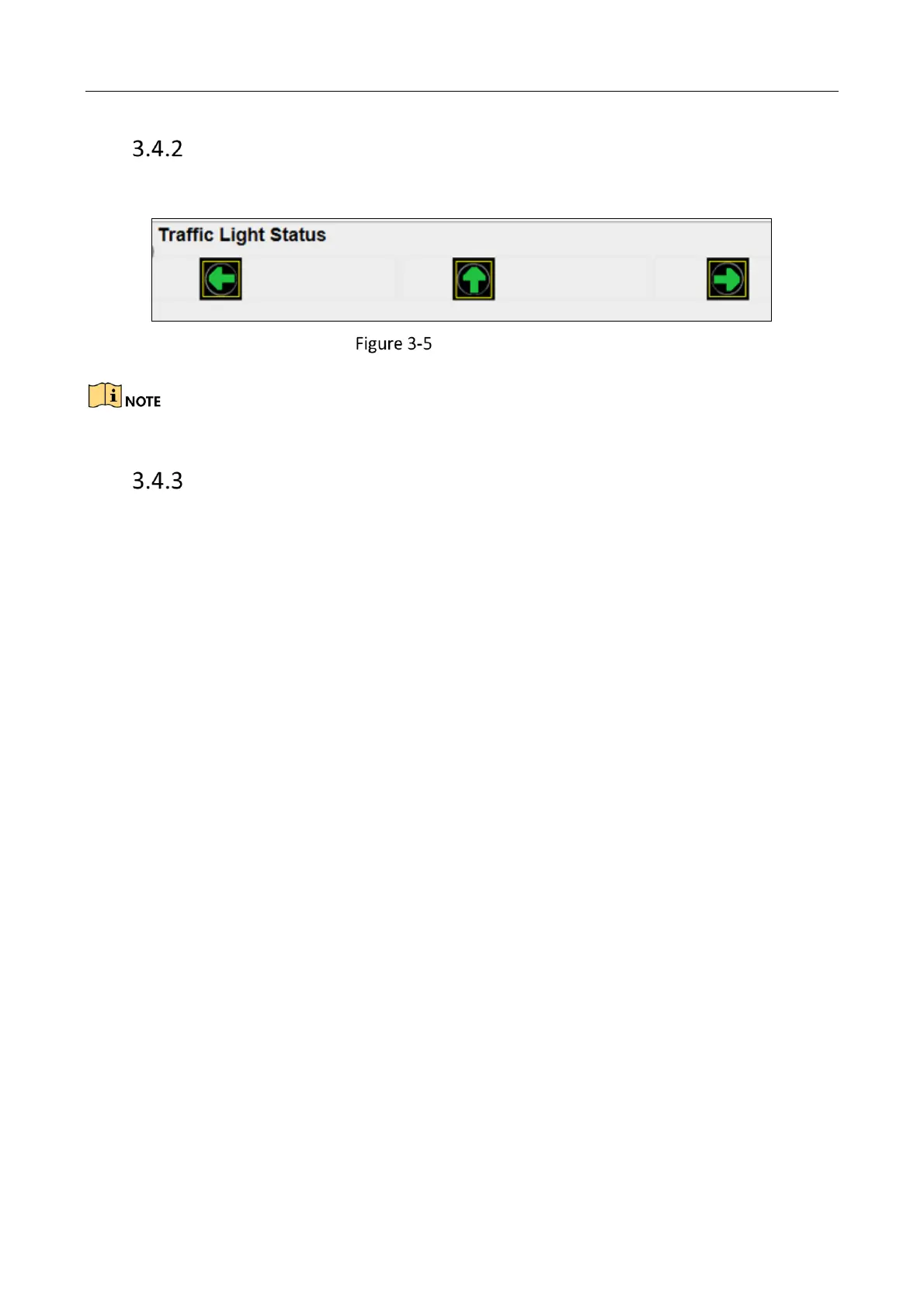
Traffic Light Status
Traffic Light Status displays the current traffic light status.
Traffic Light Status
The Traffic light status can only be applied in Video Analysis E-police mode.
Traffic Statistics
Purpose:
The traffic statistics allows you to view the real-time traffic flow, average lane occupancy, and then
analyze the real-time traffic status.
Before you start:
Click Real-Time Status and Traffic Flow Statistics > Traffic Statistics, you can view Start Time, Lane
No., Traffic Flow, Average Lane Occupancy, Average Speed and Average Time Headway.



 To Next Page
 Loading...








