Page 5 of 16
For detailed Warning and Caution statements, and operating
instructions, refer to the VersaCare® Bed User Manual (USR119
for A through J models; 161956 for K model and newer).
Enable Control
A through F models—the control is
on both the caregiver control panel
and control pod. You must press the
Enable control to use the controls
outside of the caregiver control panel’s blue
section and all controls on the control pod.
G model and newer—the control is on the con-
trol pod only. You must press the Enable control
to use the controls in the green sections of the
control pod.
NOTE: The siderail Enable controls do not
enable the Foot pedal controls.
1. Press the Enable control. The indicator
comes on. The Enable control is active for
60 seconds.
2. During the 60-second period, press the
applicable caregiver control. The 60-second
period starts over each time you press
another control.
Caregiver Control Panel Controls
Chair
1. Set the brake.
2. A through F models, press the Enable
control. G model and newer, go to step 3.
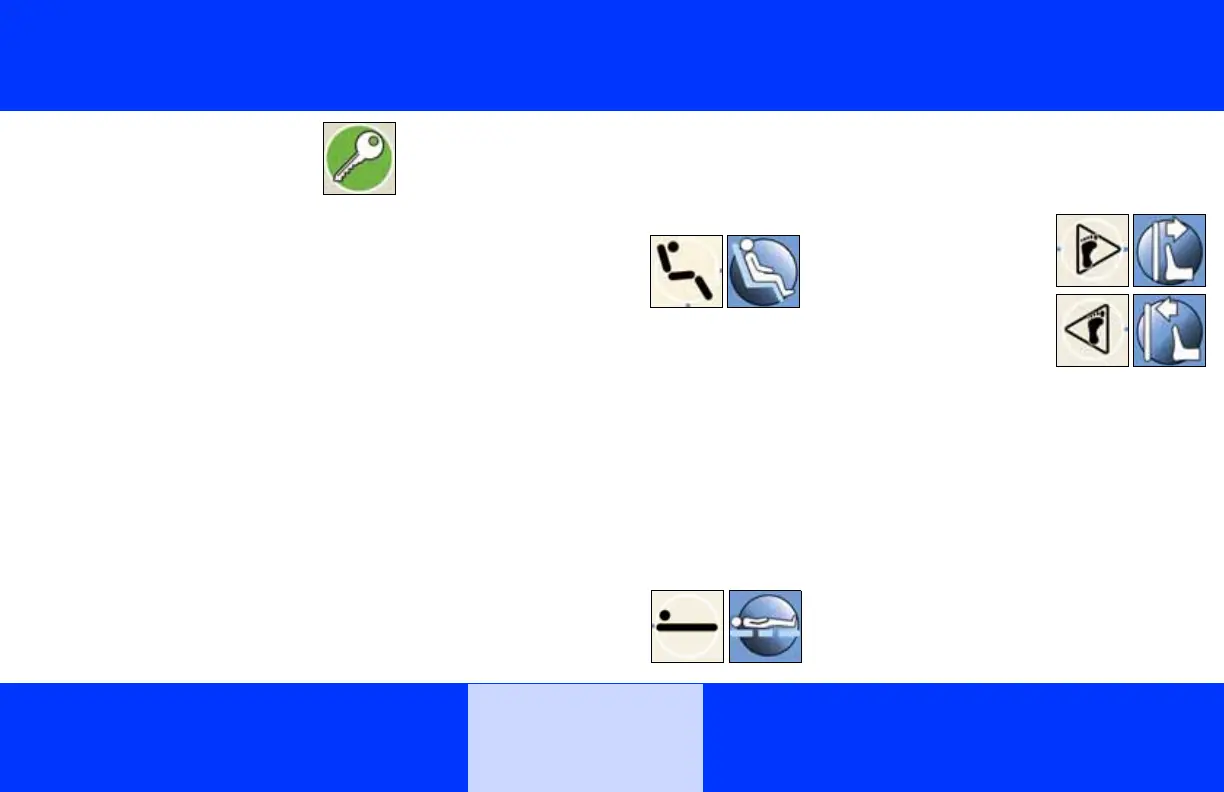
3. Press and hold the
Chair control until the
patient deck goes into
the chair position.
NOTE: Use the reverse
Trendelenburg control for an additional 10° of
forward chair angle.
Bed Flat
A through F models—the Bed Flat control
returns only the sleep deck to the flat position; it
does not change the angle of the bed.
G model and newer—the Bed Flat control
returns the sleep deck and bed to the flat and
level position.
1. A through F models, press the Enable
control. G model and newer, go to step 2.
2. Press and hold the
Bed Flat control until
all sections are flat and
the system stops.
Foot Extend/Longer and Foot Retract/
Shorter
1. A through F models, press the Enable
control. G model and newer, go to step 2.
2. Press and hold the
applicable Foot
Extend/Longer or
Foot Retract/Shorter
control until the bed is
at the applicable posi-
tion.
Enable, Chair, Bed
Flat, and Foot Length
Controls
Bed













 To Next Page