32
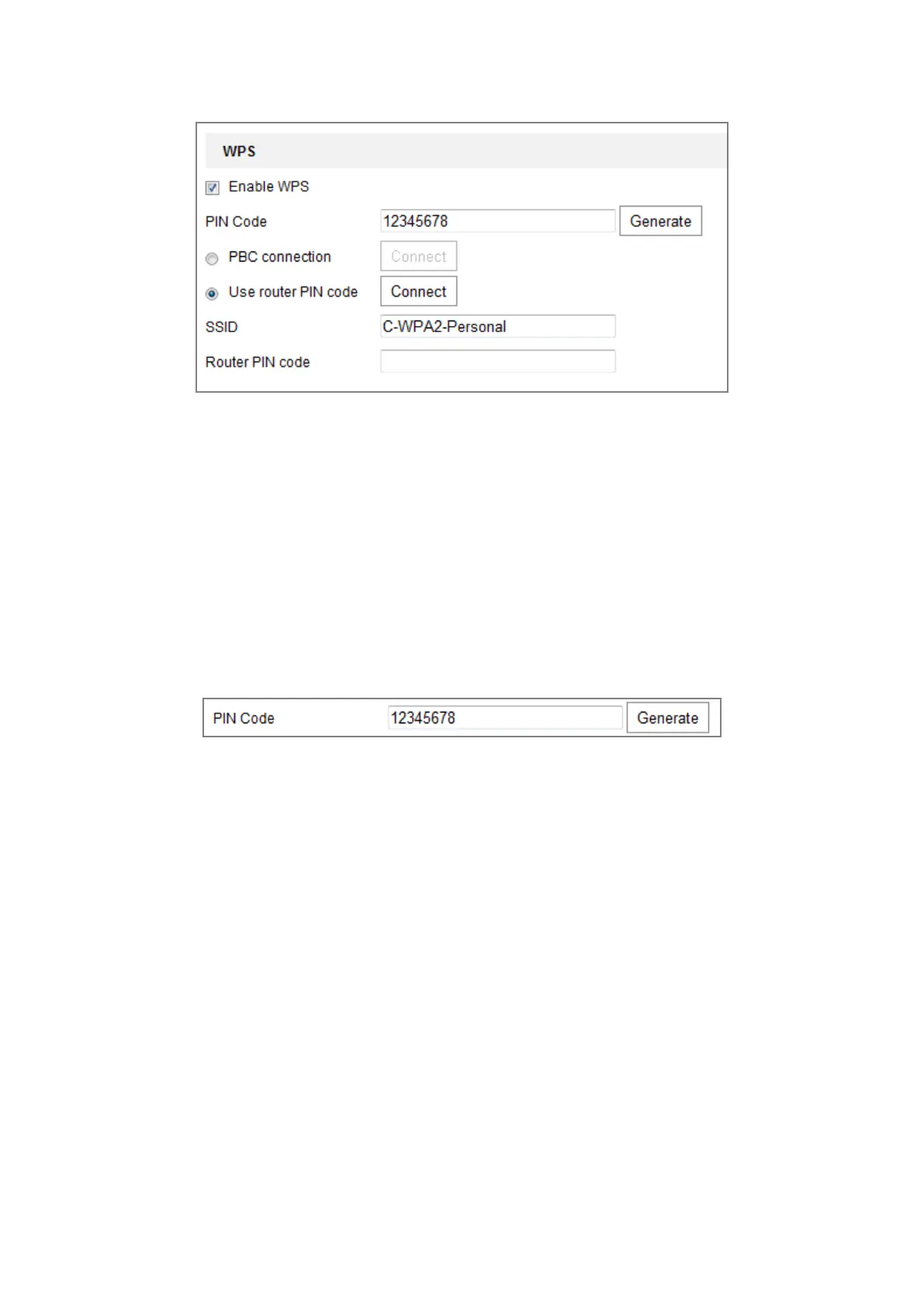
Figure 4-10 Use PIN Code
If the PIN code is generated from the router side, you should enter the PIN code you
get from the router side in the Router PIN code field.
3. Click Connect.
Or
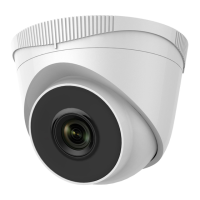
You can generate the PIN code on the camera side. And the expired time for the PIN
code is 120 seconds.
1. Click Generate.
2. Enter the code to the router, in the example, enter 48167581 to the router.
4.3 IP Property Settings for Wireless Network
Connection
The default IP address of wireless network interface controller is 192.168.1.64. When
you connect the wireless network you can change the default IP.
Steps:
1. Enter the TCP/IP configuration interface.
Configuration> Network> Basic Settings > TCP/IP
2. Select the Wlan tab.



 To Next Page