53
(3) Click the OK to finish modifying.
Delete an IP Address or IP Addresses.
Select the IP address(es) and click Delete.
5. Click Save to save the settings.
6.4.3 Security Service
To enable the remote login, and improve the data communication security, the camera
provides the security service for better user experience.
Steps:
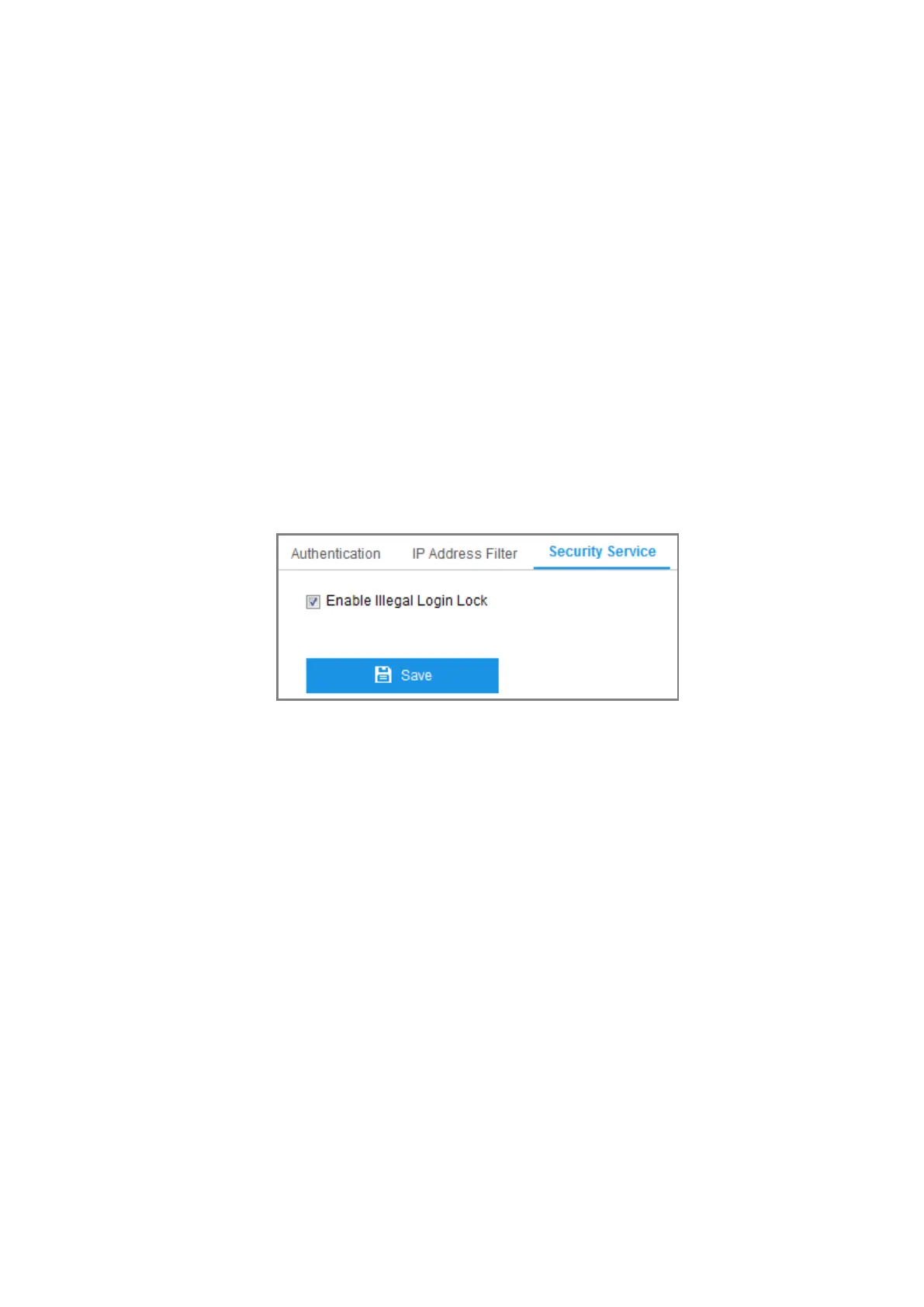
1. Enter the security service configuration interface: Configuration > System >
Security > Security Service.
Figure 6-16 Security Service
2. Check the checkbox of Enable Illegal Login Lock, and then the IP address will
be locked if the admin user performs 7 failed user name/password attempts (5
times for the operator/user).
Note: If the IP address is locked, you can try to log in to the device after 30
minutes.
6.5 User Management
6.5.1 User Management
Purpose:
The admin user can add, delete or modify user accounts, and grant them different
permissions. We highly recommend you manage the user accounts and permissions



 To Next Page