1
Table of Contents
What's in the box ............................................................................................................3
Getting started
................................................................................................................4
Step 1. Attach stand or mount
....................................................................................4
Step 2. Connect devices to your TV
..........................................................................7
Step 3. Get your remote ready
.................................................................................11
Step 4. Power on the TV
..........................................................................................14
Step 5. Complete the rst-time setup
.......................................................................14
Step 6. Establish a network connection
...................................................................14
Step 7. Enjoy your TV!
............................................................................................16
Troubleshooting
...........................................................................................................17
Product Specications
..................................................................................................18
Certication and Compliance........................................................................................20
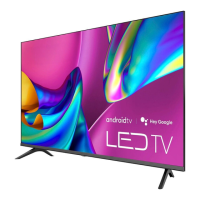
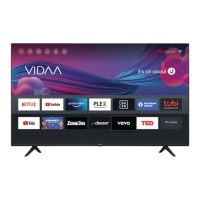
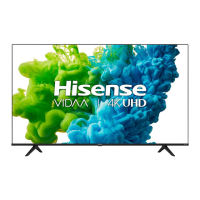
This Quick Setup Guide supports the following models:
43A6GV/50A6GV/55A6GV/65A6GV
43A60GV/50A60GV/55A60GV/65A60GV


 To Next Page