EasyManua.ls Logo

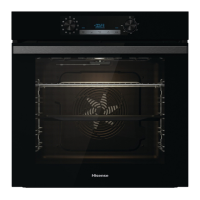
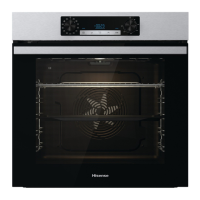
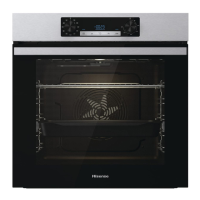
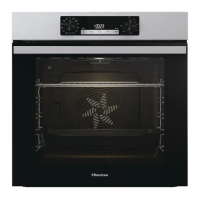
Hisense BI64213EPX - User Manual

Hisense BI64213EPX
38 pages
Print Icon
To Next Page IconTo Next Page
Loading...
INSTRUCTIONS FOR USE
OF A BUILT-IN OVEN

Questions and Answers

  • A
    amy43Aug 11, 2025
    What to do if the Hisense BI64213EPX control unit is not responding?
    • W
      wellsjoshuaAug 11, 2025
      If your Hisense Oven control unit is not responding or the screen is frozen, disconnect the appliance from the power mains for a few minutes by undoing the fuse or switching off the main switch. Then, reconnect the appliance and switch it back on.
  • B
    bspenceAug 22, 2025
    What to do if Hisense BI64213EPX displays ErrX error code?
    • K
      Kathy TranAug 22, 2025
      If your Hisense Oven displays an error code ErrX (or ErXX for double-digit errors), it indicates an error in the electronic module operation. Disconnect the oven from the power mains for a few minutes. If the error persists after reconnecting, it is recommended to call a service technician.
  • B
    Briana RodriguezAug 31, 2025
    Why does my Hisense BI64213EPX Oven display SEnS?
    • J
      jzamoraAug 31, 2025
      When the display of your Hisense Oven shows SEnS, it means the temperature probe is not connected. Clean the socket and try connecting and disconnecting the temperature probe several times.

Hisense BI64213EPX Specifications

General IconGeneral
BrandHisense
ModelBI64213EPX
CategoryOven
LanguageEnglish

Related product manuals